52
The activated baking programs are highlighted in green. –
Select the
field again (it then appears white) to deactivate –
all the selected programs.
4. After selecting
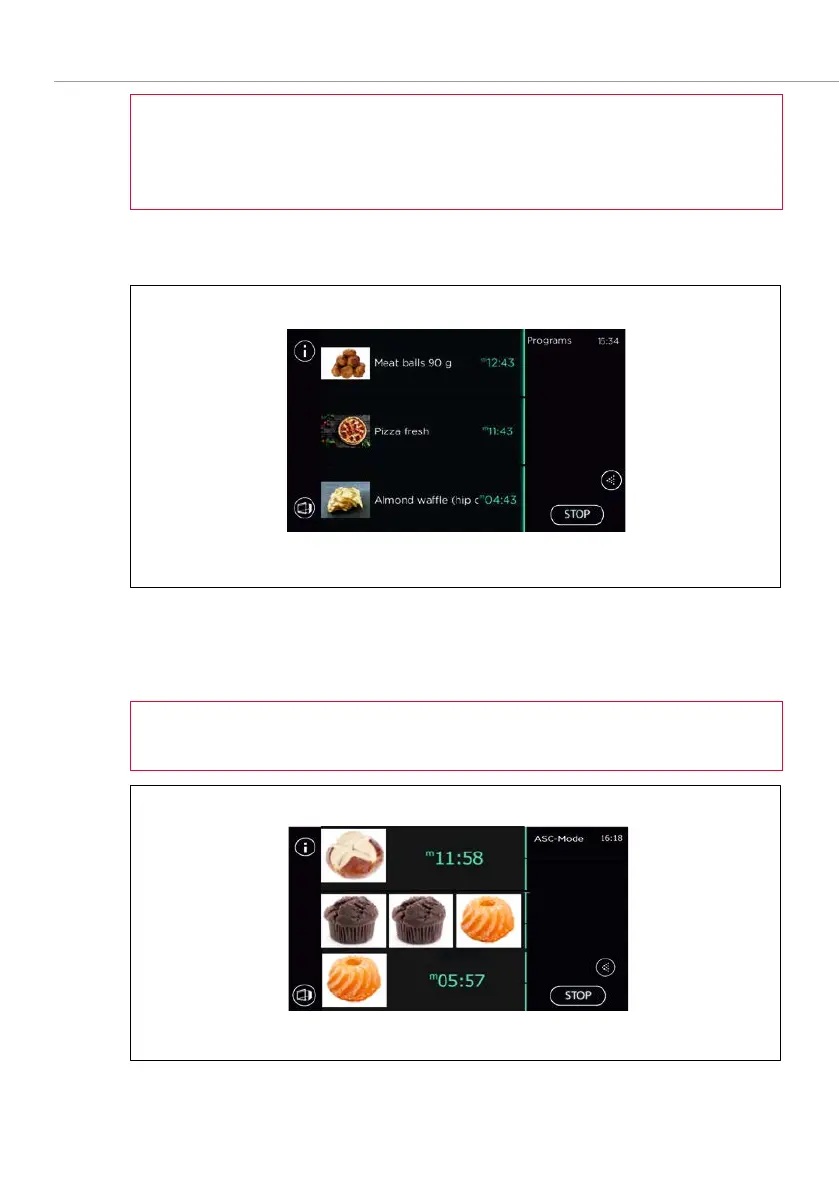
, the three programs are displayed and the baking
time counts down.
Fig. 32:
ASC mode screen
- the baking programs have been started
5. At the end of each program a signal sounds to prompt the removal of the
respective baked goods, and the door opens automatically.
The start line appears for each completed baking program (see Fig. 32).
Fig. 33: ASC mode screen - the middle baking program has been completed



 To Next Page