BioProTT
TM
Flow Measurement System Version 1.00 page 27 of 75
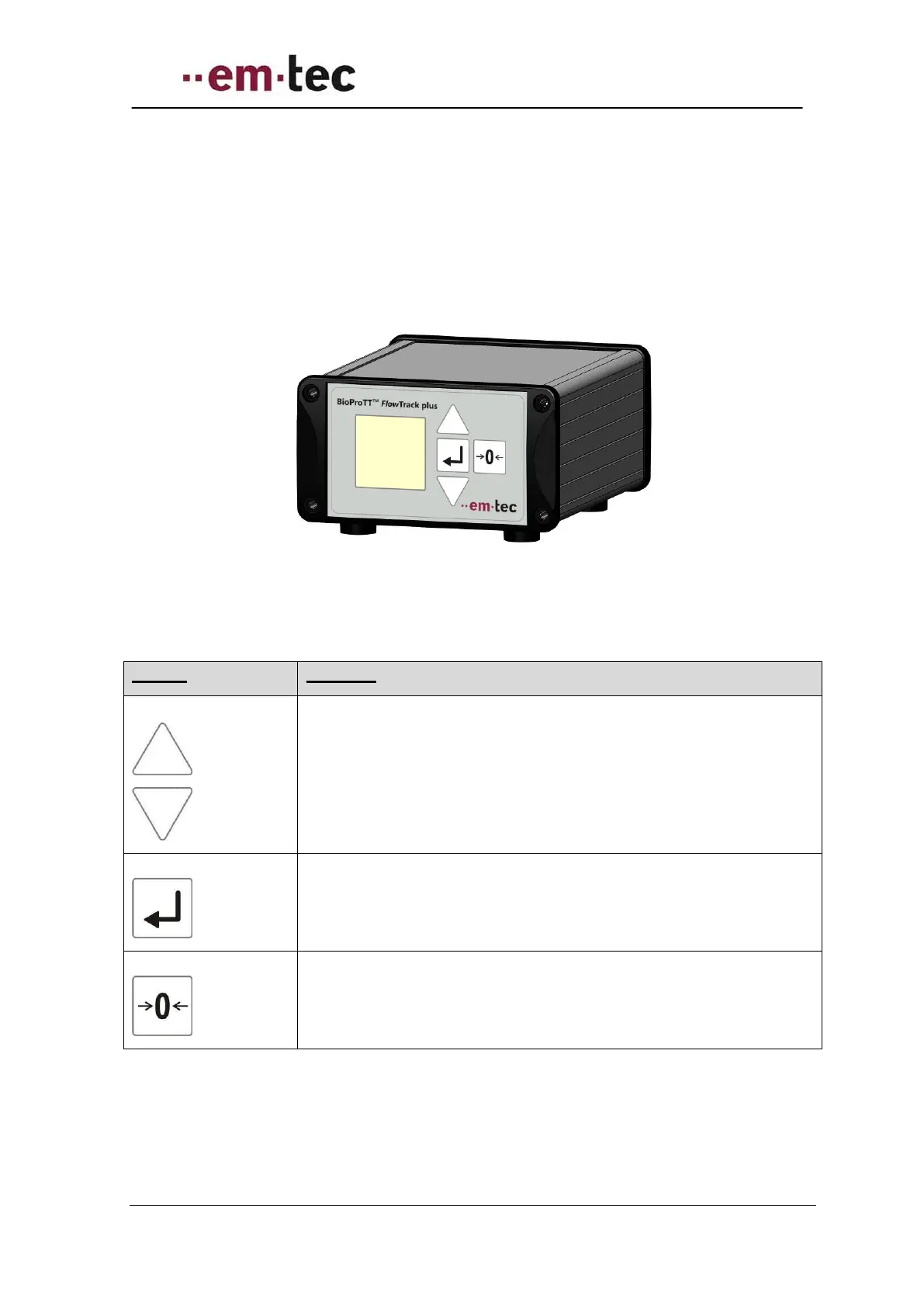
6.4.1 Front Panel BioProTT™ FlowTrack plus
The flow meter takes about 15s to initialize after power on. The device is ready to operate,
once the “flow” screen appears.
Please note: the display will be updated every second.
Figure 12: Front view of BioProTT FlowTrack plus
Basic operation of the device:
The up and down arrows are used to select a possible setting on the
current screen or switch to the previous / next screen.
If a selection of a value is possible, “sel” is displayed on the screen.
Used to confirm a value or change.
Used to zero the flow or reset value(s).


 To Next Page