EM Test CWS500 D
User manual V 1.07 18 / 34
5.3. Function Check internal Powermeter
This function is for checking the built in 3-channel powermeter e.g. Forward Power and Rev Power and current
monitor. Within this measuring procedure the measured values are compared with some nominal values, this in
order to verify the correct function of the three measuring inputs. In addition also the accuracy of the measuring
is checked in a larger range. In order to avoid any damage, it may be self explaying that only a low voltage
signal may be released by the amplifier and occur at these inputs.
The MONITOR input is tested with the following signals:
- Measuring with a 50Ω terminal connection at the input.
- Measuring with the maximum attenuation ( -60dB ) to the RF output via a 3dB attenuator.
- Measuring with a reduced attenuation (-45dB ) to the RF output via a 3dB attenuator.
The function check has the following procedure:
Page 3 (Service )
Function check Powermeter step 1/ 2
- Press TEST ON
- Disconnect the HF OUT
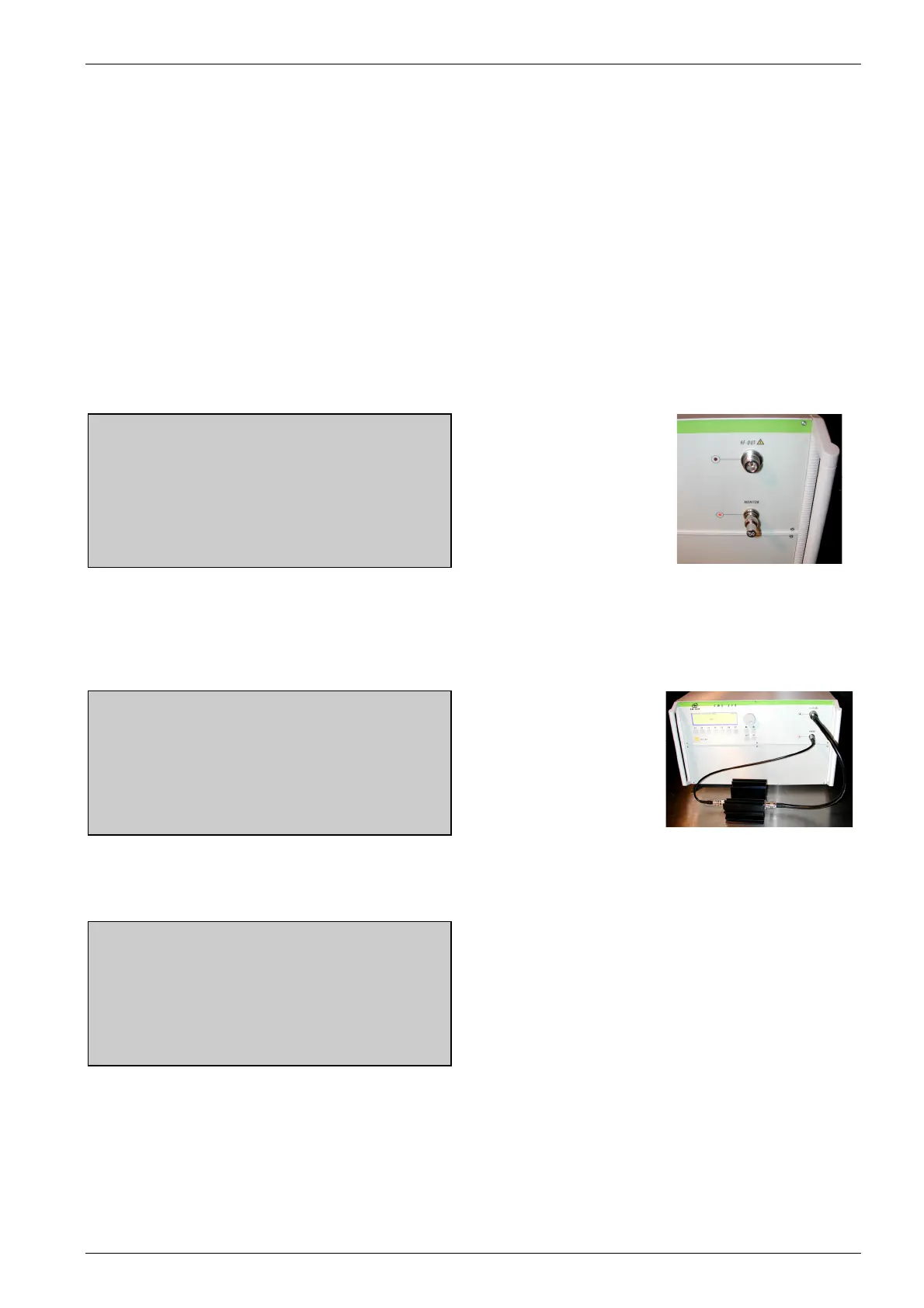
- Connect a 50 Ohm matching resistor
to the MONITOR input
continue break
Fig 5.2
F1 F2 F3 F4 F5 F6 F7
50 Ω matching resistor
connected at the monitor
input.
Page 3 (Service )
Function check Powermeter step 2/ 2
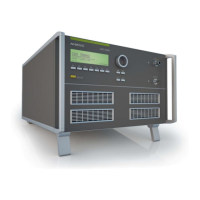
- Connect the MONITOR input to the
HF OUT via a ATT 3 dB attenuator
continue break
Fig 5.3
F1 F2 F3 F4 F5 F6 F7
Page 3 (Service )
Function check Powermeter result
Pass / Fail
end
F1 F2 F3 F4 F5 F6 F7
Finally the result of the check appears in the display. With the measured results the user is able to check the
correct function of the measuring inputs.


 To Next Page