EM Test CWS500 D
User manual V 1.07 22 / 34
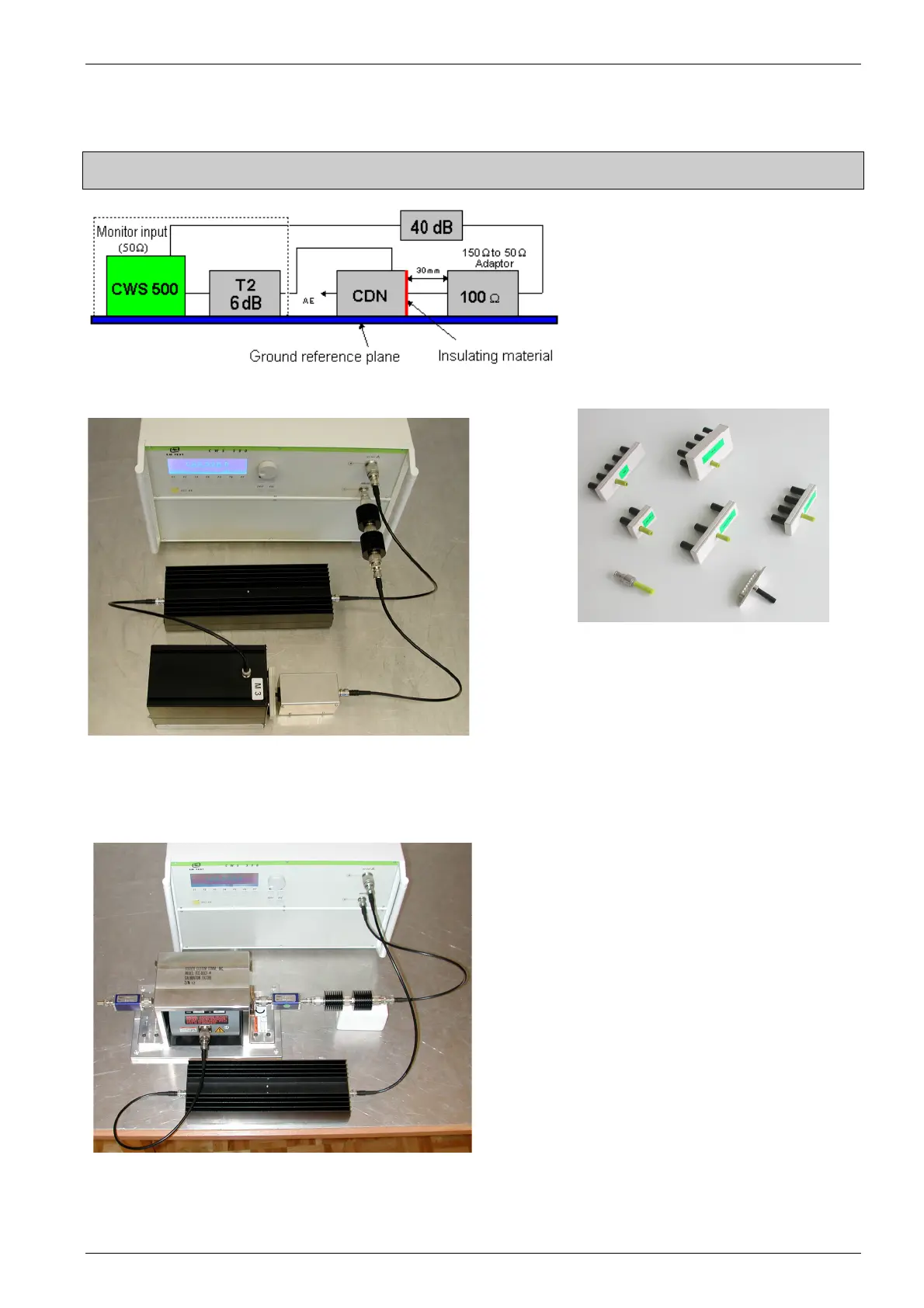
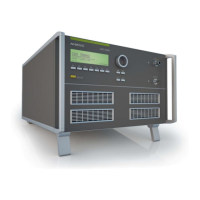
5.5.3. Calibration Setup with CDN
Maximum Voltage on the Monitor INPUT U
max
= 13 dBm
Make sure CDN and the 150
to 50
adapter are well connected to the
ground reference plane (i.e. by using
copper tape).
Fig 5.10 : Calibration set-up
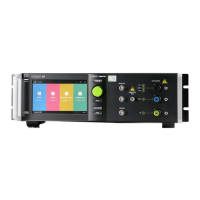
Fig 5.11 :Example Calibration Setup with CDN Fig 5.12 :Example of cal adapters
For calibration procedures with PM 403 or external receivers, power meters or analyzers, the ICD software must
be used. Additional, test instruments with IEEE488 (GPIB) interfaces may be incorporated.
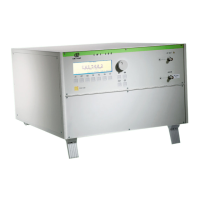
Fig 5.13 :Example Calibration Setup with BCI


 To Next Page