Operation
Page 22
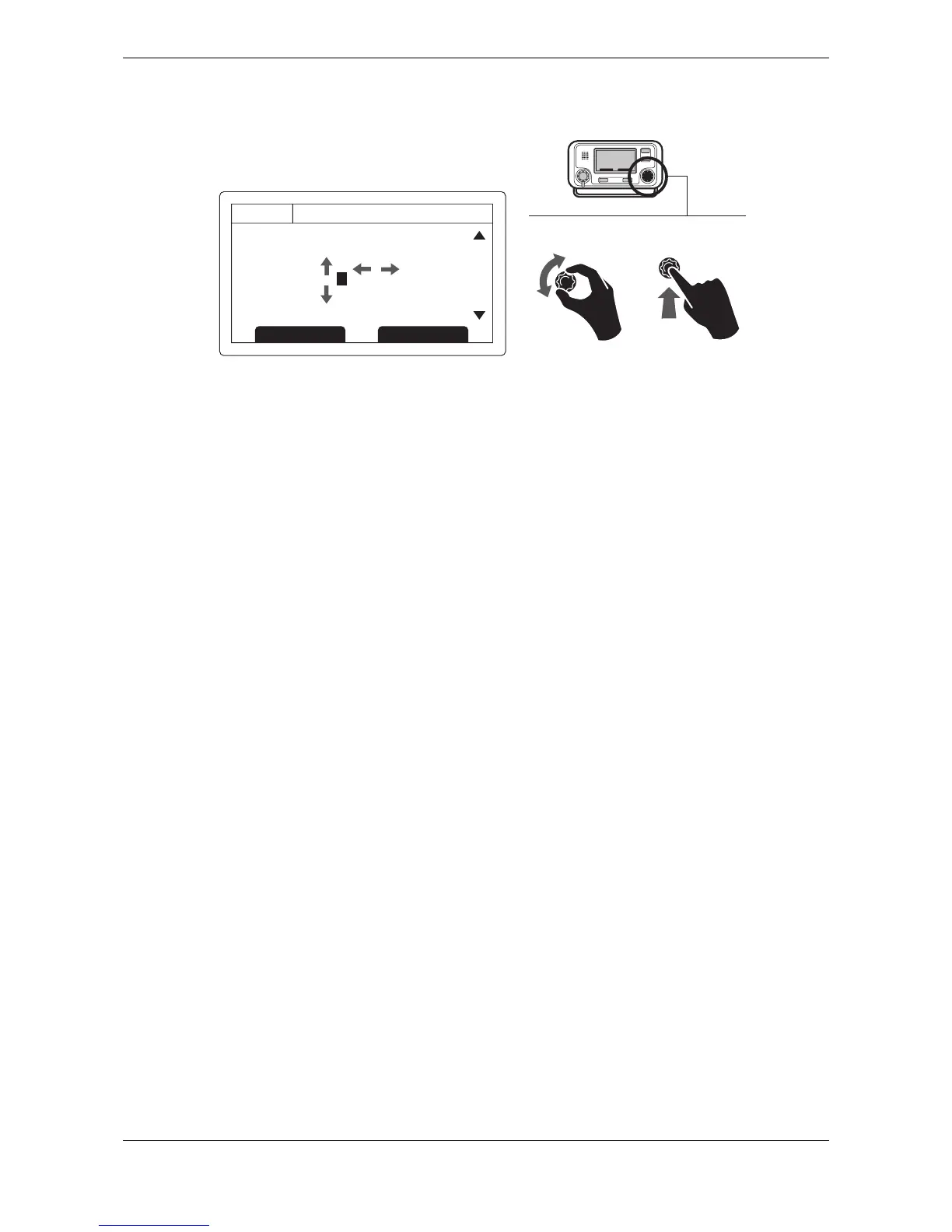
Figure 21 Password entry screen
3.16 The configuration menu
The transceiver configuration menu can be accessed at any time by pressing the ‘Menu’ key. The menu is
navigated by rotating the scroll wheel to select a sub-menu or menu item, and pressing the scroll wheel to
select that sub-menu or menu item. Pressing the Back or Cancel key will go back to the previous menu level,
or exit the menu system if you are currently viewing the top level menu.
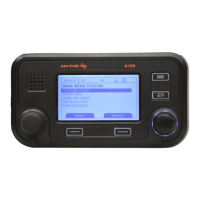
Figure 23 shows the main menu screen.
You can return to the top level menu at any time by pressing the ‘Menu’ key, and exit the menu system at any
time by pressing and holding the Back or Cancel key for one second.
The main menu structure is shown in Figure 22. Some menu items are password protected and can only be
accessed using the password (see section 3.15).
Certain menu items are only available in Inland AIS mode. Please refer to section 3.19.


 To Next Page