Operation
Page 25
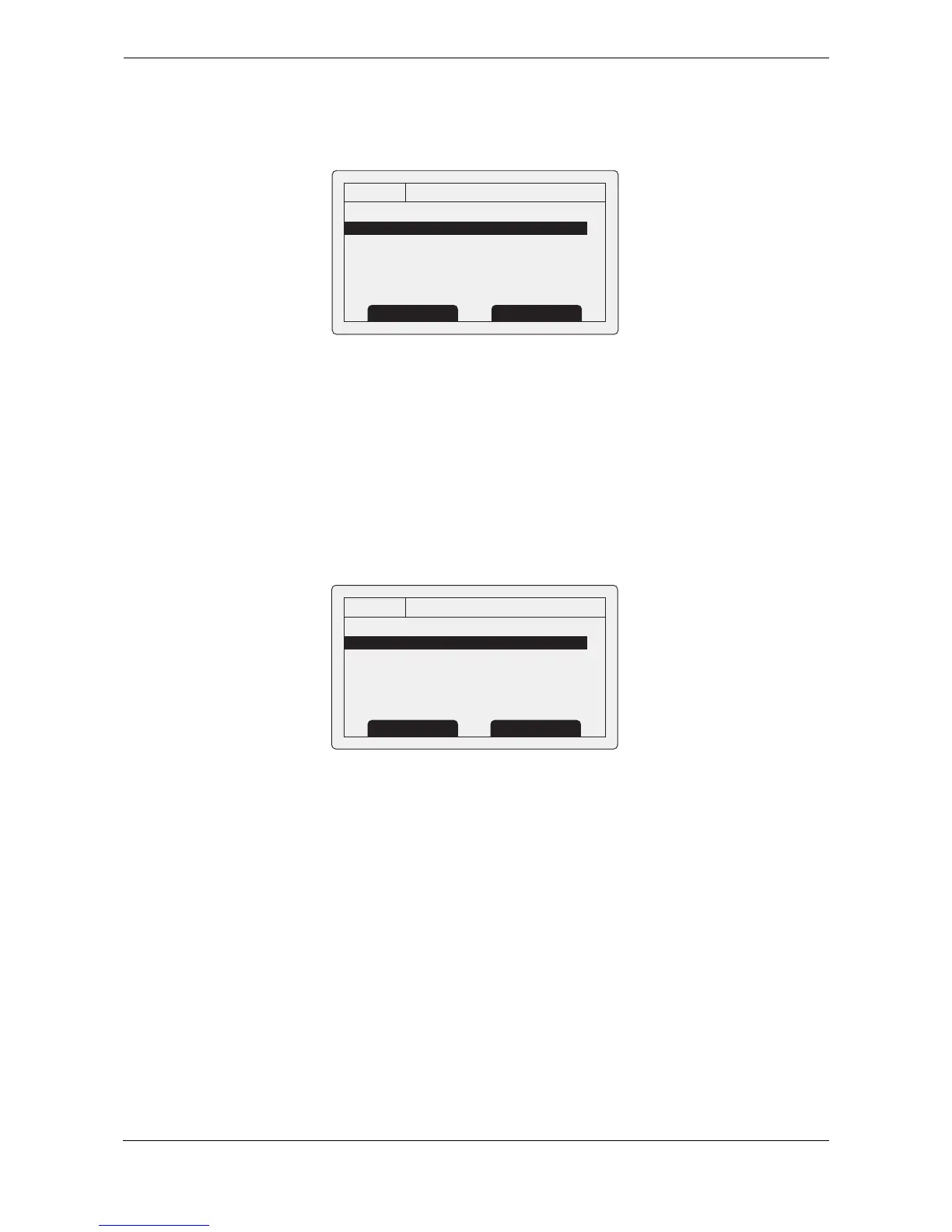
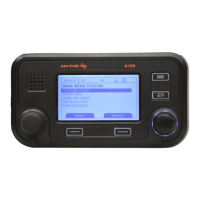
3.16.2 Messages menu
The messages menu provides access to AIS text and safety related message functions along with long range
messaging functions.
Figure 25 The messages menu
The available options are:
● New message - takes you to the message composition screen as described in section 3.8.
● Message Inbox - takes you to the received message list view as described in section 3.8.
● Sent messages - shows a list of recently sent messages.
● Long range messages - view a list of received long range messages as described in section 3.14.
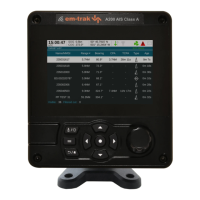
3.16.3 User settings menu
The user setting menu provides access to user configurable preferences for the transceiver. All user settings
are stored within the transceiver and will be maintained if the power supply is switched off.
Figure 26 The user settings menu
The available options are:
● Key beep - the key press beep can be enabled or disabled.
● Display - brightness and contrast adjustment for the LCD display along with selection of day or night
operating mode. In night mode the display colours are inverted (light text on a dark background).
● Long range message configuration - set up automatic or manual response to long range messages.
○ With automatic response enabled a reply will automatically be sent to any Long Range
interrogations received. You will be notified that an interrogation has occurred as described in
section
3.14. This is the default setting.
○ With manual response enabled you will be given the opportunity to respond or decline to respond
to any Long Range interrogations received. The notification is described in section
3.14.
● Set language - select the user interface language from the available language options.
● Units - select between Nautical and Metric units for distance and speed display


 To Next Page