Operation
Page 27
3.16.5 Maintenance menu
The maintenance menu provides access to system information and operating diagnostics. These features are
intended for use by authorised installers and service agents only. Access to some maintenance features are
protected by the password.
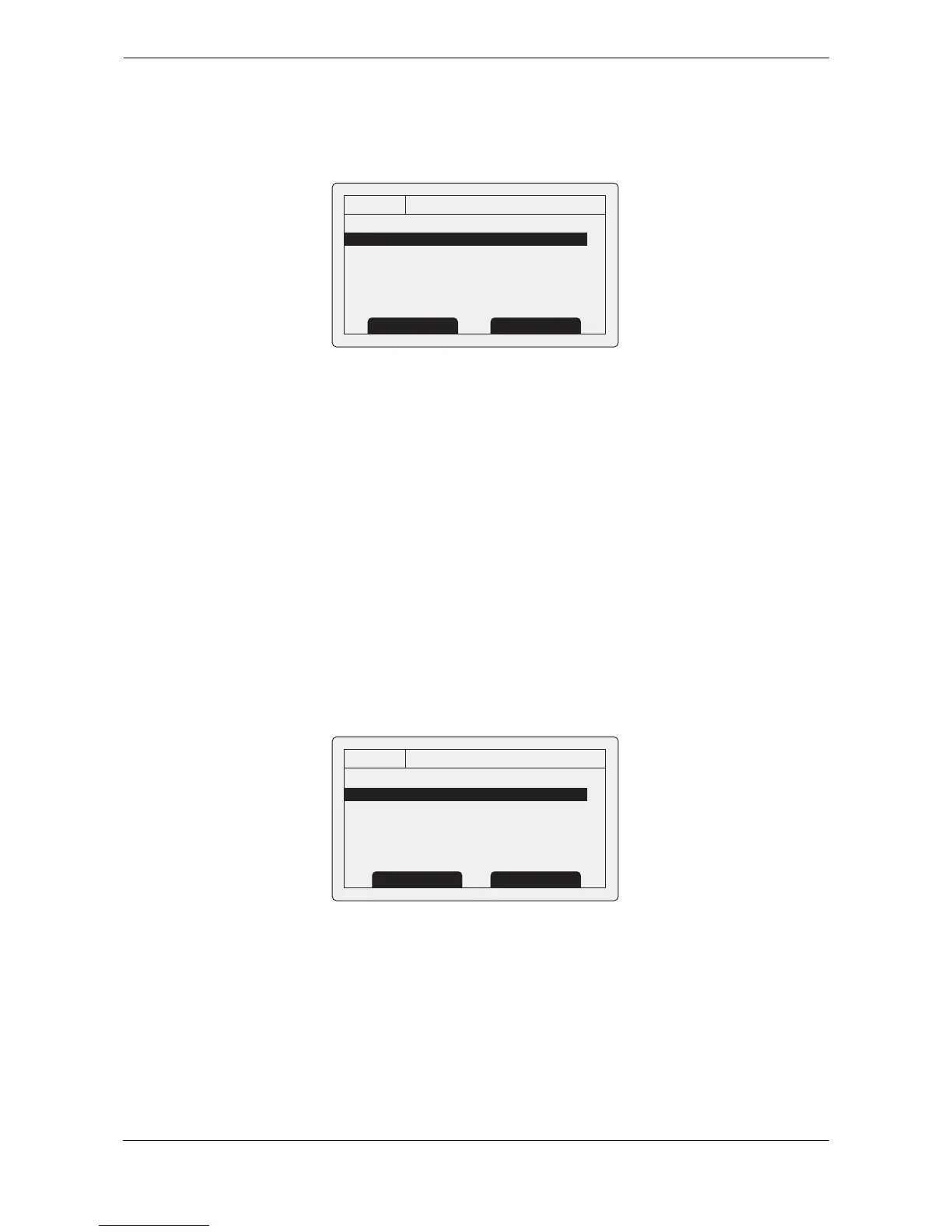
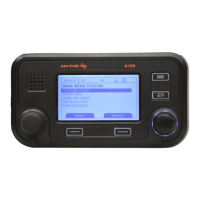
Figure 28 The maintenance menu
The available settings and options are:
● System information - selecting this item will display internal configuration information.
● Diagnostics - selecting this item will display internal diagnostic information. See section 3.16.6.
● Sensor status - will display the status of external sensors.
● Enter feature code - entry of codes to enable system features (installer use only).
3.16.6 Diagnostics
Certain diagnostics information is provided to assist with installation and maintenance of the transceiver. This
can be accessed via the Maintenance menu.
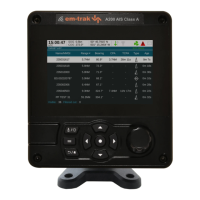
Figure 29 shows the diagnostics menu page. A number of
features can be accessed via the diagnostics menu:
● Internal GNSS status provides GNSS lock status, number of satellites in view and in use and the
mode of use.
● ADC and VSWR data provides internal system information for use in installation and maintenance
only.
● Sensor port status provides details of sensor port settings.
Figure 29 Diagnostics menu


 To Next Page