If the fault timeout period expires while the alert is still active, the fault actions are performed. If the alert
condition clears before the fault timeout expires, no fault actions are performed.
9.4.2 Configure Alert Severity
ProLink III Device Tools → Configuration → Alert Severity
Field communicator Configure → Alert Setup → Alert Severity → Change Alert Severity
Use Alert Severity to control the fault actions that the transmitter performs when it detects an alert
condition.
Restriction
• For some alerts, Alert Severity is not configurable.
• For some alerts, Alert Severity can be set only to two of the three options.
Tip
Micro Motion recommends using the default settings for Alert Severity unless you have a specific
requirement to change them.
Procedure
1. Select a status alert.
2. For the selected status alert, set Alert Severity as desired.
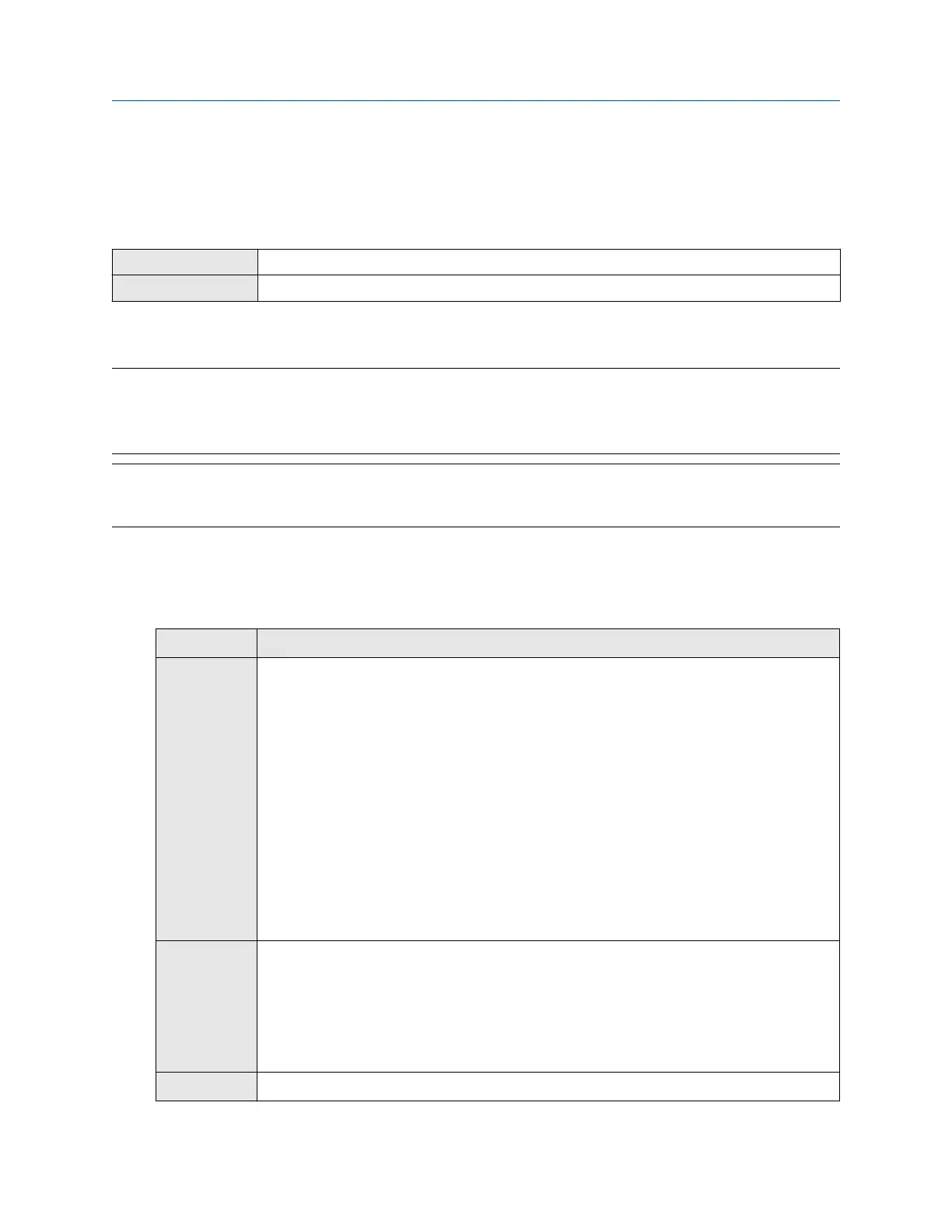
Option
Description
Fault Actions when fault is detected:
• The alert is posted to the Alert List.
• Outputs go to the configured fault action (after Fault Timeout has expired, if
applicable).
• Digital communications go to the configured fault action (after Fault Timeout has
expired, if applicable).
• The status LED (if available) changes to red or yellow (depending on alert severity).
Actions when alert clears:
• Outputs return to normal behavior.
• Digital communications return to normal behavior.
• The status LED returns to green.
Informational Actions when fault is detected:
• The alert is posted to the Alert List.
• The status LED (if available) changes to red or yellow (depending on alert severity).
Actions when alert clears:
• The status LED returns to green.
Ignore No action
Configuration and Use Manual Configure device options and preferences
MMI-20020954 March 2021
Configuration and Use Manual 81















 To Next Page