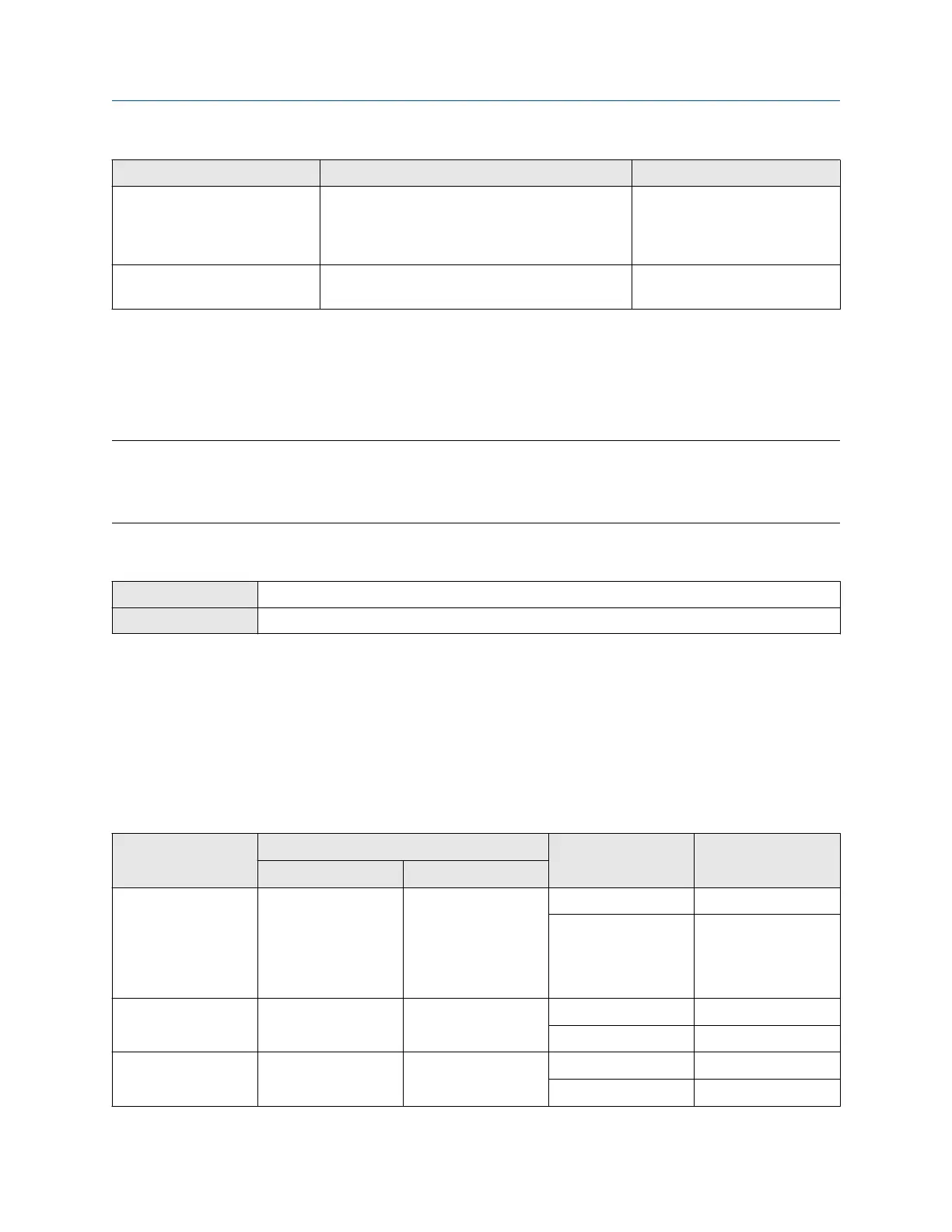
Option mA Output behavior
mA Output Fault Level
Internal Zero Goes to the mA Output level associated with a
process variable value of 0 (zero), as determined
by Lower Range Value and Upper Range Value
settings
Not applicable
None Tracks data for the assigned process variable; no
fault action
Not applicable
10.3 Configure the Discrete Output
The Discrete Output is used to report specific meter or process conditions. The Discrete Output parameters
control which condition is reported and how it is reported. Depending on your purchase option, your
transmitter may have one Discrete Output or no Discrete Outputs.
Important
Whenever you change a Discrete Output parameter, verify all other Discrete Output parameters before
returning the meter to service. In some situations, the transmitter automatically loads a set of stored values,
and these values may not be appropriate for your application.
10.3.1 Configure Discrete Output Source
ProLink III Device Tools → Configuration → I/O → Outputs → Discrete Output
Field communicator Configure → Manual Setup → Inputs/Outputs → Discrete Output → DO Source
Discrete Output Source controls which device condition or process condition is reported via the Discrete
Output.
Procedure
Set Discrete Output Source to the desired option.
The default setting for Discrete Output Source is Fault.
Options for Discrete Output Source
Option
Label State Discrete Output
voltage
ProLink III Field communicator
Enhanced Event 1–5 Enhanced Event 1
Enhanced Event 2
Enhanced Event 3
Enhanced Event 4
Enhanced Event 5
Enhanced Event 1
Enhanced Event 2
Enhanced Event 3
Enhanced Event 4
Enhanced Event 5
ON Site-specific
OFF 0 V
Calibration in Progress Calibration in Progress Calibration in Progress ON Site-specific
OFF 0 V
Fault (default) Fault Indicator Fault ON Site-specific
OFF 0 V
Configuration and Use Manual Integrate the meter with the control system
MMI-20020954 March 2021
Configuration and Use Manual 91















 To Next Page