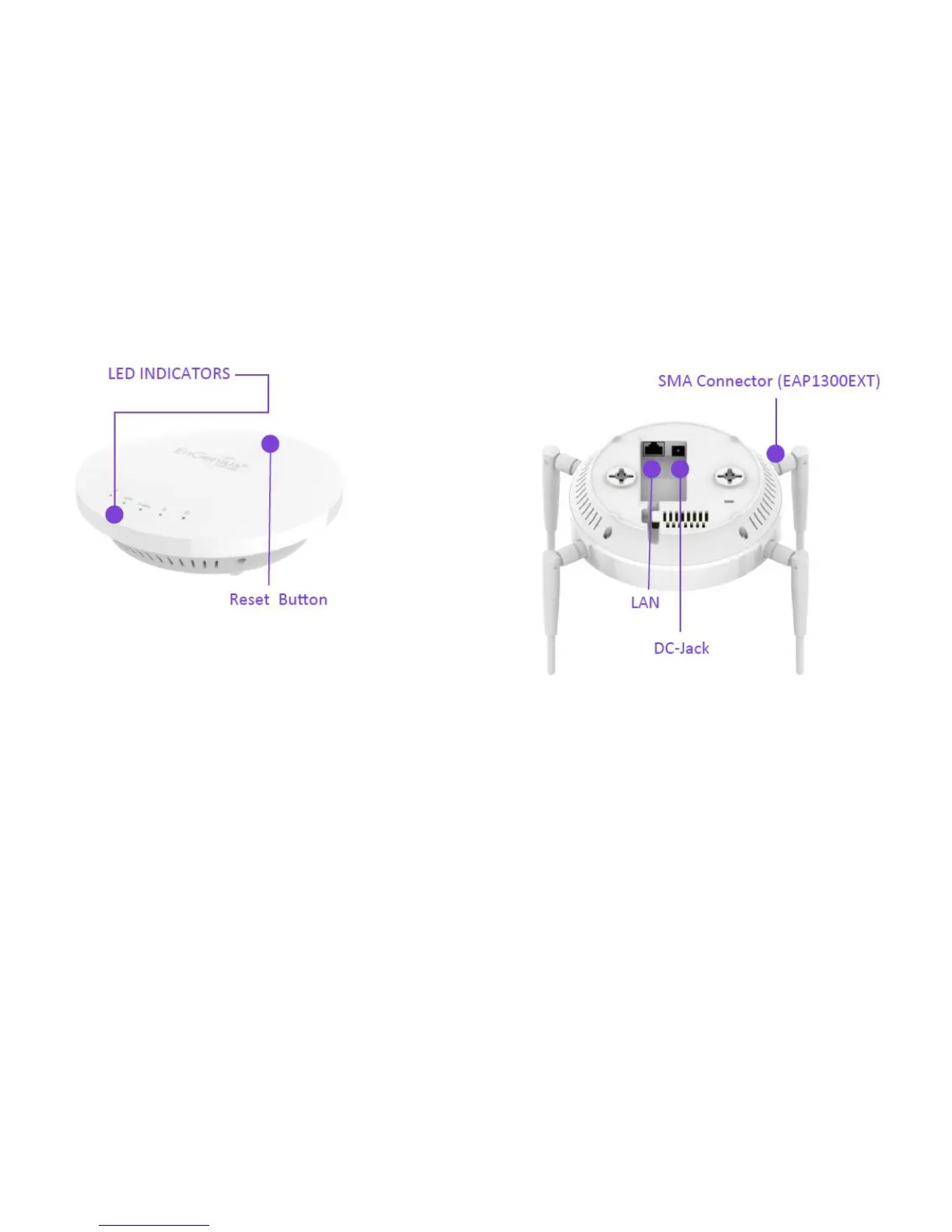
Physical Interface
1.
LED Indicators: LEDs for Power, WAN, 2.4Hz, 5GHz, LAN , Reserved
2.
Reset Button: Press and hold for over 10 seconds to reset to factory default settings.
3.
RSMA Connector for external antenna(EAP1300EXT)
4.
DC12V Input: DC12V/1A power in
5.
10/100/1000 RJ45 Uplink (PoE In): Uplink port that supports 802.3af/at PoE input



 To Next Page