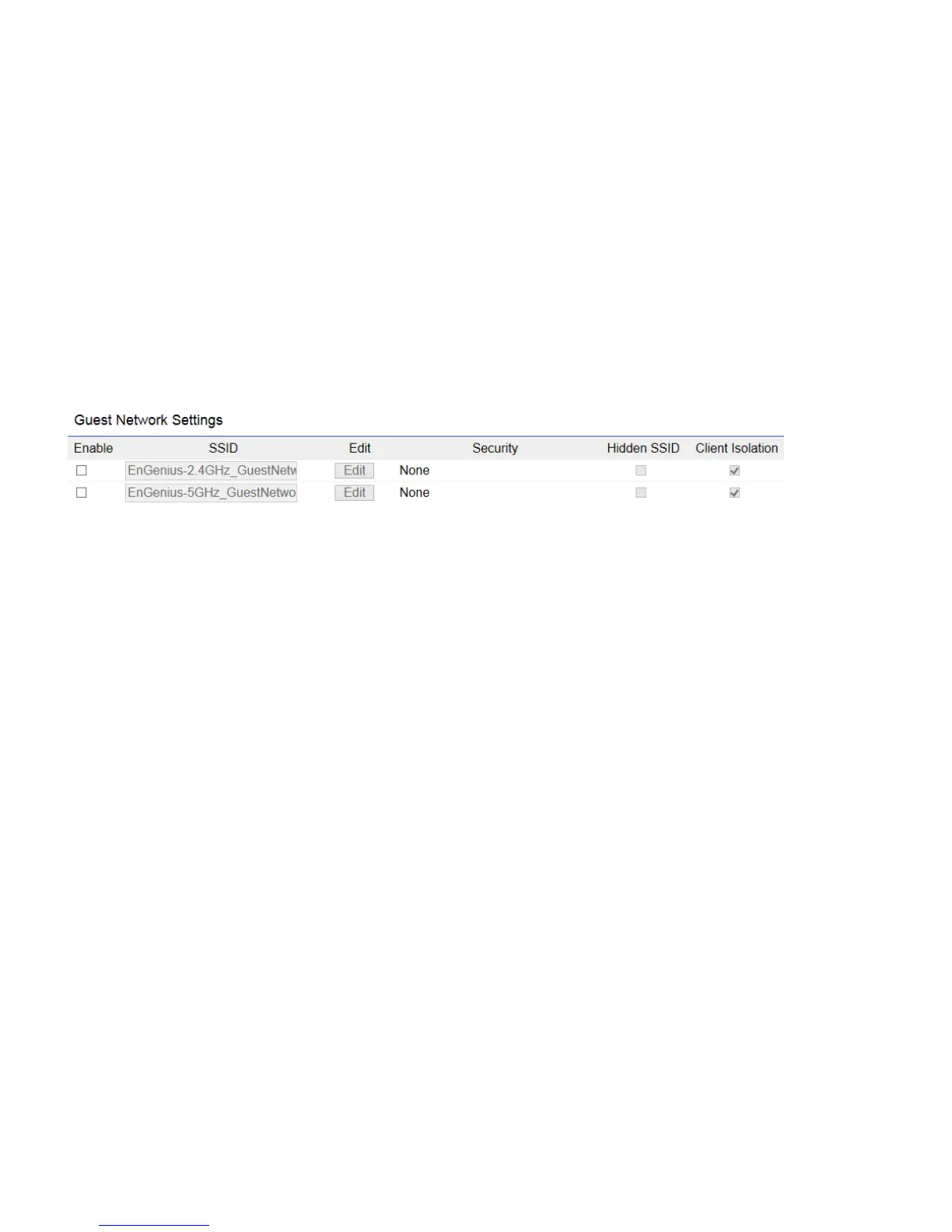
Guest Network
Adding a guest network allows visitors to use the Internet without giving out your office or company wireless security key. You
can add a guest network to each wireless network in the 2.4 GHz b/g/n and 5 GHz ac/a/n frequencies.
Enable SSID:
Select to Enable or Disable SSID broadcasting.
SSID:
Specify the SSID for the current profile. This is the name visible on the network to wireless clients.
Security:
You can use None or WPA-PSK / WPA2-PSK security for this guest network.
Hidden SSID:
Check this option to hide the SSID from broadcasting to discourage wireless users from connecting to a particular
SSID.
Client Isolation:
Check this option to prevent wireless clients associated with your access point to communicate with other
wireless devices connected to the AP.



 To Next Page