Basic
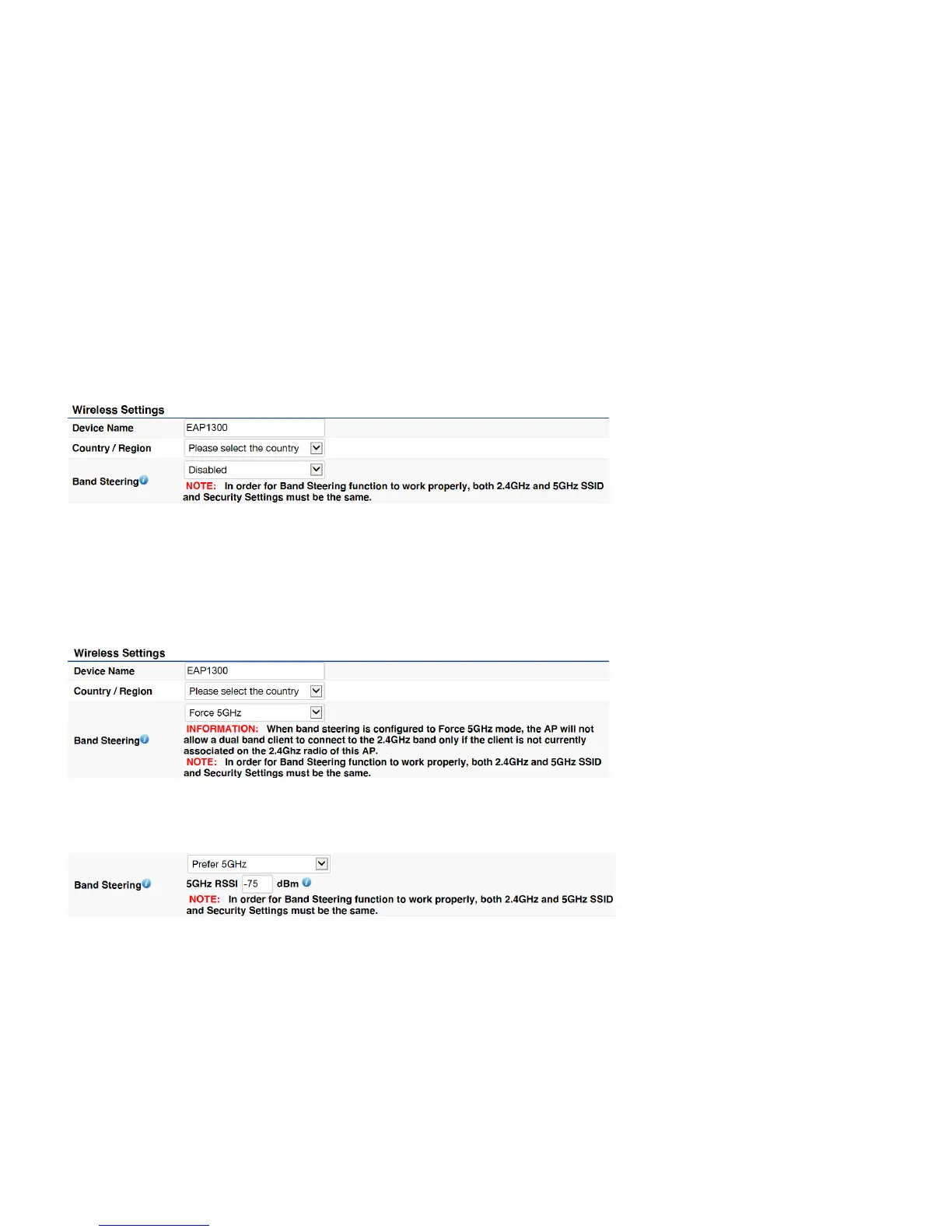
Wireless Settings
Device Name
: Enter a name for the device. The name you type appears in SNMP management. This name is not the SSID and is not
broadcast to other devices.
Band Steering
: Enable Band Steering to send 802.11n clients to the 5 GHz band, where 802.11b/g clients cannot go, and leave
802.11b/g clients in 2.4GHz to operate at their slower rates. Before implementing this feature, we suggest you to assure the both
2.4GHz and 5GHz SSID, as welll as security settings must be the same. EnGenius Band Steering supports following advanced
settings,
*Force 5GHz: When band steering is configured to Force 5GHz mode, the AP will not dual band capable client devices to network to
the 2.4GHz band only if the client devices are not currently associated on 2.4GHz radio in this AP.



 To Next Page