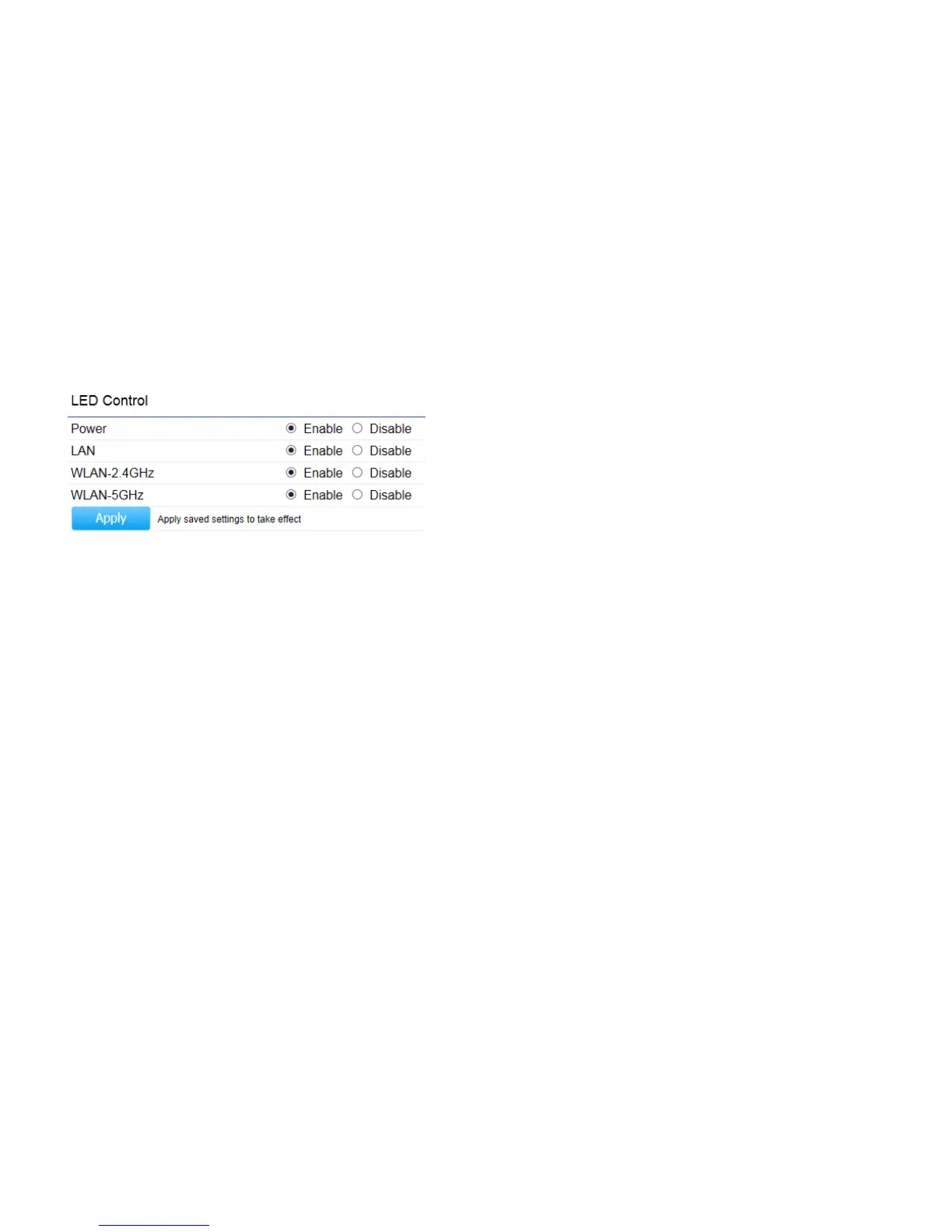
LED Control
This section allows you to control the LED control functions: Power status, LAN interface and 2.4GHz/5GHz WLAN interface.
Power
: Enables or disables the Power LED indicator.
LAN
: Enables or disables the LAN LED indicator.
WLAN-2.4 GHz
: Enables or disables the WLAN-2.4 GHz LED indicator.
WLAN-5 GHz
: Enables or disables the WLAN-5 GHz LED indicator.
Click
Apply
to save the settings after selecting your choices from the boxes.



 To Next Page