WiFi Scheduler
Use the schedule function to reboot the Access Point or control the wireless availability on a routine basis. The Schedule
function relies on the GMT time setting acquired from a network time protocol (NTP) server. For details on how to connect
the Access Point to an NTP server, see Date and Time Settings.
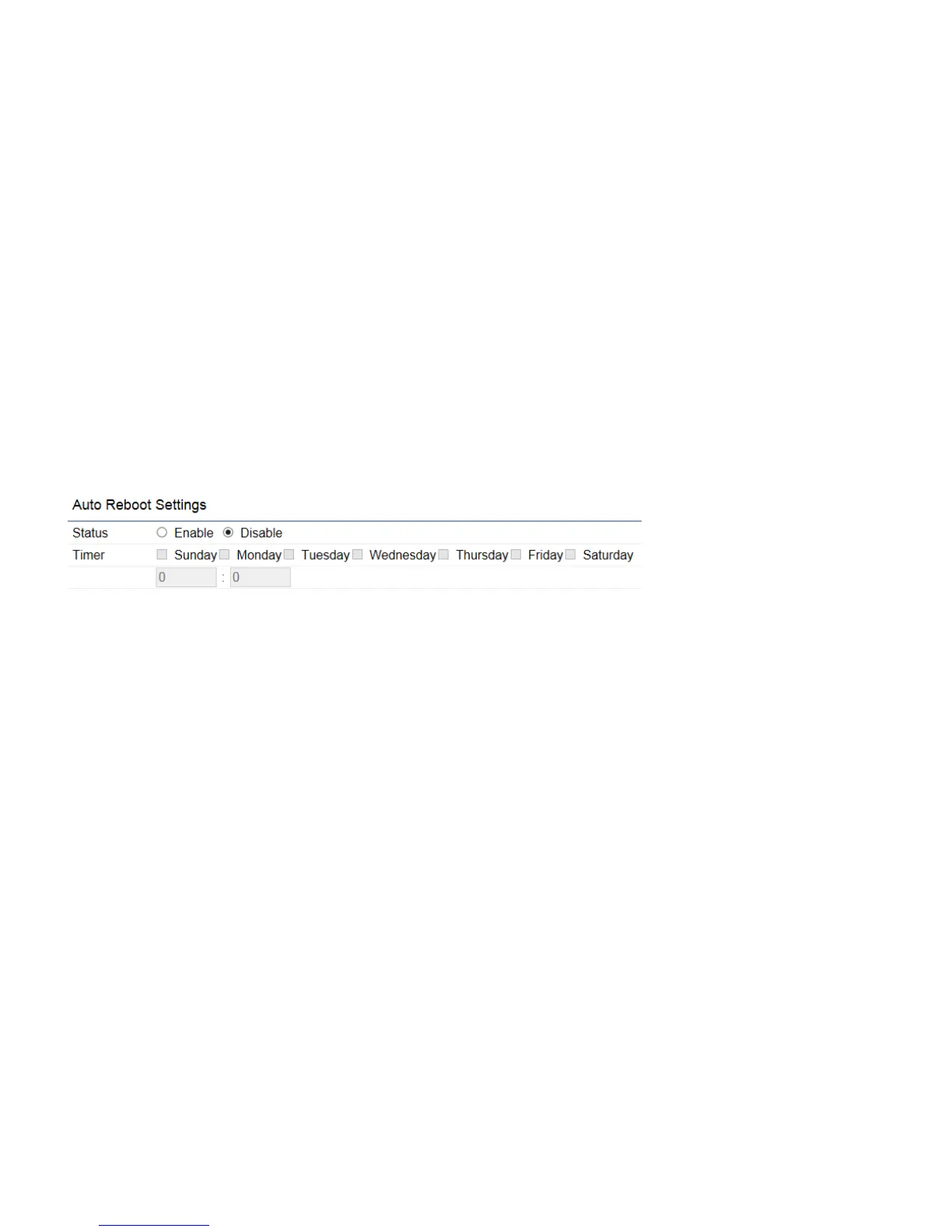
Auto Reboot Settings
You can specify how often you would like to reboot the Access Point.
Status:
Enables or disables the Auto Reboot function.
Timer:
Specifies the time and frequency in rebooting the Access Point by Min, Hour and Day.



 To Next Page