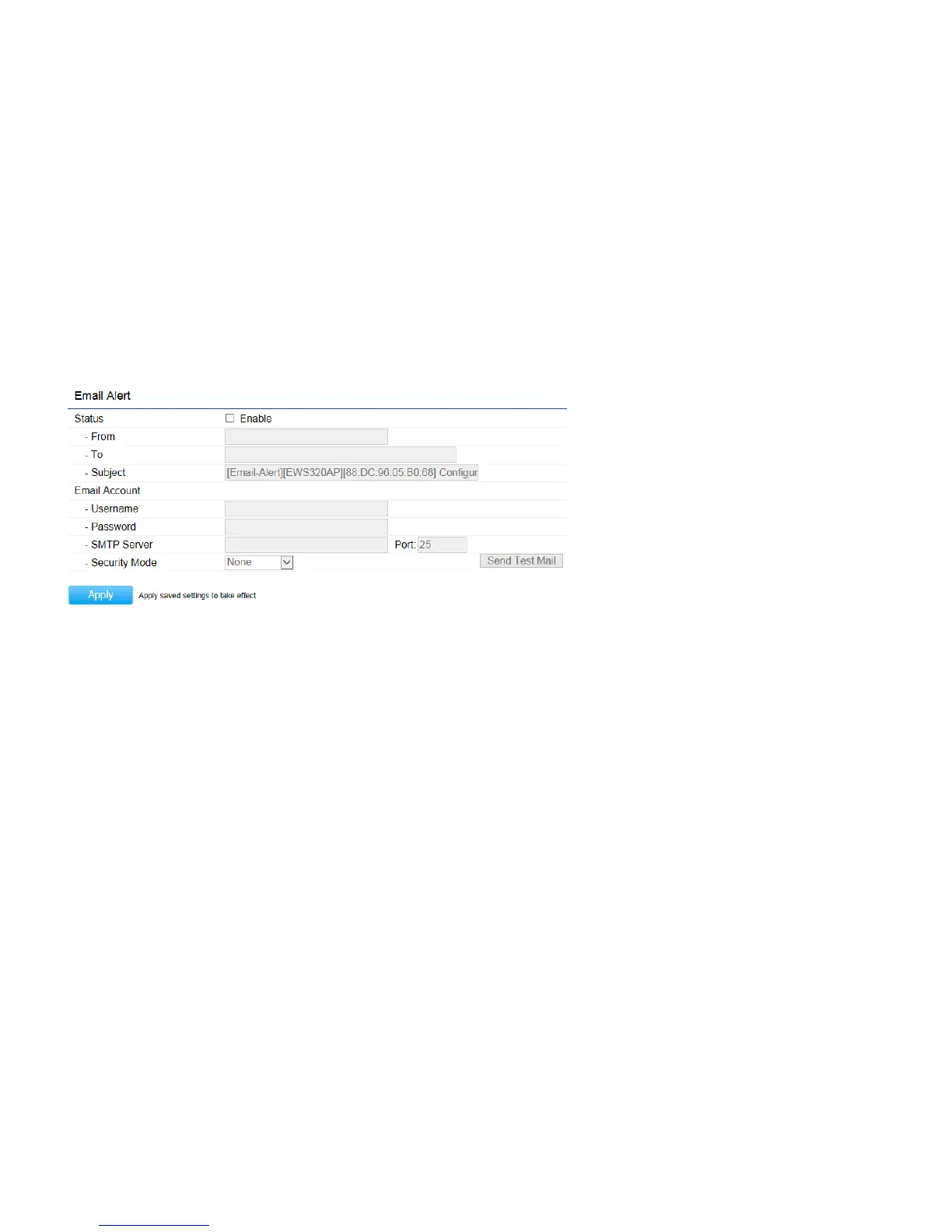
Email Alert
The Access Point will send email alerts when configurations have been changed.
Status:
Check
Enable
to enable Email Alert feature.
From:
Enter the address to show as the sender of the email.
To:
Enter the address to show as the receiver of the email.
Subject:
Enter the subject to show as the subject of the email.
Email Account
Username/Password:
Enter the username and password required to connect to the SMTP server.
SMTP Server/Port:
Enter the IP address/domain name and port of the SMTP server. The default port of SMTP Server is port 25.
Security Mode
: Select the mode of security for the Email alert. The options are None, SSL/TLS and STARTTLS.
Send Test Mail:
Click
Send Test Mail
button to test the Email Alert setup.
Apply:
Click
Apply
to save the changes.



 To Next Page