Web Configuration
1.
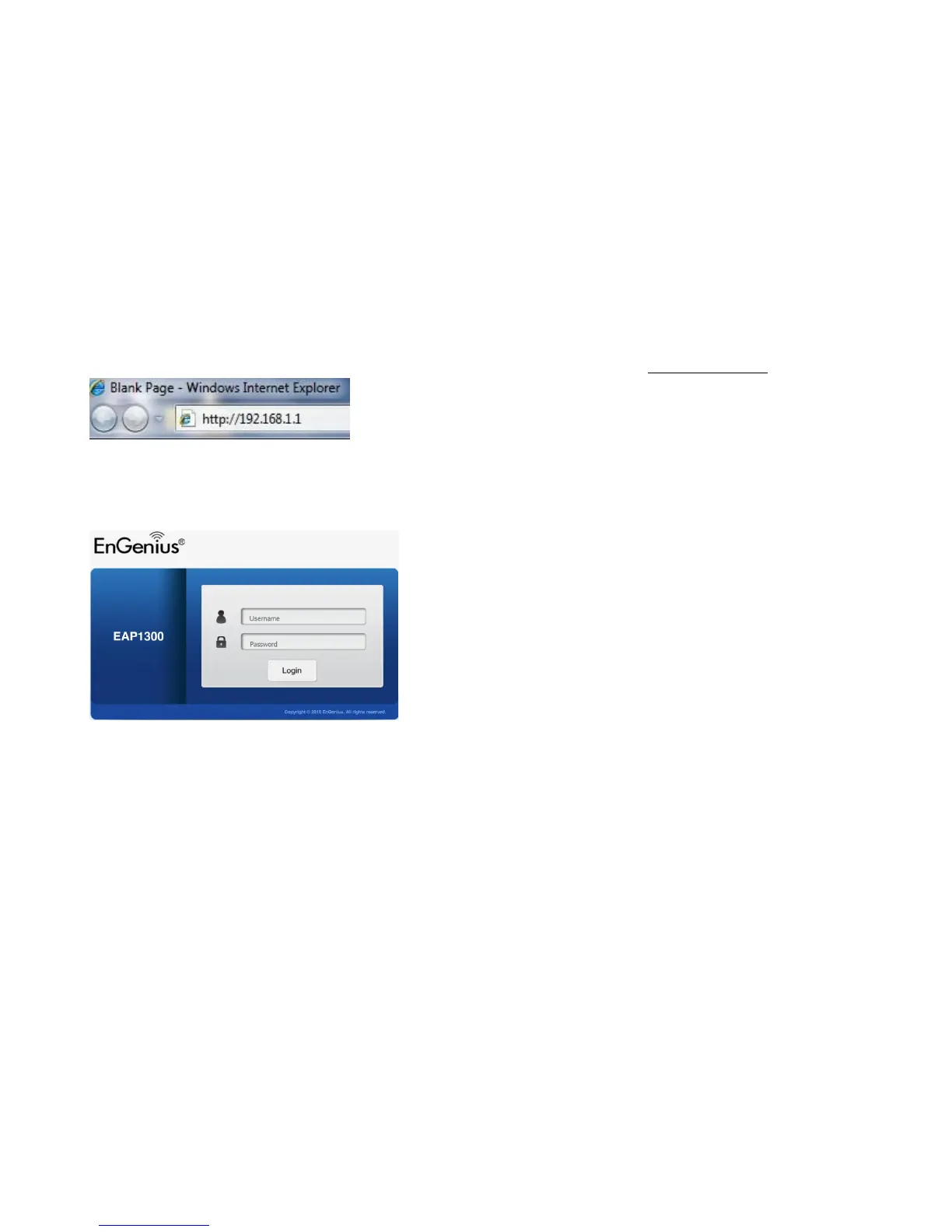
Open a web browser (Internet Explorer/Firefox/Safari/Chrome) and enter the IP Address http://192.168.1.1.
Note
: If you have changed the default LAN IP Address of the Access Point, ensure you enter the correct IP Address.
2.
The default username and password are:
admin
. Once you have entered the correct username and password, click the
Login
button to open the web-based configuration page.
3.
If successful, you will be logged in and see the Access Point User Interface.
*Model name varies depending on model.



 To Next Page