AP Detection
: AP Detection can select the best channel to use by scanning nearby areas for Access Points.
Distance
: Specifies the distance between Access Points and client devices. The proper setting for this parameter may assist Access
Points to avoid the improper operation when transmitting data under a filed application.
Save
: Click
Save
to confirm the changes or Cancel to cancel and return to previous settings.
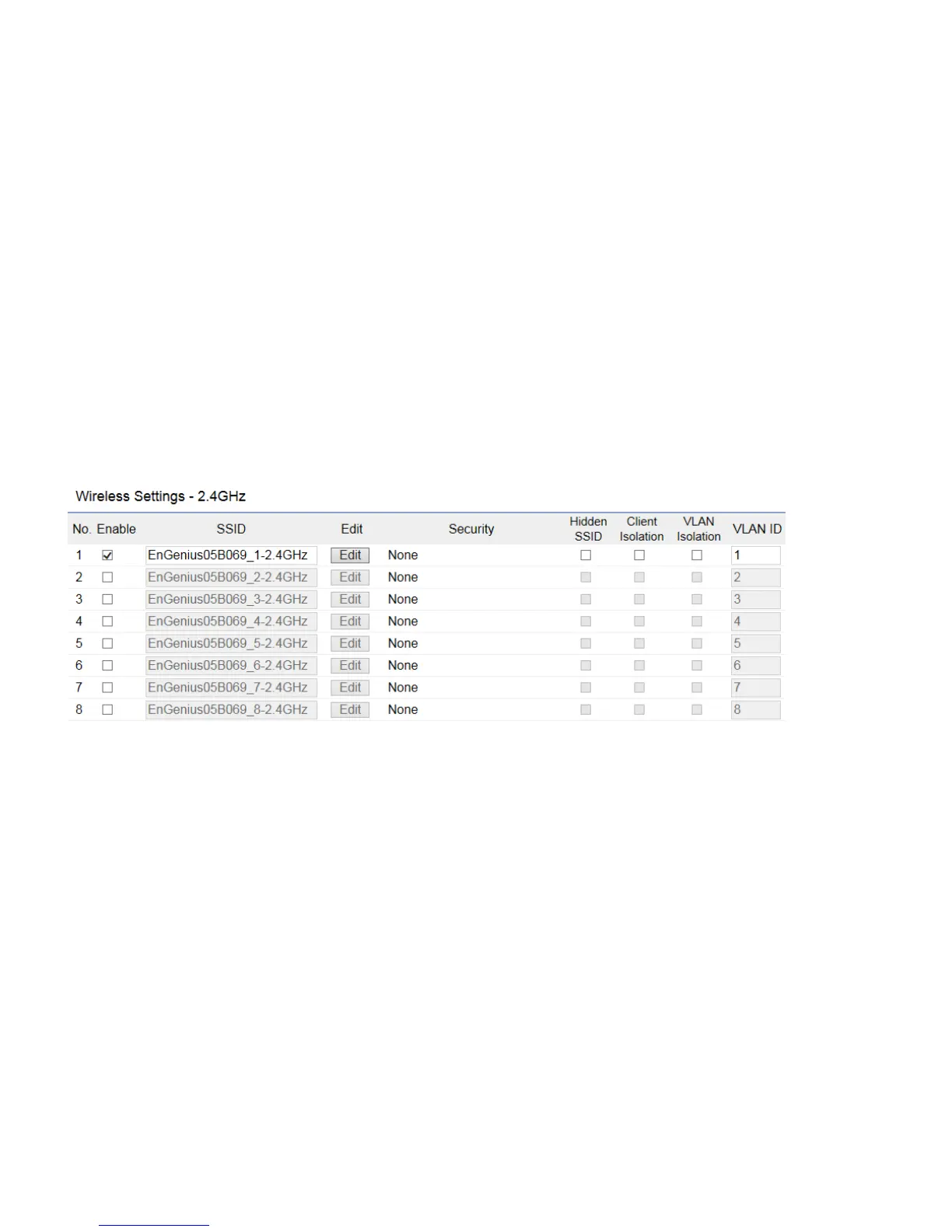
2.4GHz/5GHz SSID Profile
Under Wireless Settings, you can edit the SSID profile to fit your needs. Click Edit under the SSID you would like to make changes to.



 To Next Page