Section 17: Upgrading the Operational
Firmware
220
Transferring New Firmware from Your
Computer to Your Laser
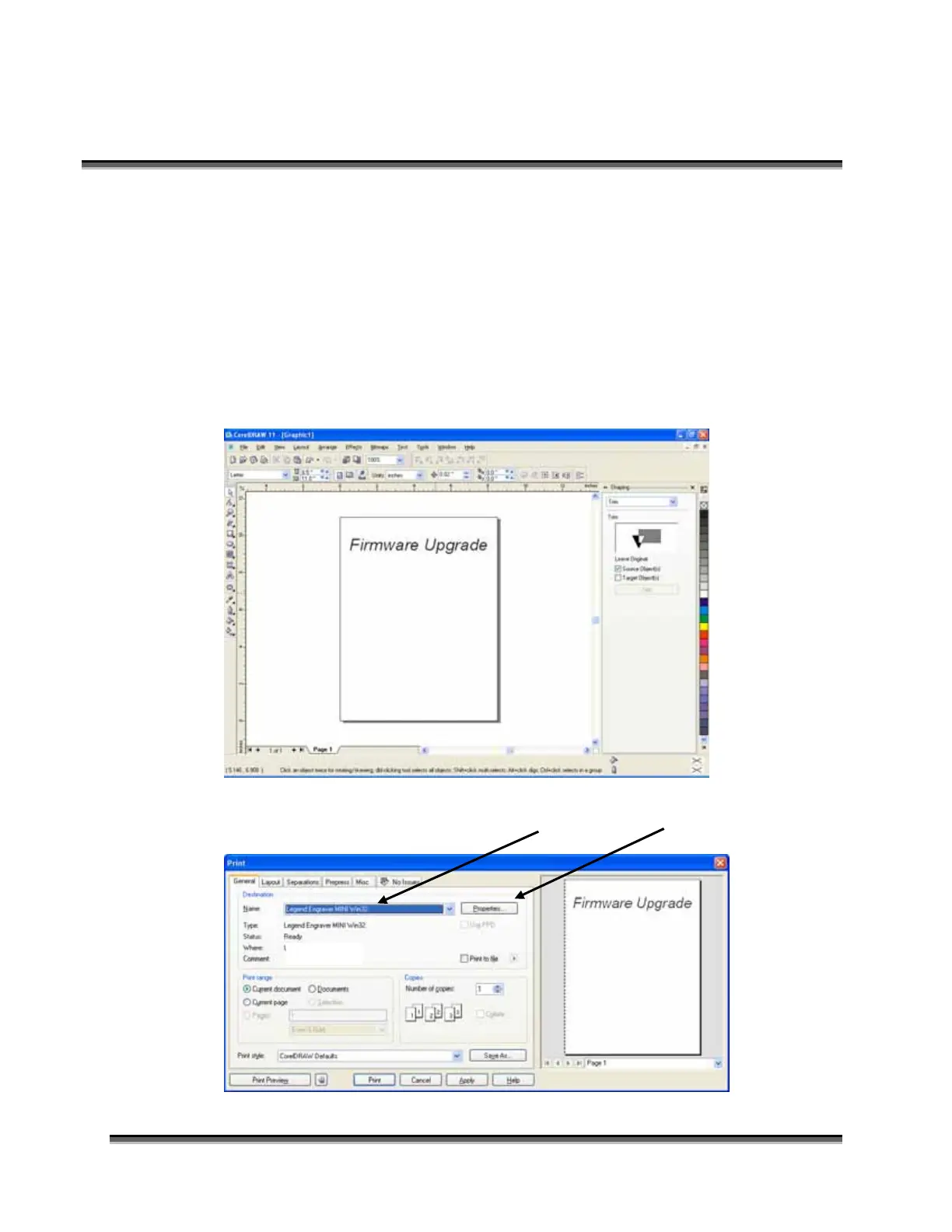
Use the following procedure to transfer the legendZing.hex file to the laser:
Create any simple drawing in your graphics package. For this example, we’ve just typed
in the text “Firmware Upgrade”.
The next step is to Print, select the Dashboard driver, and click on Properties.
IP 192.168.3.4



 To Next Page
 Loading...