Section 8: Using the Front Control Panel
118
Keyboard Commands
The keyboard is located at the right side of the laser system. All of the keys have
specific purposes, but using the laser can be as easy as pressing the “Go” button once
a job has been sent to the laser.
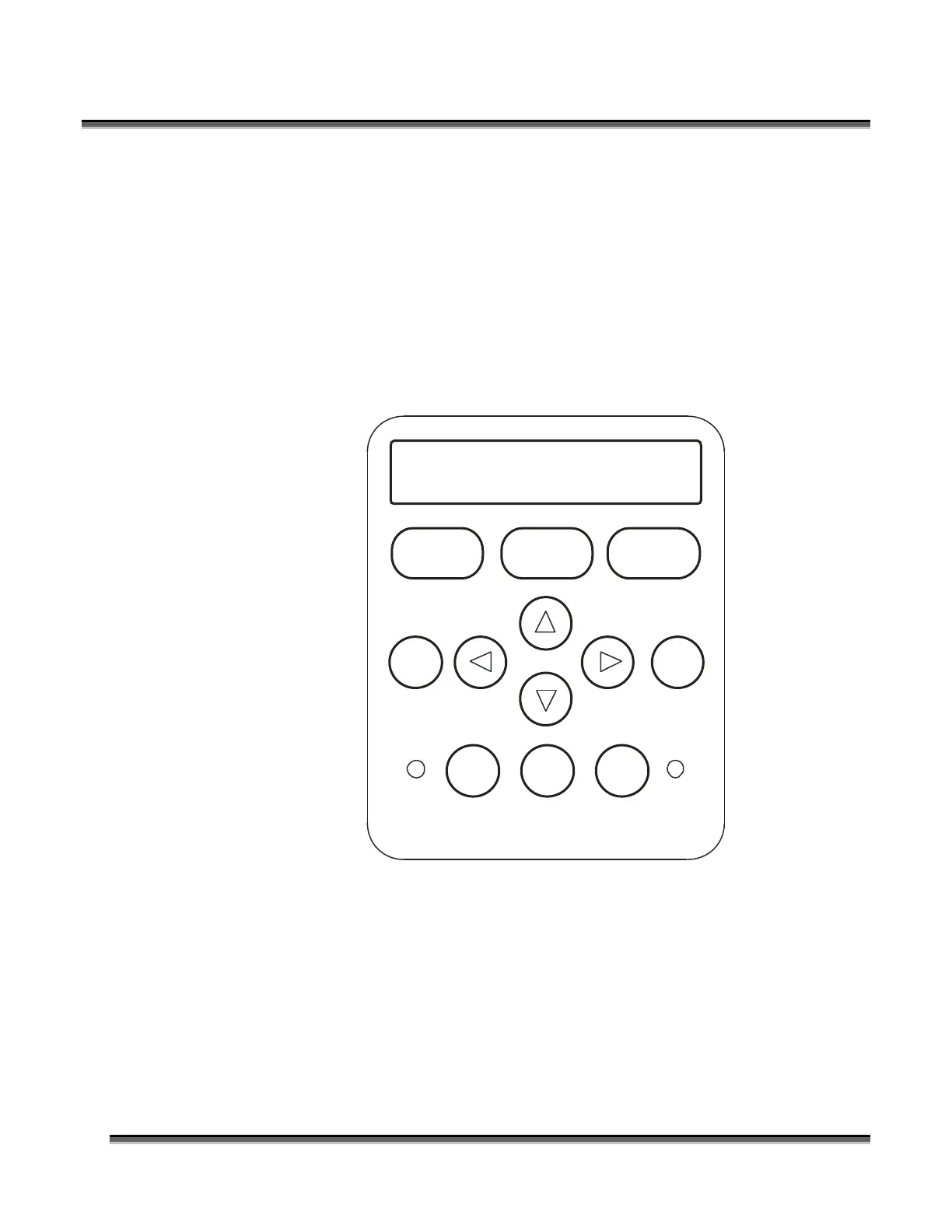
The diagram below shows the keyboard that has a job in queue and is ready to start
engraving. At this point, simply pressing the “Go” button will start the engraving job.
The name of the job will be the same as the file name from CorelDraw.
www.epiloglaser.com
Speed
STOP RESETGO
Pointer X/Y Off
Config
Data
Power Focus Job
0
33
4
12 6
5
789
Job:1.Sample.cdr



 To Next Page
 Loading...