Appendix C Additional Dashboard Instructions
256
Windows 7 - Driver Installation
Instructions - Setting up the TCP/IP
Address in the Computer
Windows 7 uses a slightly different, but very similar protocol than previous
versions of Windows. These instructions will guide you through the Windows 7
protocol.
Once you have set the IP Address at the laser, you will need to set the TCP/IP
address on your PC.
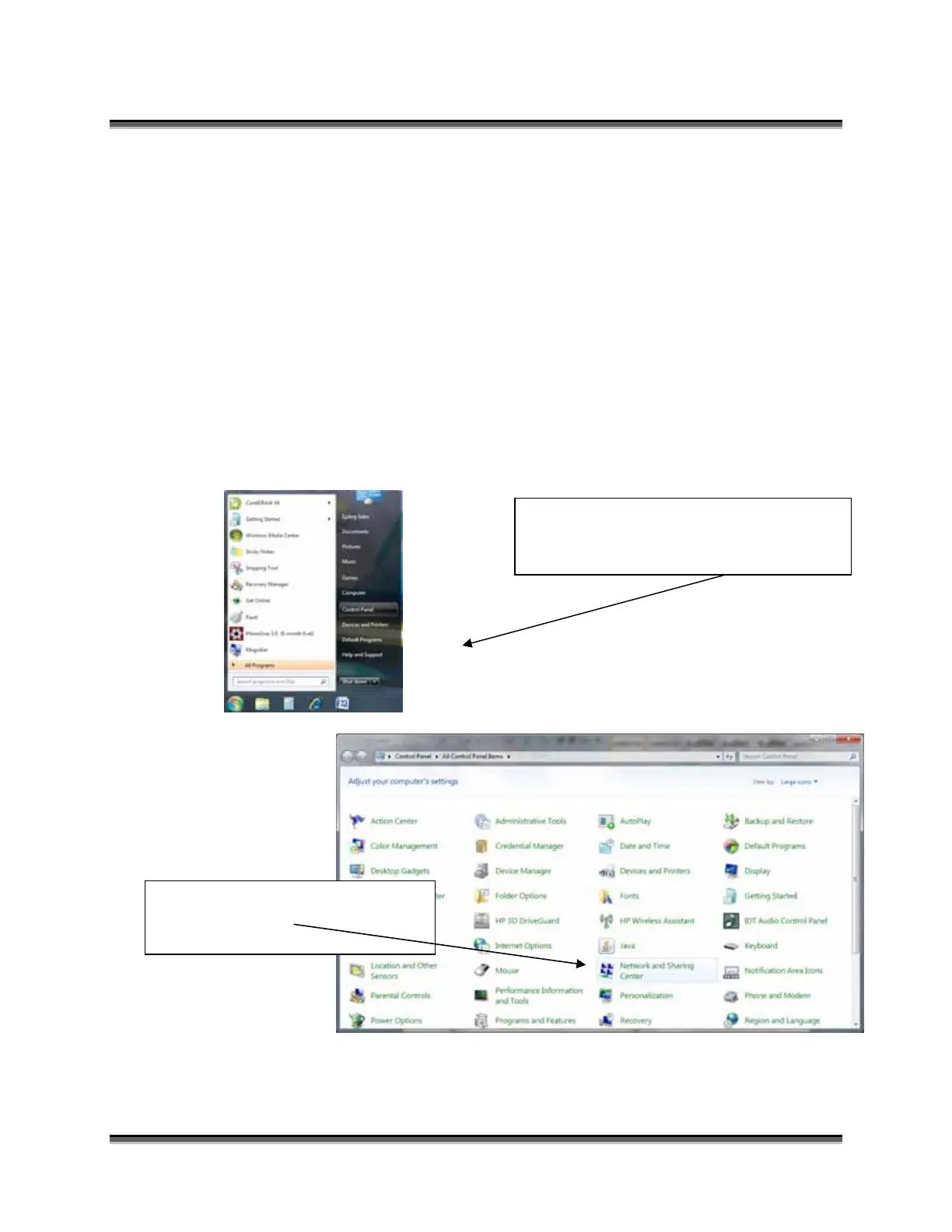
From the Start menu at the bottom left
corner of your PC monitor, select
Control Panel
Click on Network and Sharing
Center



 To Next Page
 Loading...