Section 5: Installing the Epilog Dashboard
Print Driver
42
That’s it! Your print driver is installed and you are now ready to print to your
new laser system!
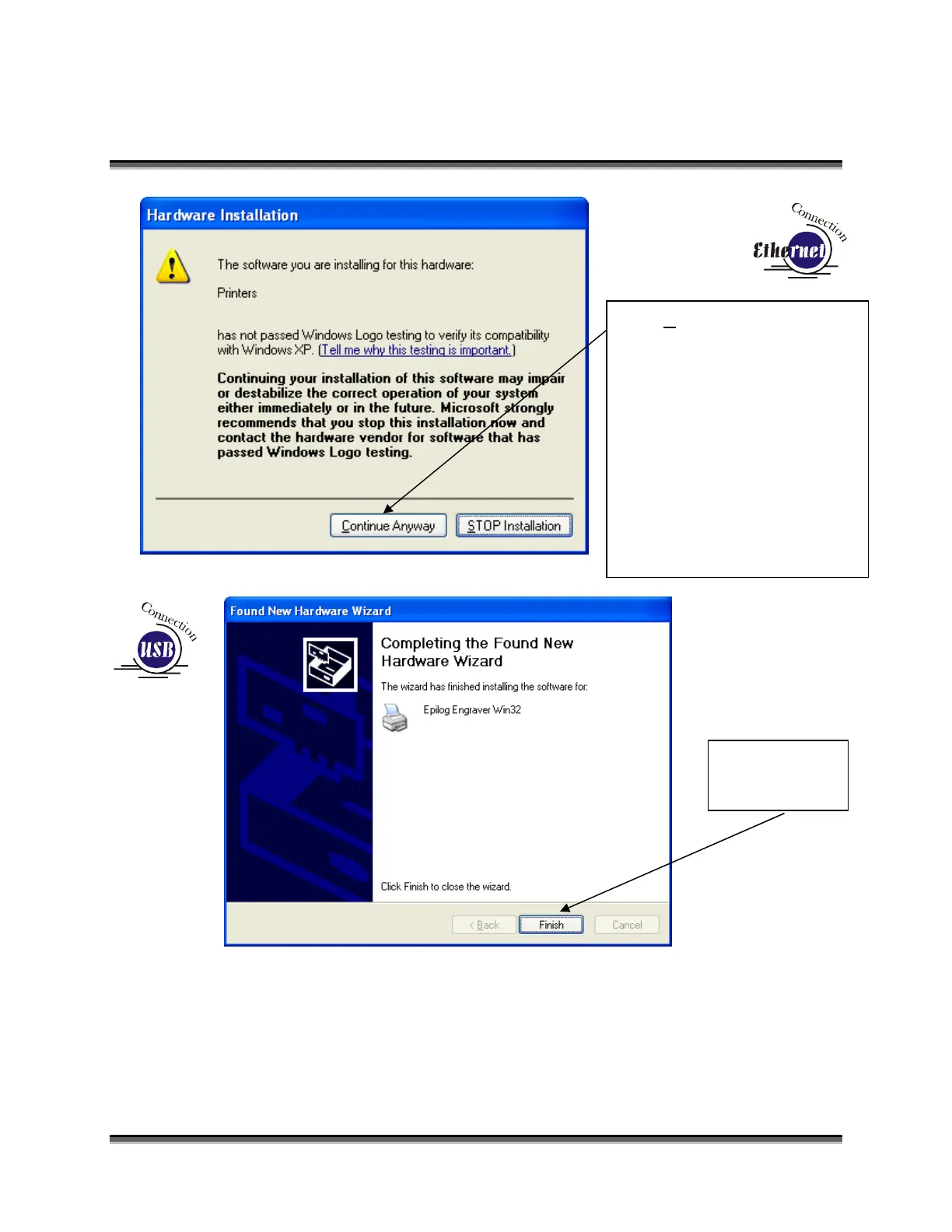
Click Continue Anyway.
While the driver has not been
tested by Microsoft, it will not
destabilize your computer.
On newer versions of Windows
you may see a Window pop up
that requests permission to
allow installation. Click on
Allow Installation.
Click Finish.


 To Next Page
 Loading...