25
Buttons Functions
"Menu"
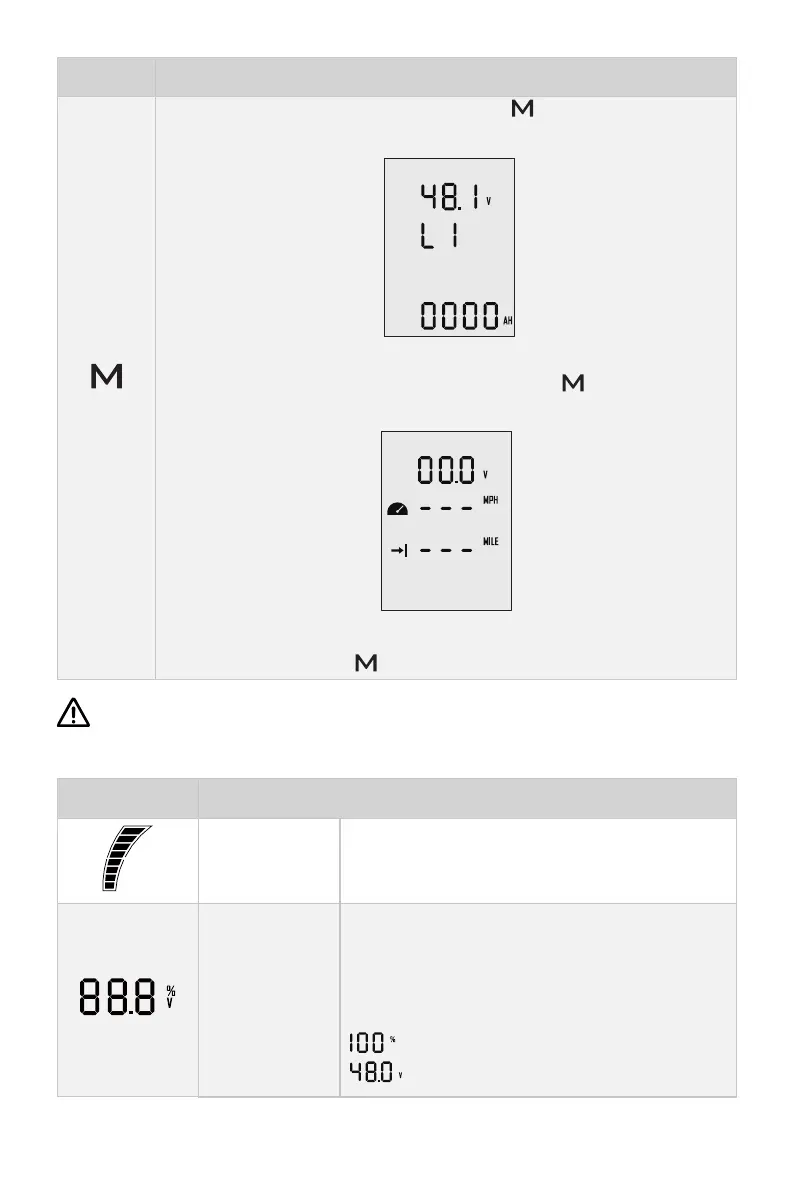
1. In power-on state, press and hold “ ” button to enter the
preference setting page.
Preference setting page
2. On preference setting page, press and hold “ ” button to enter
the battery setting page.
Battery setting page
3. On any page, press “ ” button to return home page.
If users enter the page without setting any parameters, the current parameters
displayed on the page will be saved as user parameters by default.
Icons Functions
Battery level
indicator
Indicating approximate battery level. The solid
blocks stand for remaining battery.
Battery level/
voltage
Indicating accurate current battery level percen-
tage/battery voltage, is congurable in preferen-
ce setting page.
For example:
: indicates current battery level.
: indicates current battery voltage.


 To Next Page