roubleshooting with LED Error Indications 55
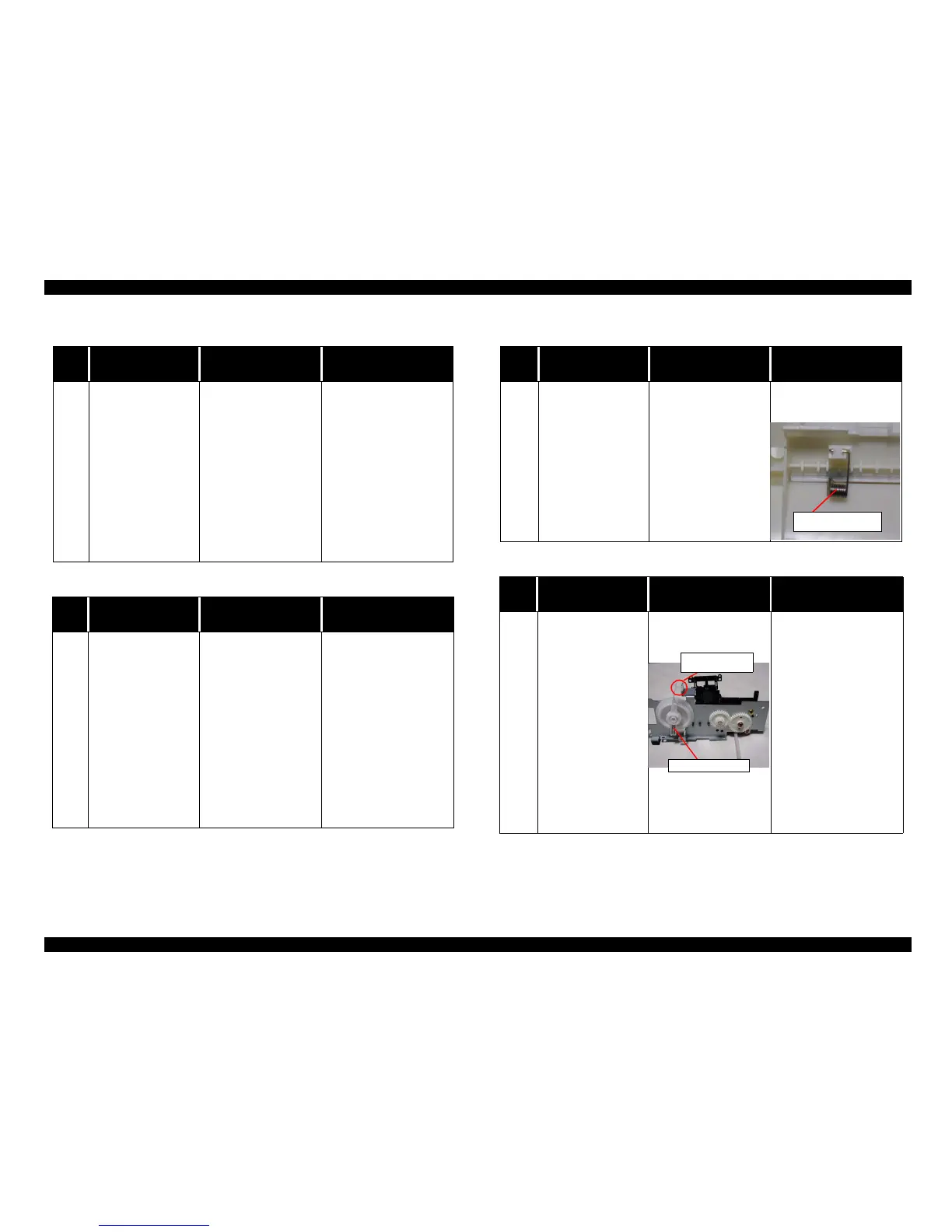
Table 3-10. Paper jam error indication
Step
No.
Detail phenomenon Check point Remedy
5
When the paper is
loaded from the ASF
and ejected without
any printing. After
eject the paper,
paper eject sequence
is continued.
If any print job is
sent to the printer,
General error is
displayed.
1. Check if the CN4
connector cable for
HP/PE sensor cable is
disconnected on the
Main board or sensor.
2. Check if the HP/PE
sensor operates
correctlybyusingthe
tester. Refer to Table
3-2.
1. Connect the CN4
connector cable to the
CN4ontheMainboard.
2. Replace the HP/PE
sensor with new one.
3. If the problem is not
solved, replace the Main
board with new one.
Table 3-11. No Ink Cartridge or Ink Out error indication
Step
No.
Detail phenomenon Check point Remedy
1
A [NoInk Cartridge]
or [Ink Out Error]
message is displayed
when the power to
the printer is
switched on.
1. Check to ascertain that
an ink cartridge has
been set in place.
2. Check the remaining
ink with the printer
driver or STM3.
3. Check to ascertain that
the head FFC is been
attached correctly to
the head.
4. Check to ascertain that
the head FFC has been
attached correctly to
the main board.
1. Set the ink cartridge in
place.
2. Remove and then reset
the ink cartridge in place.
3. Replace the ink cartridge
(faulty CSIC.)
4. Replace the ink cartridge
(faulty CSIC.)
Table 3-12. Multiple papers are always loaded
Step
No.
Detail phenomenon Check point Remedy
1
Any error indication is
not displayed on the
monitor. But, multiple
papers are always
loaded from ASF.
Check if the Paper return
plate is operating
correctlyintheASF
when the paper is loaded.
• Assemble the torsion
spring 25.7 in the ASF
frame.
Table 3-13. Paper is always loaded without any print job
Step
No.
Detail phenomenon Check point Remedy
1
Paperisalwaysloaded
from ASF without any
print job.
ASF hopper
continue to flapping
when the printer is
turned on.
1. Check if the tip of the
Change lever has any
damage.
2. Check if the
Compression spring
1.47 comes off from
theChangelever.
1. Replace the Change
lever with new one.
2. Set the Compression
spring 1.47 in the
Change lever.
Torsion spring 25.7
Change lever
comp. spring 1.47



 To Next Page