Using your printer on a network with Windows 95
To use your printer on a network, you need to set up your
printer as a network printer. Follow these steps:
1. Double-click the
My Computer
icon.
2. Double-click the
Printers
folder.
3. Right-click the icon of your printer, and click
Properties
. Be
sure to right-click.
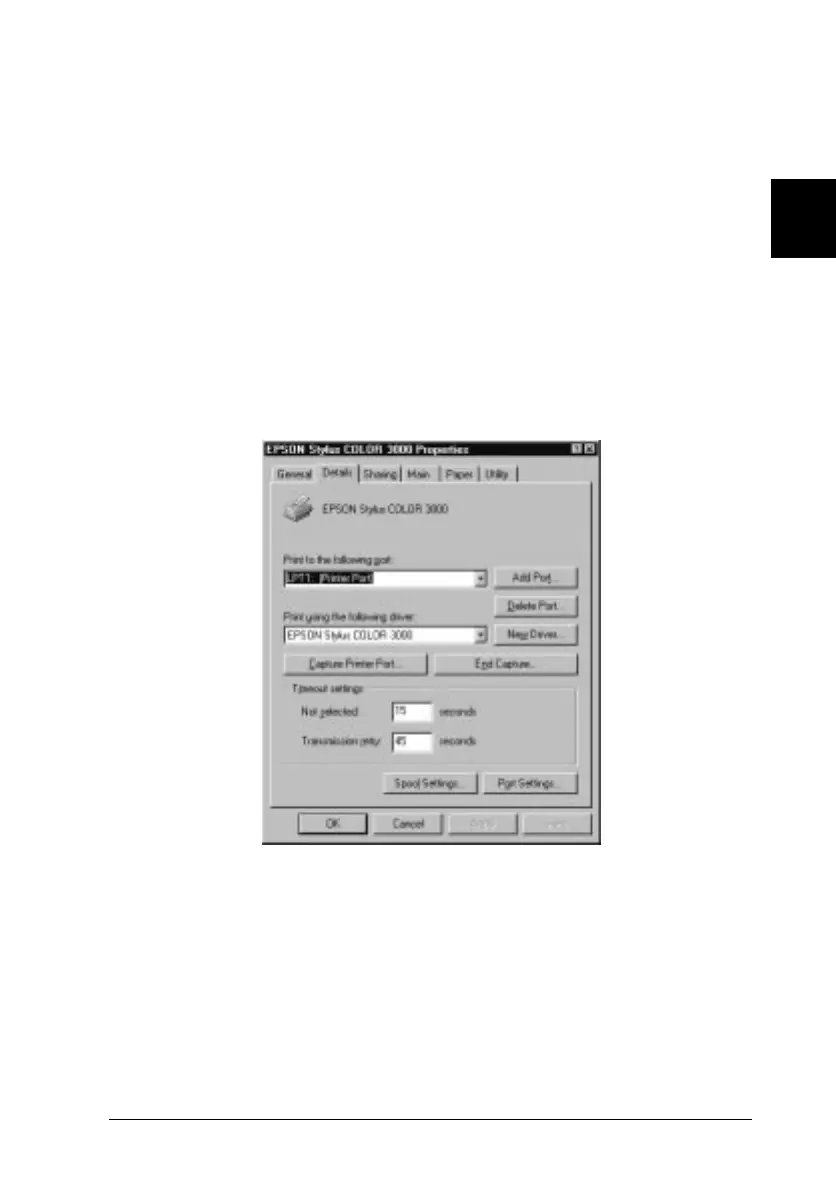
4. Click the
Details
tab. The following window appears:
PORTL2
2
R
Loire-P Ref. Guide
Rev.c
A5 size Chapter 2
02-24-97 DR, pass 0
Getting Started
2-17



 To Next Page
 Loading...