Chapter 5 Maintenance of the TM-C3400
209
5
Creating the install package
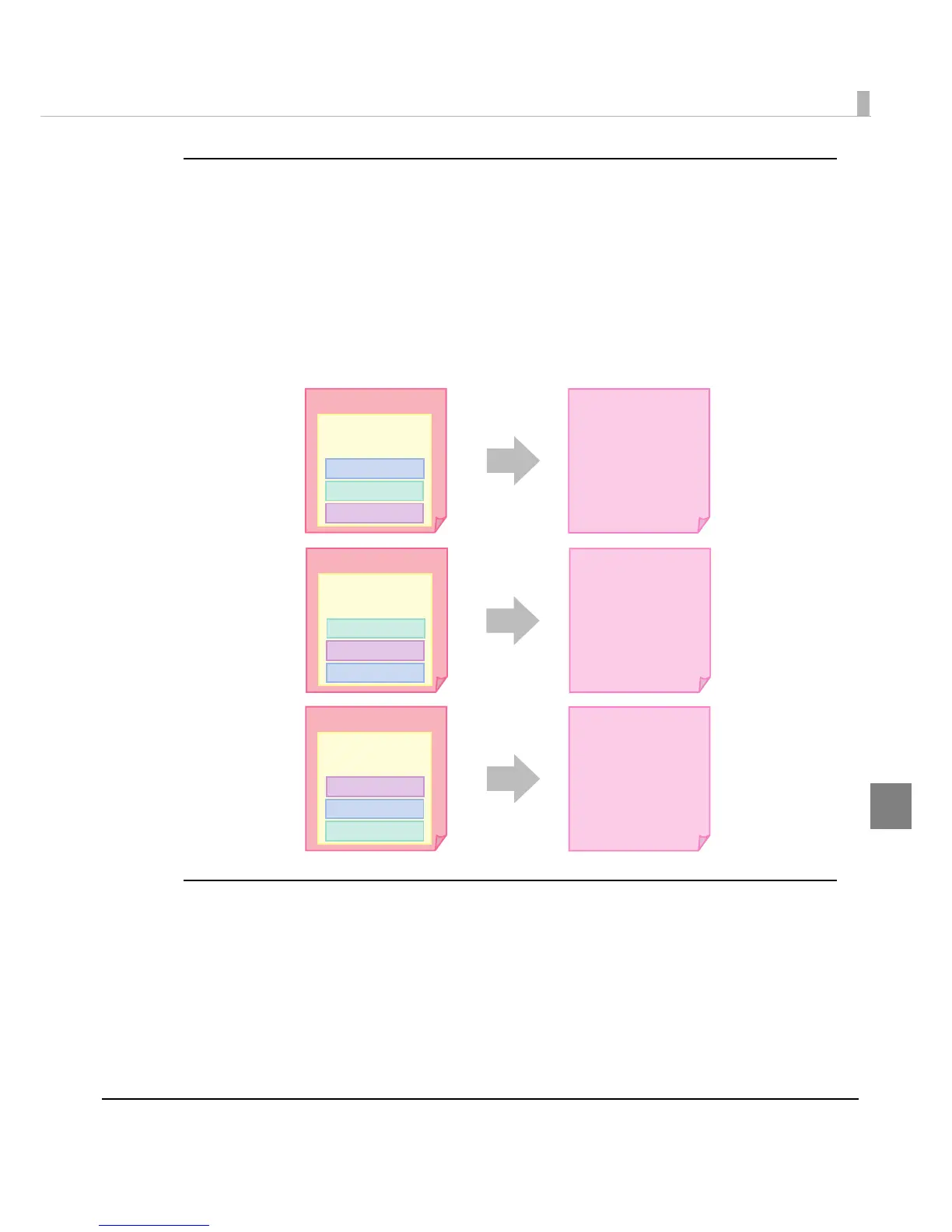
The following steps are recommended to create the install package.
1
Register all the print settings of the printer driver on the client computer
to the “Favorite Setting” list, and create the BSF files.
Create a file for each printer driver. Place the printer driver setting at the top of the setting
list.
2
Create the install package for each printer driver.
Adding the printer driver using the printer driver file
When the printer driver is installed using the printer driver file “c34d32_xxxx.exe," the “Favorite
Setting” list and [User defined Media] setting in the existing printer driver are not changed.
This is because only the default setting is registered, and [User defined Media] is not regis
tered
for the print setting in the printer driver file.
Favorite Setting
list
Driver A Package
Driver B Package
Driver C Package
Driver A
User Definition A
User Definition B
User Definition C
User Definition B
User Definition C
User Definition A
Favorite Setting
list
BSF file
Driver BBSF file
Favorite Setting
list
Driver CBSF file
User Definition C
User Definition A
User Definition B



 To Next Page
 Loading...









