Troubleshooting 3-9
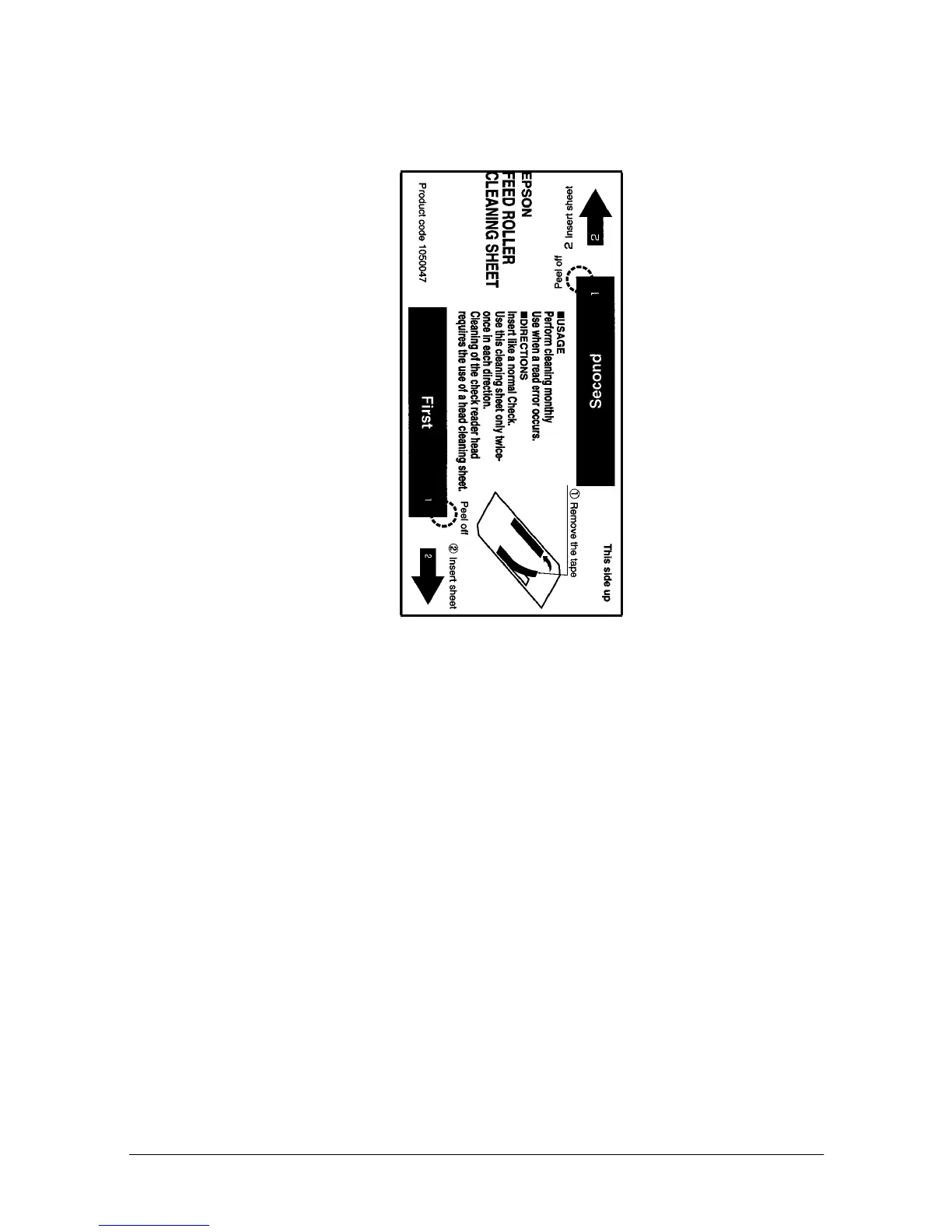
9) As a check paper, insert a cleaning sheet ubti a printer.
* Be sure to set yellow non-stick side to be upside when a dry
cleaning sheet used.
10) Remove a claening sheet after caleaning was completed.
11) Turn off the power switch.
Command code sequence
1) MICR cleaning command <FS c> was installed to clean up.
2) Carry our from 8) to 10) of procedure described above in the self
test mode explanation.














 To Next Page