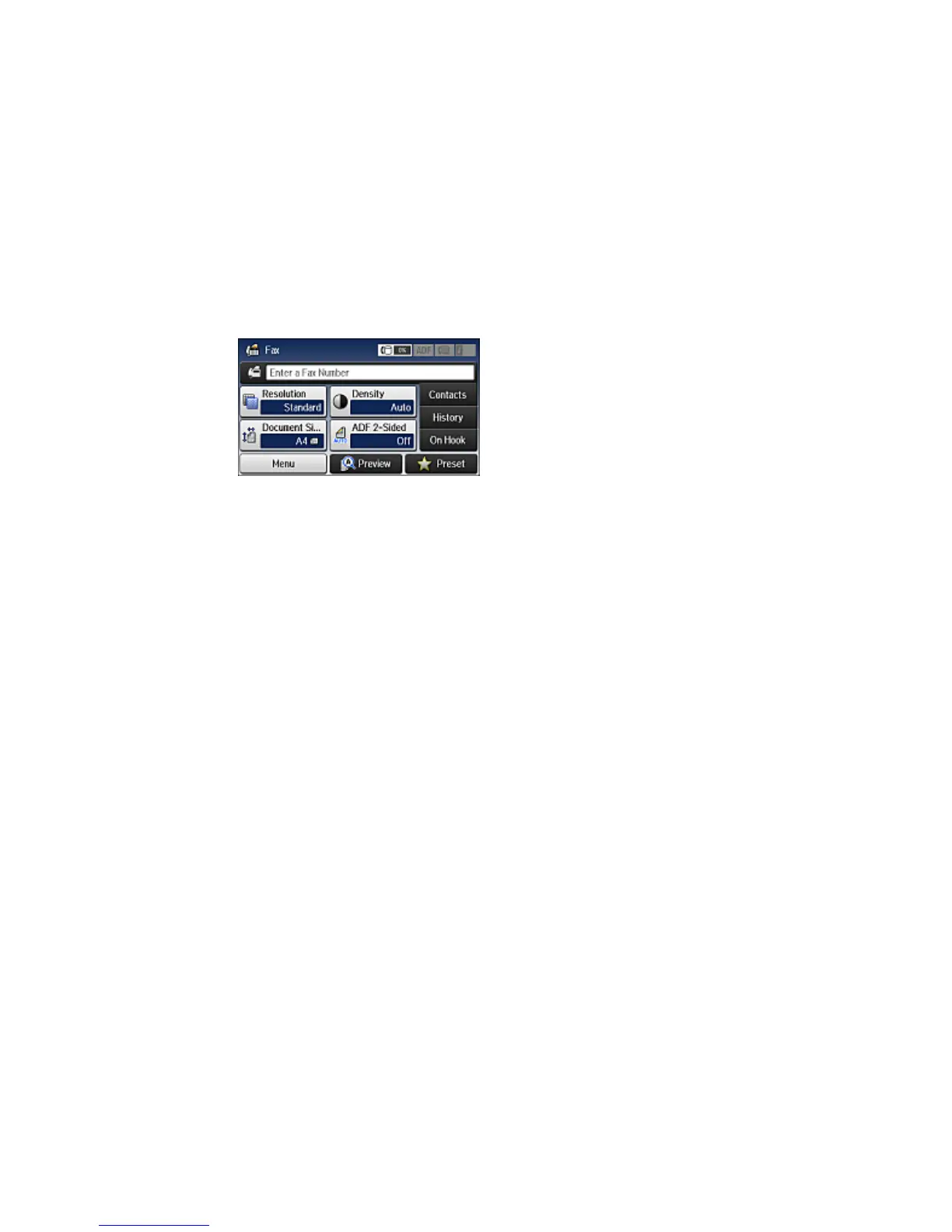
You see a screen like this:
3. Select Menu, select Fax Report, and select the report you want to print.
Fax Report Options
Parent topic: Faxing
Fax Report Options
Select the fax report or list you want to print.
Fax Settings List
Print a list of the current fax communication settings.
Fax Log
View or print a report on recent fax transmissions.
Last Transmission
Print a report on the previous fax that was sent or received through polling.
Stored Fax Documents
Print a list of the fax jobs currently stored in the product's memory.
Protocol Trace
Print a detailed report for the previous sent or received fax.
Parent topic: Printing Fax Reports
296


 To Next Page