Коммутатор инструментов
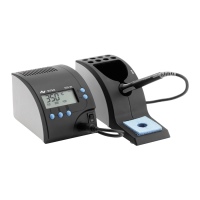
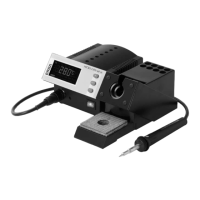
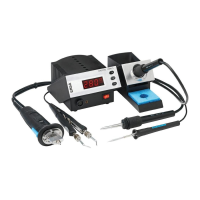
Вместе со станцией DIGITAL 2000A
можно использовать антистатический
коммутатор MIC608A. При нажатии
одной из четырех кнопок на его передней
панели происходит подключение одного
из четырех инструментов к станции, после
чего автоматически производится его
распознавание и выход на установленный
режим.
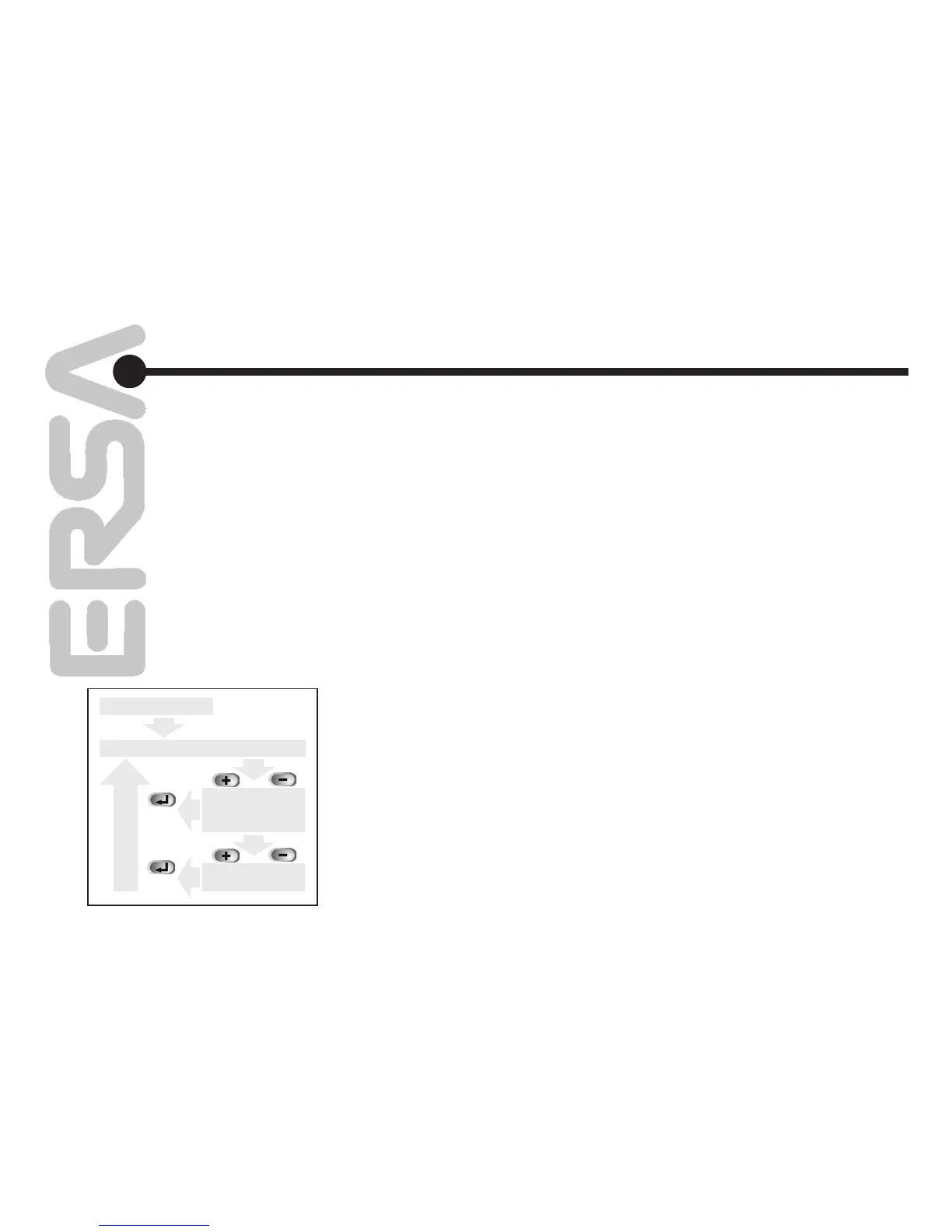
5.1.1 Выбор программы
Выбор программы осуществляется в
соответствии с диаграммой (рис. 2).
5.1.2 Описание действий
При нажатии кнопок “+” и “–” система
переходит из режима отображения
фактической температуры в режим
отображения/настройки программ. Нажатием
этих же кнопок можно выбрать любую из
программ Pr1... Pr4. Возврат к режиму
отображения фактической температуры
осуществляется нажатием кнопки
ENTER. Новые установки запоминаются
автоматически и начинают действовать
немедленно. Если кнопку ENTER не
нажимать, то через 8 секунд станция
автоматически переведет дисплей в режим
отображения фактической температуры.
Using the ERSA Tool Selector
The ERSA Tool Selector allows four different
soldering and desoldering tools to be used alter
-
nately at the DIGITAL 2000 A.
When the Tool Selector is switched, the DIGITAL
2000 A recognizes the given tool and automati-
cally shifts the program. The DIGITAL 2000 A is
therefore ideally suited for use of the Tool Selec-
tor.
5.1.1 Program Selection
A program is selected according to the follow
-
ing flow chart (see fig. 2: Program selection flow
chart).
5.1.2 Description of the Flow Chart
By pressing the (+) and (-) keys, the user moves
from the actual value display to the program dis
-
play. These keys can also be used to select the
requested program (Pr1 to Pr4) when there is
no temperature sensor connected as a tool. The
user can return to the actual value disp by press
-
ing the ENTER key. The parameters of the set
program are immediately loaded and active. If
the ENTER key is not pressed, the station auto-
matically jumps back to the actual value display
after 8 s. In this case, too, the parameters of the
set program are loaded and take effect imme
-
diately.
5.
рис. 2 / fig. 2
включение / switch on
текущее значение / actual value display
настройка
параметров /
program display
выбор программы /
choose program
или 8 с /
or 8 s
20
Функциональное
описание
Functional description
или 8 с /
or 8 s


 To Next Page