User’s Guide Voice mail operation
D.15
Retrieving a group mailbox message
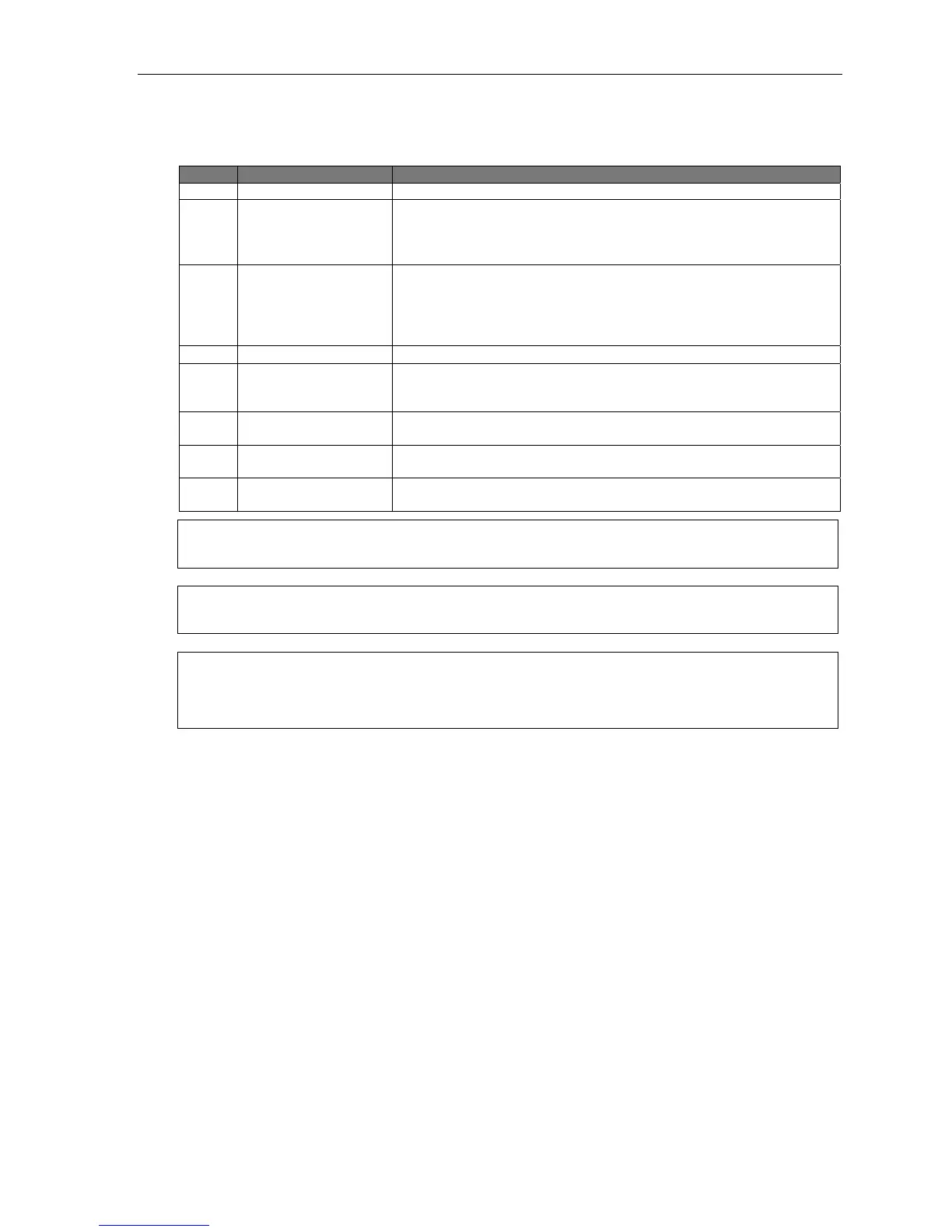
Retrieving a group mailbox message is similar to retrieving a message from a personal mailbox. The chart,
below, lists the options you receive during or after listening to the message.
Key(s) Function name Description
3 Reply Gives specific callers options 1 and 2 (see next two items).
3 1 Reply to
message originator
Replies to the originator of the message (possible only if the message
comes from another user in the system). At the tone, record your reply
and then press 1 to stop. The system will then return you to your
mailbox and the message to which you were replying.
3 2 Reply to
message originator
and group
Replies to the originator of the message and all members of the group
(possible only if the message comes from another user in the system).
At the tone, record your reply and then press 1 to stop. The system will
then return you to your mailbox and the message to which you were
replying.
4 Replay Returns to the beginning of the message.
6 Move/Copy Moves a copy of the message to another user’s mailbox. You may
move the copy with or without an introduction. After the move, the
system returns you to your mailbox and the original message.
7 Delete Deletes the message from the mailbox (see “Message recycle bin,”
page D.10). [See Warning, below.]
9 Save Saves the message (it will play as an old message the next time you
retrieve messages.) [See Note, below.]
Leave a message Lets you record a mesage in another mailbox. At the prompt, enter the
desired mailbox number.
Note: The master message remains in the group mailbox until all members have saved their copies or deleted
them from their mailboxes.
Warning: If you delete the master message from the group mailbox, all remaining copies will automatically be
deleted from the members’ mailboxes.
Example: You’ve left a group message reminding everyone in the group of a meeting that will take place Friday.
The following Monday, if the message is still in the group mailbox (indicating that at least one of the
members hasn’t deleted the message), you can delete it from the group mailbox — which will delete it
from all member mailboxes from which it hasn’t already been deleted.
Deleting a group message from the group mailbox
Enter group mailbox programming by pressing VOICE MAIL,
, and the group mailbox number. You will
hear any previously recorded group messages not yet deleted by all members of the group. Delete by
pressing 7. Exit by hanging up.
Programming a group mailbox
Press PROG/HELP
followed by the group mailbox number. You will be prompted to record the mailbox
greeting, change the password, or edit the list of members. Exit by hanging up. For frequent access to leave
group messages, program a group mailbox number as a programmable feature key. (See “Programmable
feature keys,” page C.2).
Virtual Mailbox Key
To help monitor that all messages have been picked up, you can program a programmable feature key on
any ESI phone as a Virtual Mailbox Key for the group mailbox. When new messages exist, the key will
blink rapidly; press it to connect automatically to the mailbox. Program the programmable feature key with
VOICE MAIL
followed by the mailbox number (see “Programmable feature keys,” page C.2).



 To Next Page