User’s Guide ESI phone operation
E.1
ESI phone operation
Display
When your phone (or station) is not in use, the display will show the current date and time, activated features
such as DND (do not disturb; see “MUTE/DND,” page E.4), monitor mode, etc.), and — on an ESI desktop
phone (other than the legacy 12-Key Feature Phone) — the system’s current line usage.
Notes: An ESI Cordless Handset’s display is similar to that of the two-line display shown below; one difference is
that a Cordless Handset doesn’t show line usage.
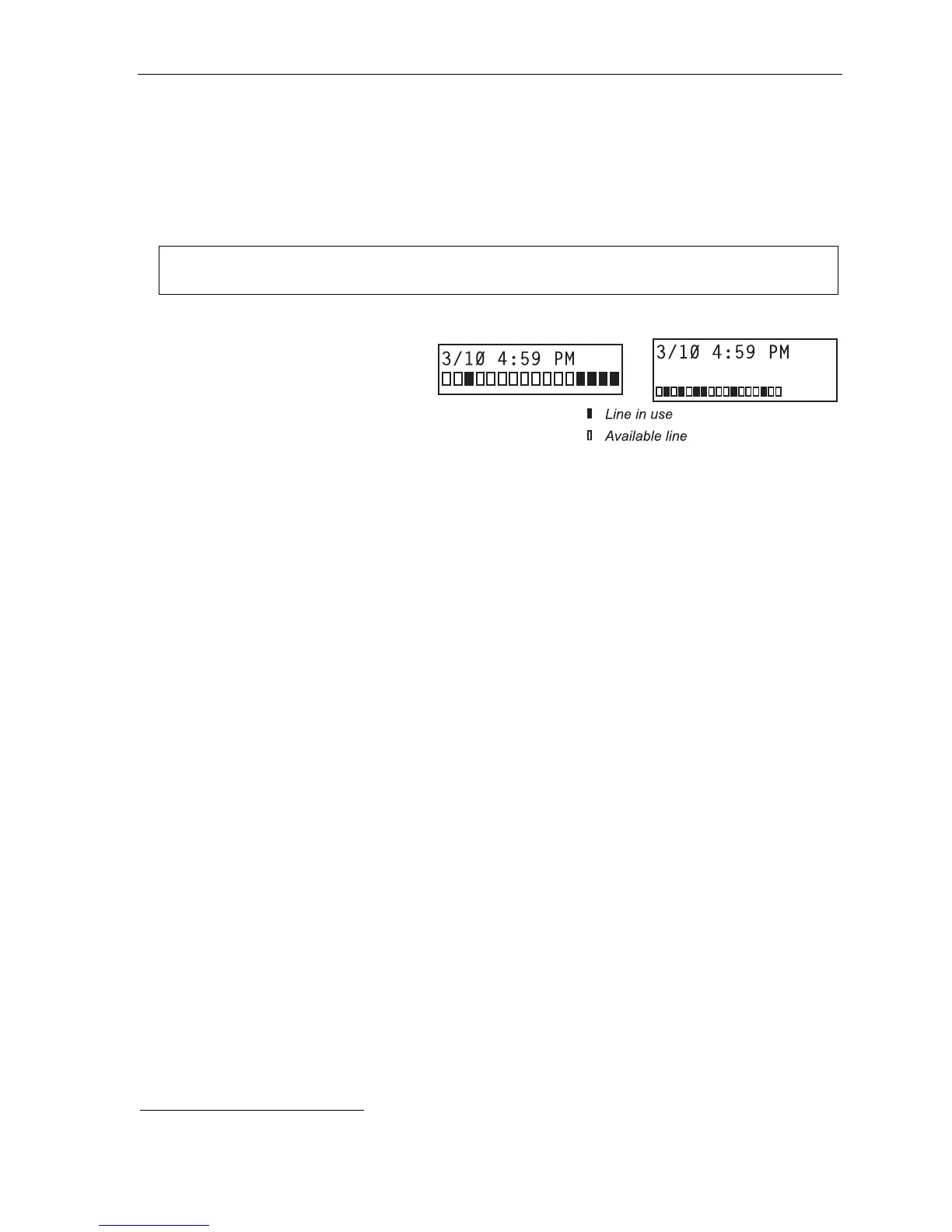
Each block on the bottom line of the
display will represent an individual line (as
in the examples, right). Incoming calls
usually are assigned beginning with Line 1
at the far-left line indicator. Outgoing calls
are assigned from the highest numbered
line beginning at the far right.
As you use your ESI phone, its display
changes frequently to give you detailed information during call processing and voice mail operations.
Your ESI phone may come with an available backlit display, for higher readability under a wider variety of lighting
conditions. Although its contrast cannot be adjusted, its brightness can be adjusted while the phone is idle by
pressing the scroll keys (
and
) and selecting ALWAYS ON HIGH, MEDIUM, LOW, WITH ACTIVITY,
or OFF.
Caller ID
If you subscribe to Caller ID from your telephone service provider, the phone’s display will show an outside
caller’s name and/or number.
1
In some instances, the service provider can send only a general caller status —
such as UNAVAILABLE, PRIVATE or NO DATA SENT.
1
If you don’t subscribe to Caller ID, the phone’s display will show which line is receiving the call, instead of the caller’s name or number.
Two-line display Three-line display



 To Next Page