2. Number of lenses polished since the last wheel change and/or since the machine was last serviced.
3. Number of lenses polished since last dressing.
4. Finishing wheel
5. Number of lenses polished since the last wheel change and/or since the machine was last serviced.
6. Number of lenses polished since last dressing of the wheel.
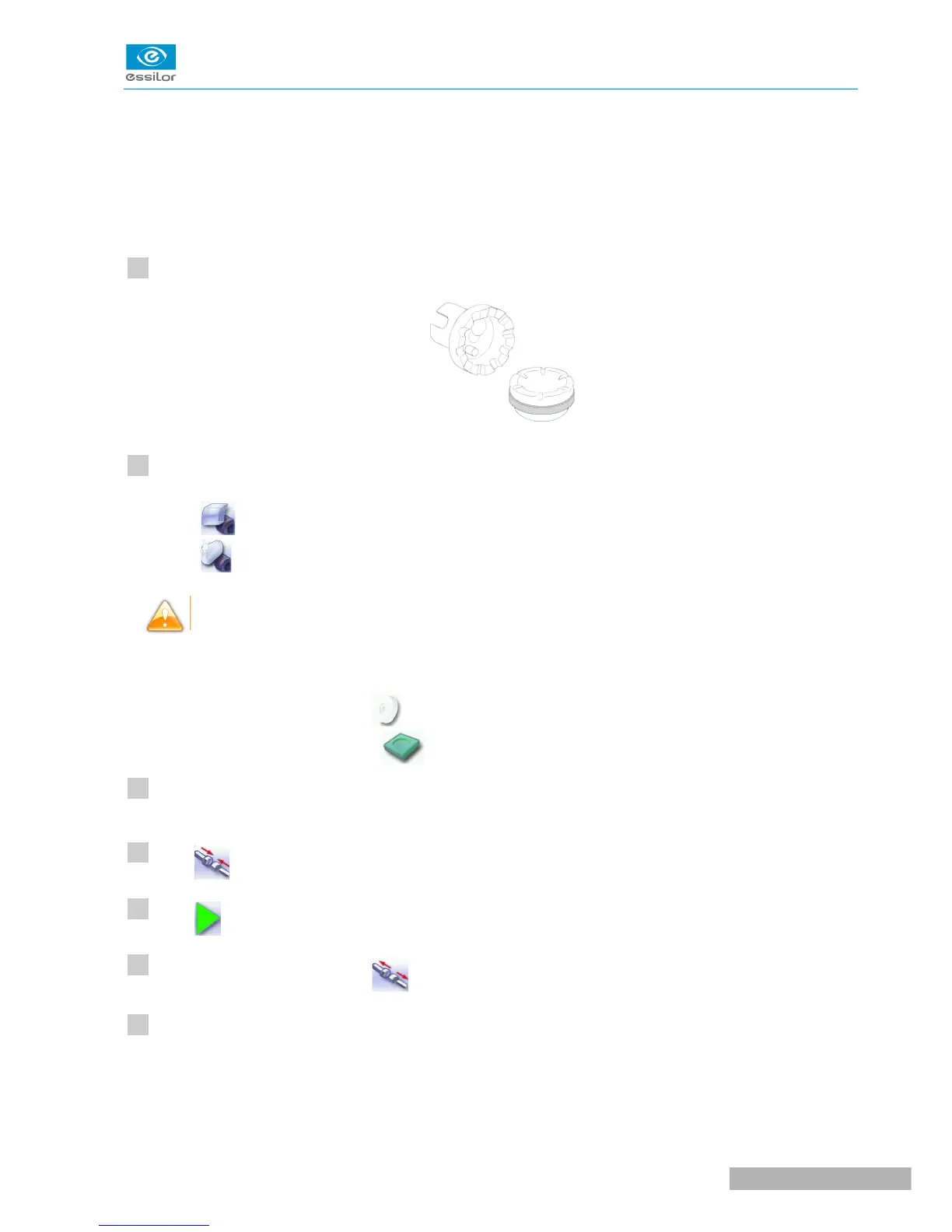
Make sure that the 22 mm accessories (posiblock holder and stop) are installed on the lens clamp shafts.
Select the appropriate dressing cycle:
• Finishing wheel
• Polishing wheel
Never dress the polishing wheel twice in a row to avoid possible damage.
For each wheel, there is a specific dressing stone, whose icon is displayed on the screen:
• White dressing stone for the finishing wheel
• Square dressing stone for the polishing wheel
Insert the dressing stone for the selected cycle between the lens clamp shafts, with the hollow side
against the posiblock holder.
Press to close the clamps.
Press to start the dressing cycle.
Once the cycle is finished, press to open the clamps and remove the dressing stone.
If the dressing stone shows a residual ring, remove it in order not to disrupt subsequent dressing
operations.



 To Next Page