◦ Drill-holes/slots
◦ Notches
◦ Polishing
◦ Chamfers
◦ High-base bevels
◦ Step bevels
4. Drilling
Number of drilling operations performed for each lens material, according to the drill bit used.
5. Touch screen calibrations
6. Number of lenses cut
7. Dressing cycles
Glass roughing wheel / Finishing wheel / Polishing wheel
8. Next page / Previous page
b. Technical log and errors
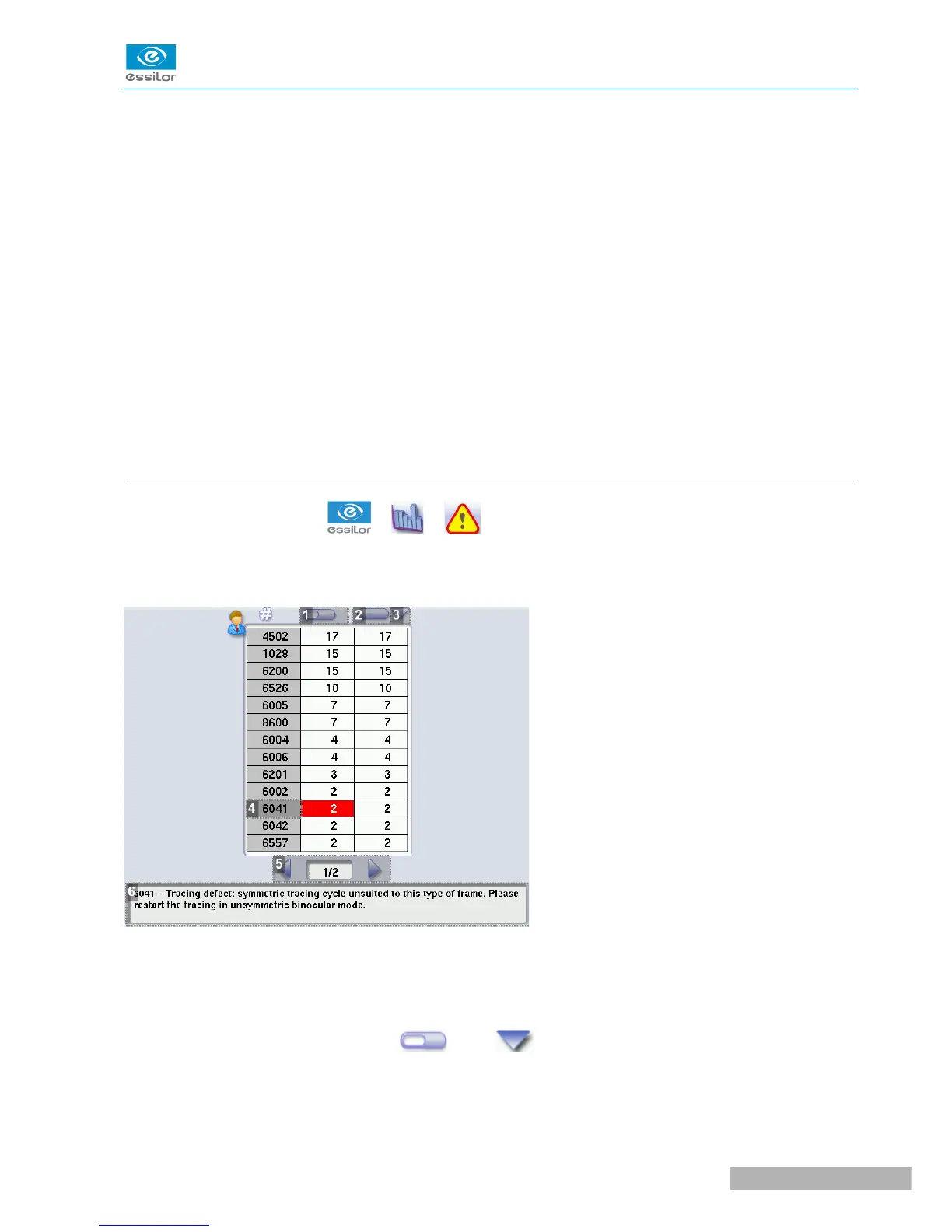
From the work screen, select > > to access the list of error messages.
The following screen is displayed:
1. Partial counter
Number of error messages displayed since the last reset to zero.
You can sort the error codes generated by the machine by frequency of appearance.
To sort the partial counters press , press again to define the sort direction (ascending,
descending).
2. Total counter



 To Next Page