ES720.1 - User’s Guide20
Hardware Description ETAS
3.4.3 Error and Measuring State of the Module
On the front side of the device are three light-emitting diodes for the display of
the error and measuring state of the module (see Fig. 3-2 on page 18):
• MEAS:
state of measurement
• ER:
error state of module
• MEM: m
emory state and memory access
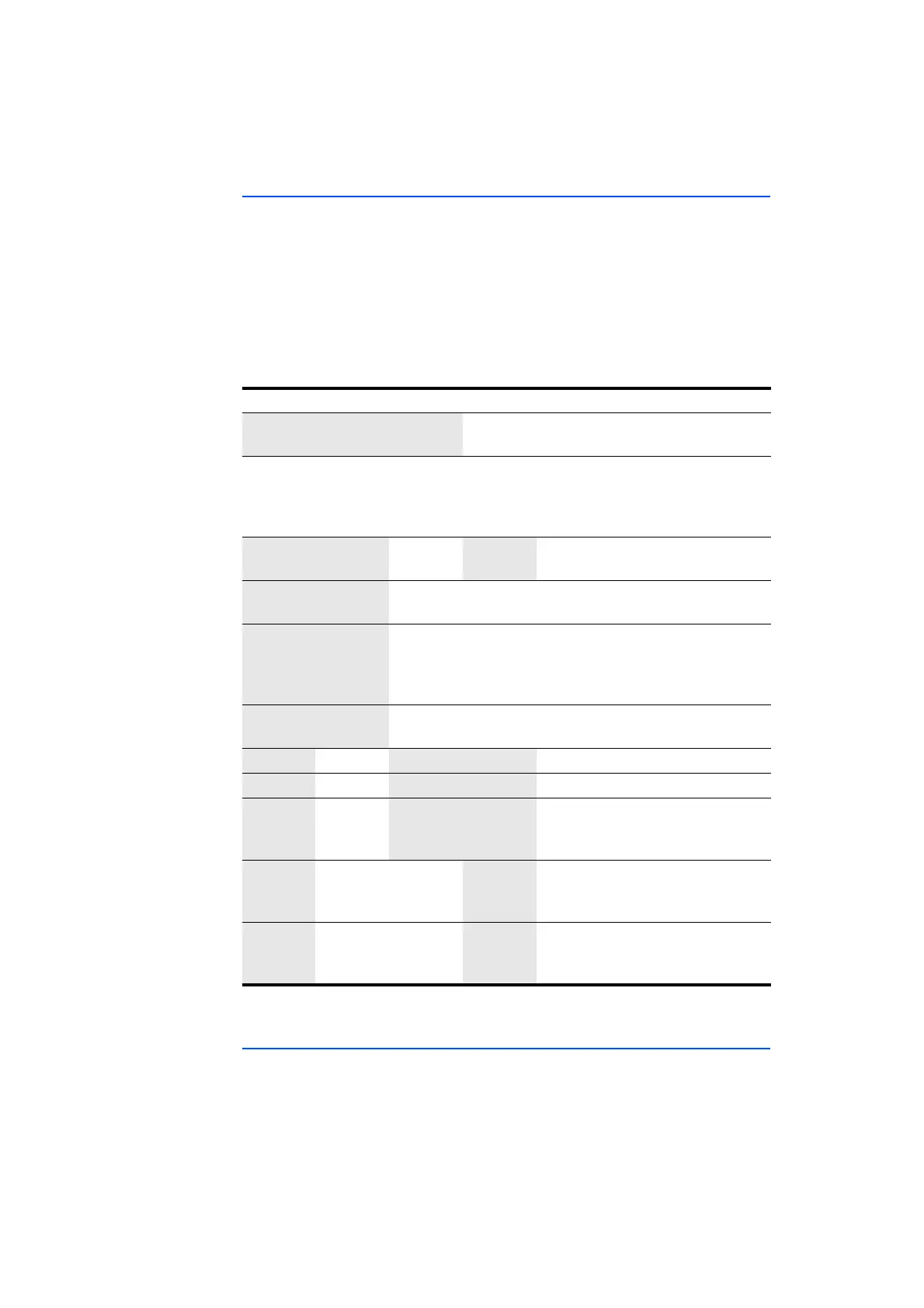
For the display of some states, two or four LEDs are used at the same time (see
table)
. Fields in the table highlighted with a gray background identify displays of
the LEDs that are not relevant for the description of the respective state.
ON MEAS MEM ER
Description
On The ES720.1 booted, no valid
license is available.
Flashing
green
(code 1)
Flashing
orange
(code 1)
Flashing
orange
(code 1)
Flashing
red
Power fail restart. The ES720.1
co
nfiguration files and the data of
the last recording job can be dam-
aged.
Off Sufficient storage space (internal
storage/CF card)
On On Insufficient storage space (internal
storage/CF card)
On Off Warning threshold storage capac-
ity reached (adjustable in the con-
figuration program), available
storage space will be filled shortly
On Flashing Connected hardware not ini-
tialised
Off No measurement
Orange Measurement, data recording
Flashing
orange
(code 1)
Module ready for measurement,
waiting for trigger event
On Flashing
orange
(code 1)
Measured variables are written to
the storage connected to the USB
Off Flashing
orange
(code 1)
Other data is written to the stor-
age connected to the USB (e.g. file
transfe
r)
3.4.4 State of other Connections
The function state of the USB, I/O and VGA ports is not displayed on the module.



 To Next Page