ES720.1 - User’s Guide44
Configurations and Applications ETAS
Which Pieces of information are required?
To activate licenses, information about the hosts must be entered:
• Computer-based license
This entry requires the MAC
address of the Ethernet adapter to which the
license should be tied.
The MAC address of the Ethernet adapter can be found on a label at the under-
side of the module.
License File
The result of your activities is the provisioning of a file <name>.lic with which
you can license your respective software in the ETAS License Manager.
6.3.3 The License File
Viewing the License Status
Viewing the license status
• On the ES720.1, use Remote Desktop to go to the
Windows Start menu and select Programs
ET
AS Lice
nse Management ETAS License
Manager
or
• In the ES720 Configurator, select To
ols License
manager.
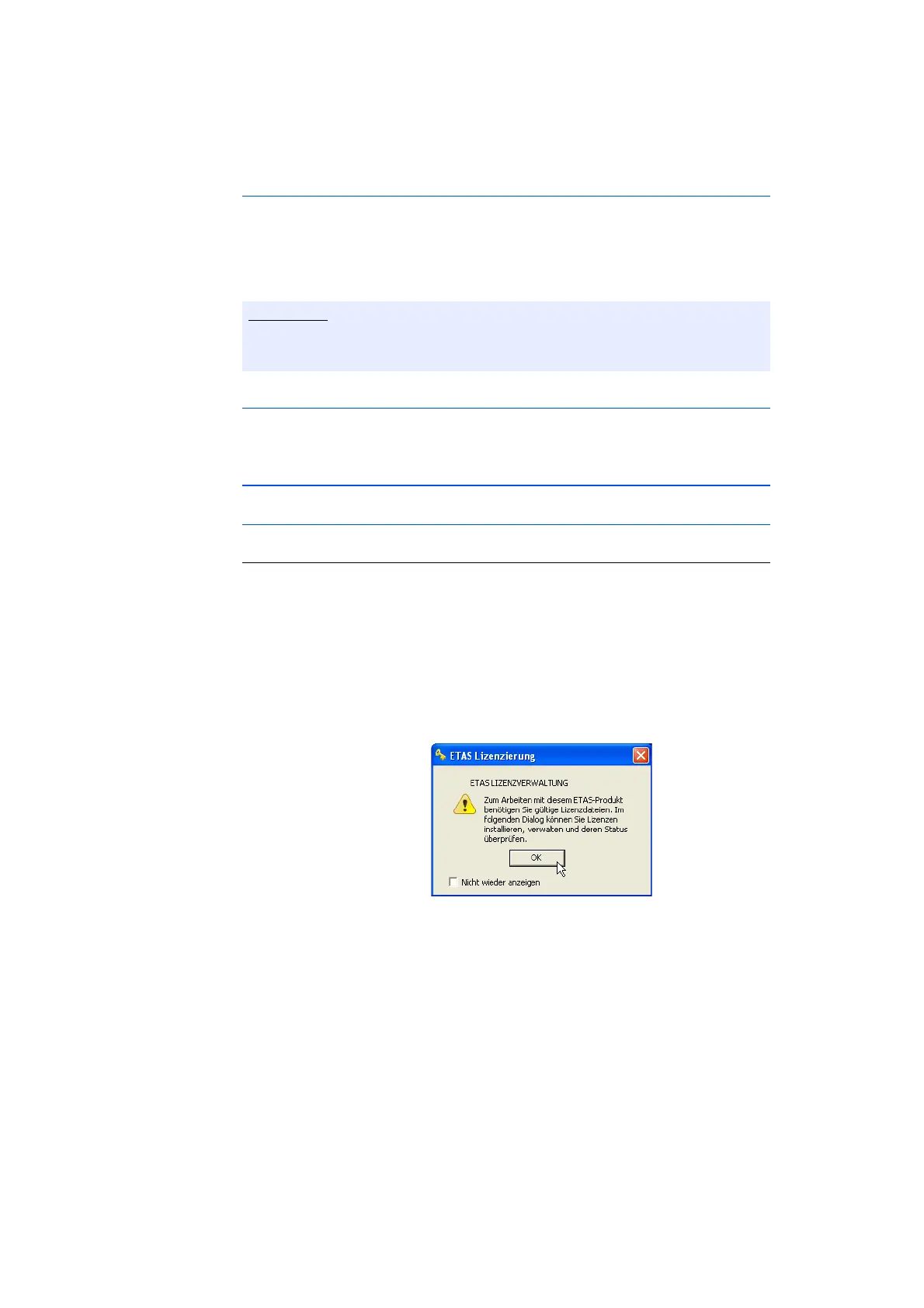
• Click on OK.
The ETAS License Manager contains an entry for
every installed product. The ico
n in front of an entry
and the "Status" column show whether a valid
license is already present or not.



 To Next Page