ES720.1 - User’s Guide 37
ETAS Getting Started
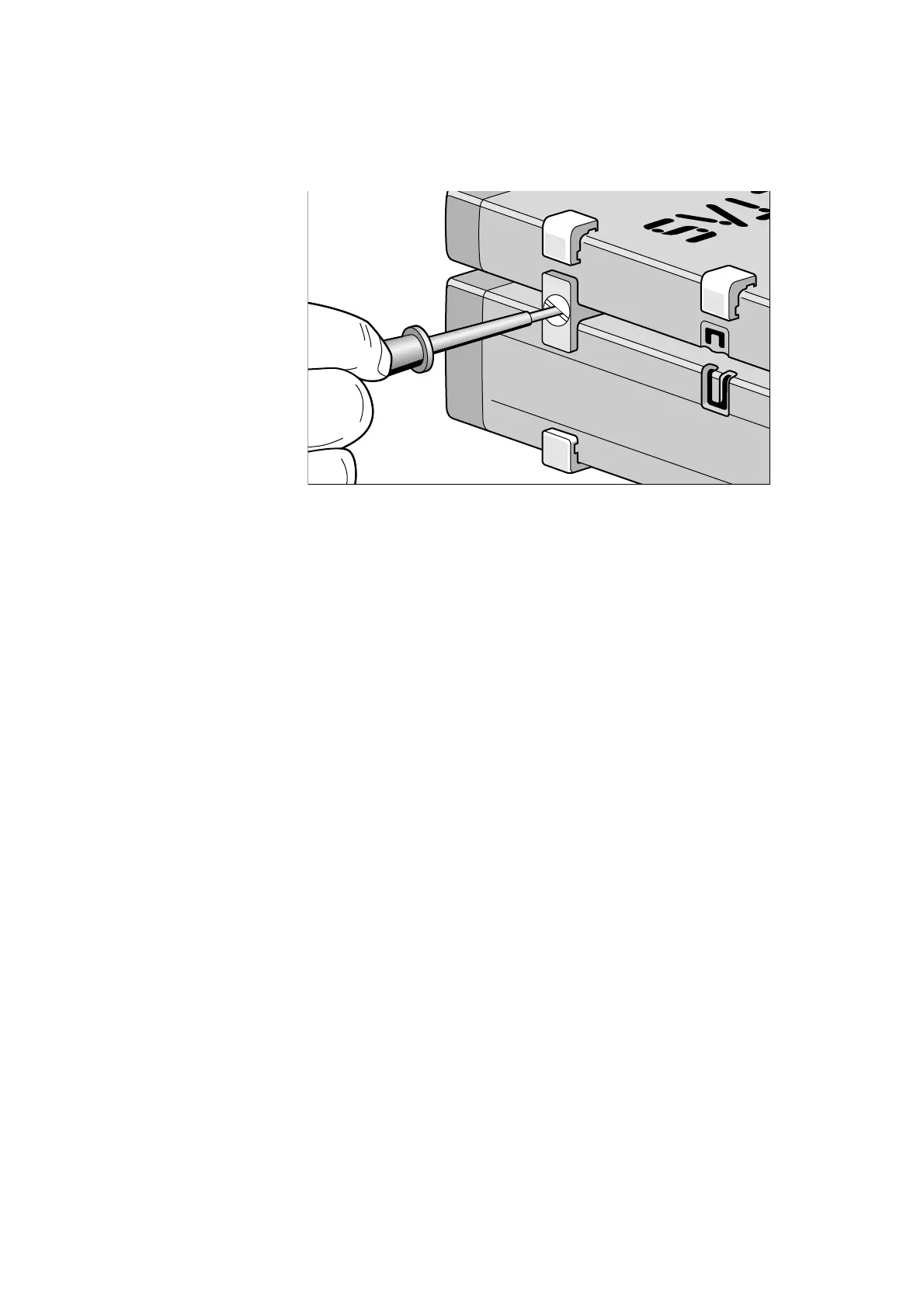
Fig. 5-3 Connecting the ES720.1 to Another Module
• Quarter-turn the seals of the
T-Brackets. This locks
the connection of the two modules.
• Click the other two T-Brackets into the assembly
slit
s on the opposite long side of the device and lock
these brackets too.
• If you would like to stack further modules, repeat
t
his procedure with the next module.



 To Next Page