Unison Station User Manual 15
Preset Recall station operation
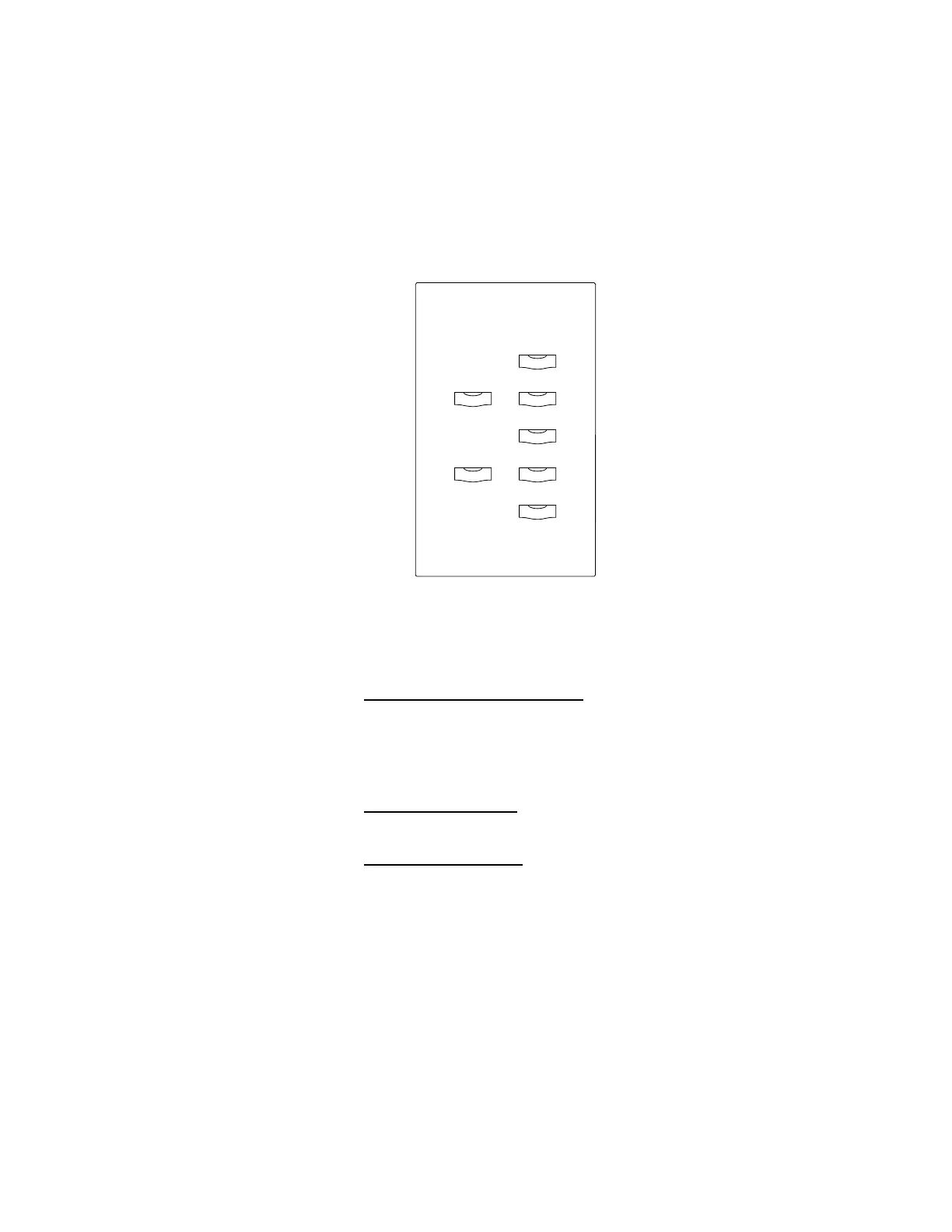
The Unison Preset Recall station recalls recorded lighting looks with Preset
buttons. Standard Preset Recall stations have one, two, five, seven, or ten
buttons. In addition to Preset buttons, seven button Preset Recall stations
include [Raise] and [Lower] buttons to temporarily adjust the active Preset. For
a description of button functions, see
Control stations overview on
page 11.
To select a Preset
1. Press the desired Preset button
. The button recalls the set of light zone
intensities recorded to its Preset. The button’s LED illuminates when the
Preset is active.
To master (raise or lower) a Preset
1. Press and hold [Raise]
to proportionally increase Preset light zone
intensities.
2. Press and hold [Lower] to proportionally decrease Preset light zone
intensities.
Preset 1
Raise
Lower
Preset 2
Preset 3
Preset 4
Off
➂ Typical Preset buttons
➀ [Raise]
➁ [Lower]
➀
➁
➂



 To Next Page