16 Electronic Theatre Controls, Inc.
LCD station operation
The Unison LCD station represents buttons and faders with graphics. Use
these buttons and faders by touching their images on the LCD station’s
touchscreen.
The button and fader images are organized on individual control pages. A
single LCD station can have up to 30 control pages, displayed one at a time.
To display the page you want to use, touch its page tab.
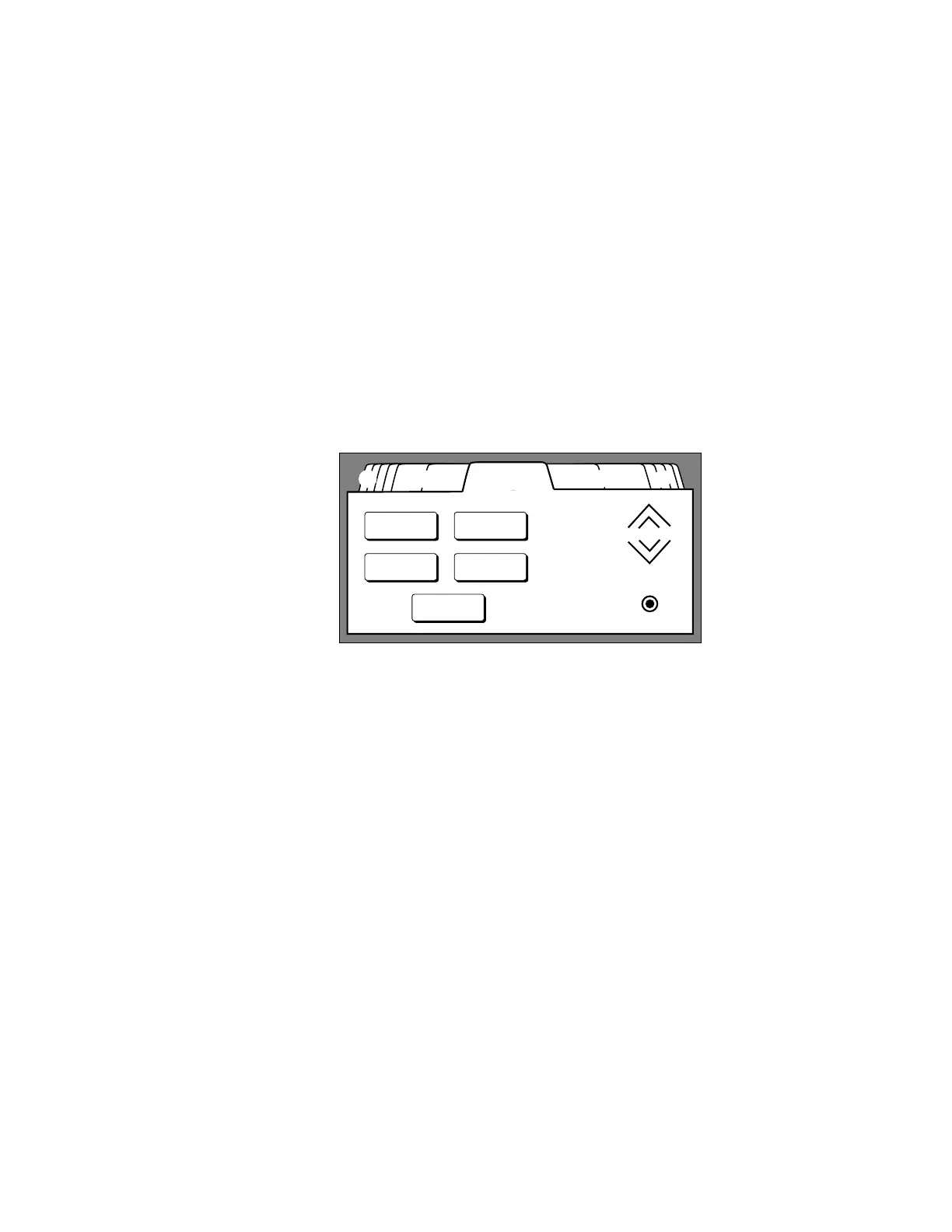
Page tabs are located on the top edge of each control page. Each tab is labeled
with the name of its control page. Up to five page tabs can be displayed along
the top edge of the LCD screen at one time. When you touch a tab, the LCD
station displays the associated control page.
LCD stations with more than five control pages put the extra tabs in stacks in
the top corners of the display. Touching a stack hides the current set of tabs
and displays the next set on that side.
Zone WallsPresets 2Zones Presets
Preset 4
Off
Preset 2
Preset 1 Preset 3
➀ Page tab stack
➁ Typical page tabs
➂ Active page tab
➂➁➀ ➁ ➀



 To Next Page