Unison Station User Manual 23
Portable connector station
The Unison Portable station connector lets you connect portable controls to
the system. To use a portable control, attach the control cable to the
Connector station. The station should be ready to operate within 30 seconds.
PC connector station
The Unison PC connector station connects a personal computer equipped
with Unison Light Manager software to the Unison Architectural processor.
Connect a DB 9 serial cable between the PC Connector station and the RS232
(serial) port of your personal computer. For information about using a Unison
Light Manager equipped PC with a Unison system, consult the
Light Manager
User Manual
or contact ETC.
DMX512 connector station
The Unison DMX512 connector station lets you connect DMX512 devices like
theatrical lighting control consoles and show controllers to a Unison system.
To use DMX512 devices with the station, attach the DMX512 cable to the
DMX512 connector station. Your system must be configured for DMX512
connections.
Unison systems can also record Presets by taking a “snapshot” of a lighting
look set by a lighting console or other DMX512 device connected to the
DMX512 Connector Station. After the look is set, the snapshot is recorded in
the same fashion as a regular Unison Preset.
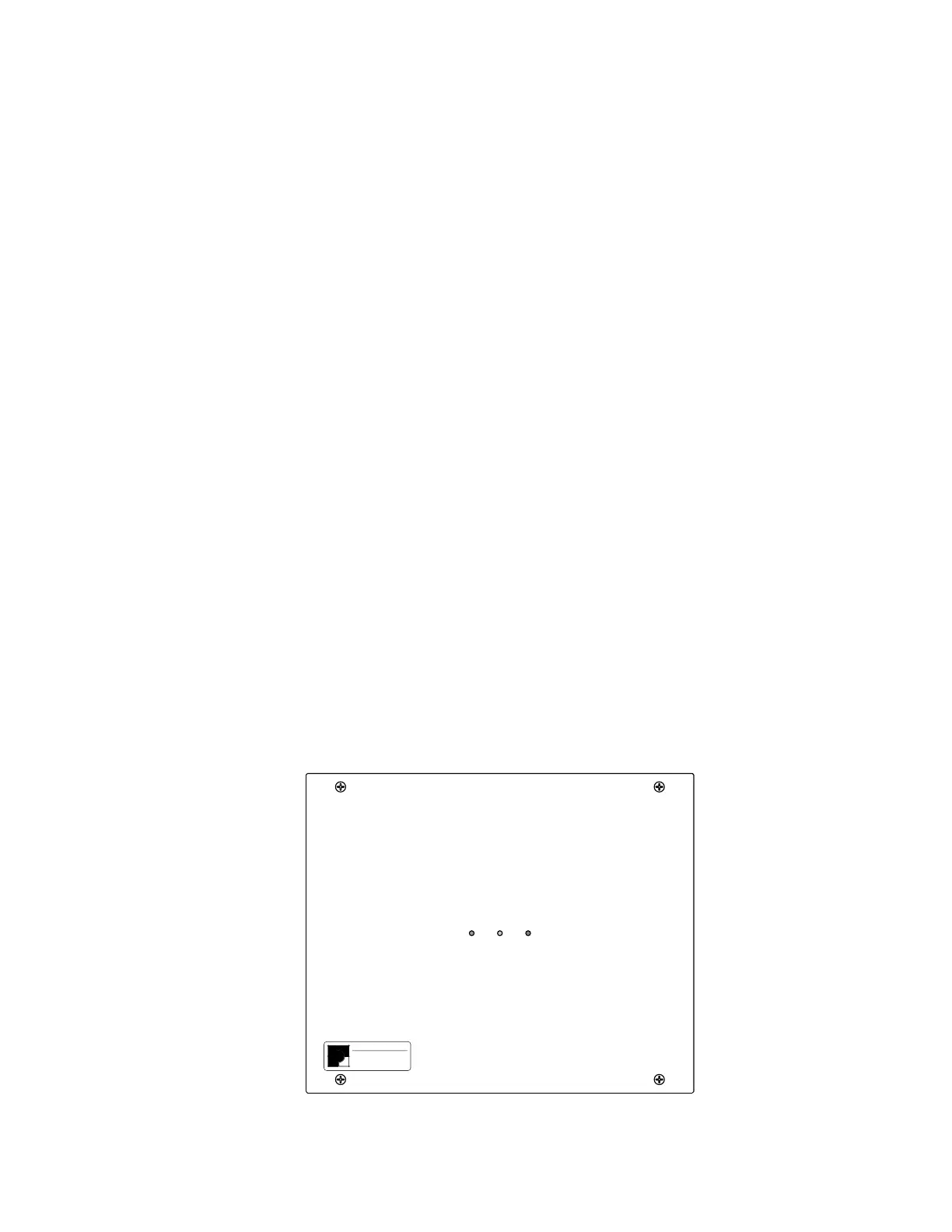
Link Power Supply
The Unison Link Power supply provides operating voltage for Unison controls.
It should be located on the wall next to your dimmer rack.
Unison Link \ 12VDC Supply
Amber: LinkPower
Green: 12VDC
Electronic Theatre Controls
For Assistance call (608) 831-4116
➀ 12 Vdc (green LED)
➁ Reset switch
➂ Link power (yellow LED)
➀➁➂



 To Next Page