Chapter 7 Setup
> 7.2 Basic Setup
ETERNUS DX60/DX80/DX90 Disk storage system User Guide
149
Copyright 2010 FUJITSU LIMITED
P3AM-3042-07ENZ0
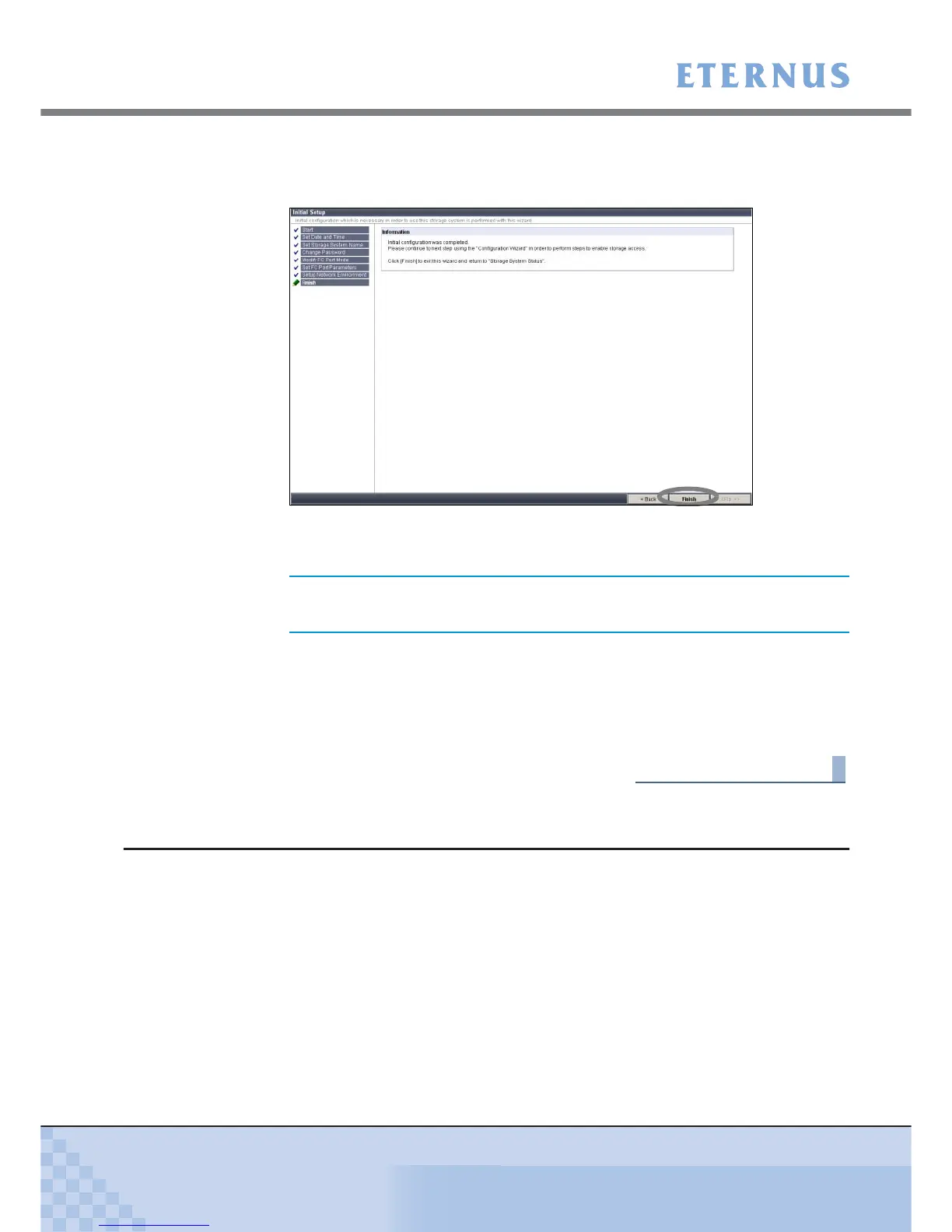
8 Finish the initial setup.
8-1 Click the [Finish] button.
Figure 7.11 [Finish] screen of the initial setup
The [Initial Setup] completes.
8-2 Remove the LAN cable (for operation management) from the PC, and connect the LAN
cable (for operation management) of the MNT port of Controller 1 (CM#1) and
Controller 0 (CM#0) to the customer's network.
8-3 Start the Web browser, and logon again with the new IP address to perform the config-
uration settings of the ETERNUS DX60/DX80/DX90 using Configuration Wizard.
End of procedure
7.2.2 Configuration Wizard
Perform the settings necessary for device operation using the [Configuration Wizard] menu on
the [Easy Setup] tab.
Perform the settings in the following order.
• Create RAID Group
• Create Volume
• Define Host
• Configure Affinity Group
• Define LUN Mapping
Device setting operation cannot be continued if the IP address is
changed. Logon again with the new IP address is required.



 To Next Page