Chapter 8 Installing Optional Products
> 8.1 Disk Installation
ETERNUS DX60/DX80/DX90 Disk storage system User Guide
185
Copyright 2010 FUJITSU LIMITED
P3AM-3042-07ENZ0
■ About static electricity
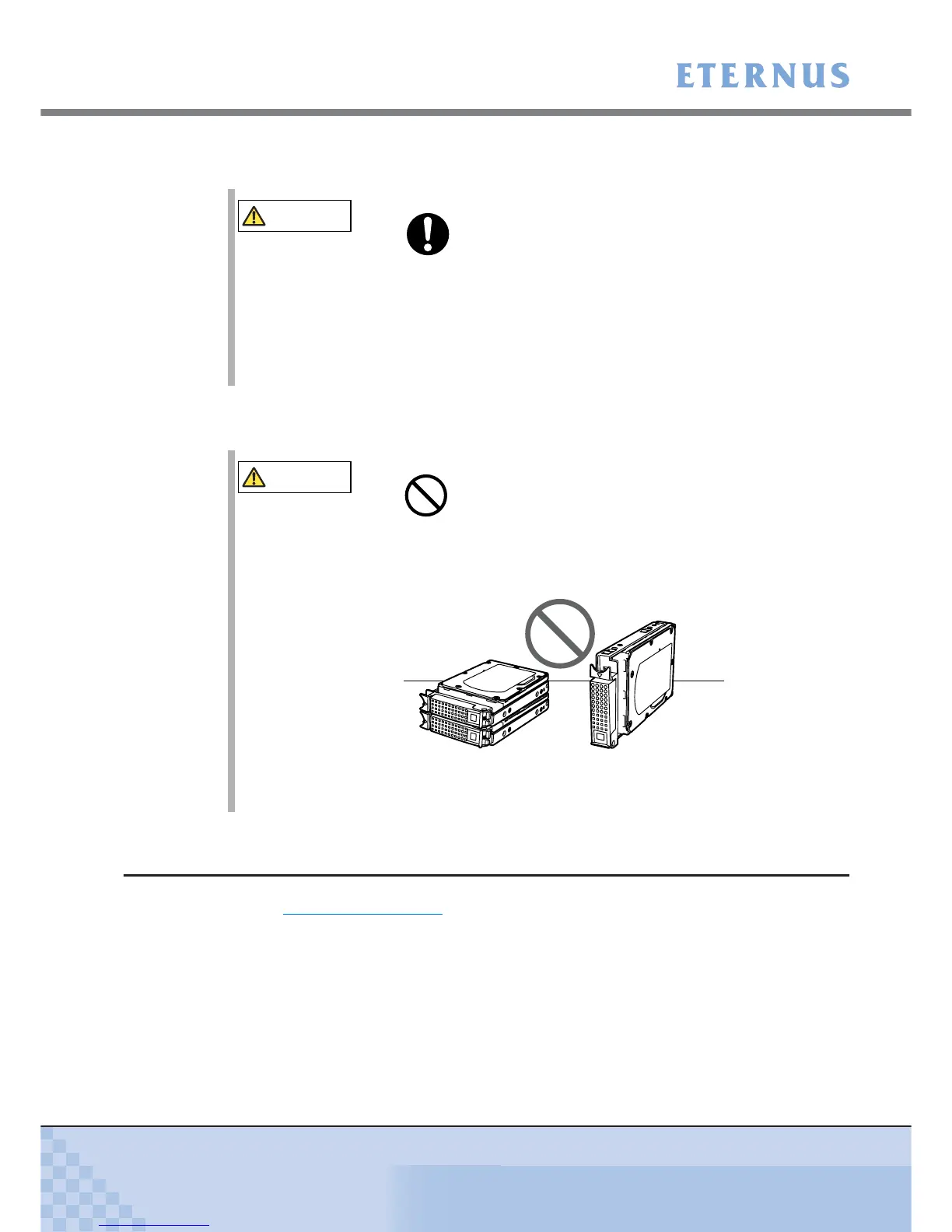
■ About shock
8.1.2 Installable Disks
Refer to "A.2.1 Disks" (page 222) for a list of disks that may be installed.
At the time of purchase, the disk model names may be different from those described.
The latest manual is available via the following web-site, and should be referred to as necessary.
http://www.fujitsu.com/global/services/computing/storage/eternus/products/diskstorage/dx-
entry/
CAUTION
Do
• When handling disks, make sure to wear a wrist strap. Failure to
discharge static electricity may cause device failure.
Do not remove it until the operation is complete.
• Leave the disk in its package until ready to install it.
• Do not touch the circuitry on boards or soldered parts when handling
the disks.
CAUTION
• Do not lay the disks directly on a desk or similar hard surface.
Always use a rubber mat or other soft material to cushion the disks
against physical shocks.
• Do not stand the disks on end.
• Do not apply external force to the interface connectors.
• Do not knock or drop the disks on hard objects.



 To Next Page