Chapter 5 Installation
> 5.2 Rack Installation
ETERNUS DX60/DX80/DX90 Disk storage system User Guide
91
Copyright 2010 FUJITSU LIMITED
P3AM-3042-07ENZ0
5.2.1 Installing Controller Enclosure
This section describes how to install the controller enclosure in a rack.
Procedure
1 Refer to "ETERNUS DX60/DX80/DX90 Disk storage system Package Contents"
to confirm there are no missing parts for the rack mount kit.
• For the ETERNUS DX80/DX90 (2.5" disk model), 3.5" type and 2.5" type
enclosures can be installed together.
• ETERNUS DX60/DX80/DX90 components should be installed in a rack
in the following order (from the bottom upwards):
(1) AC outlet box(es)
(2) Controller enclosure
(3) Drive enclosure(s)
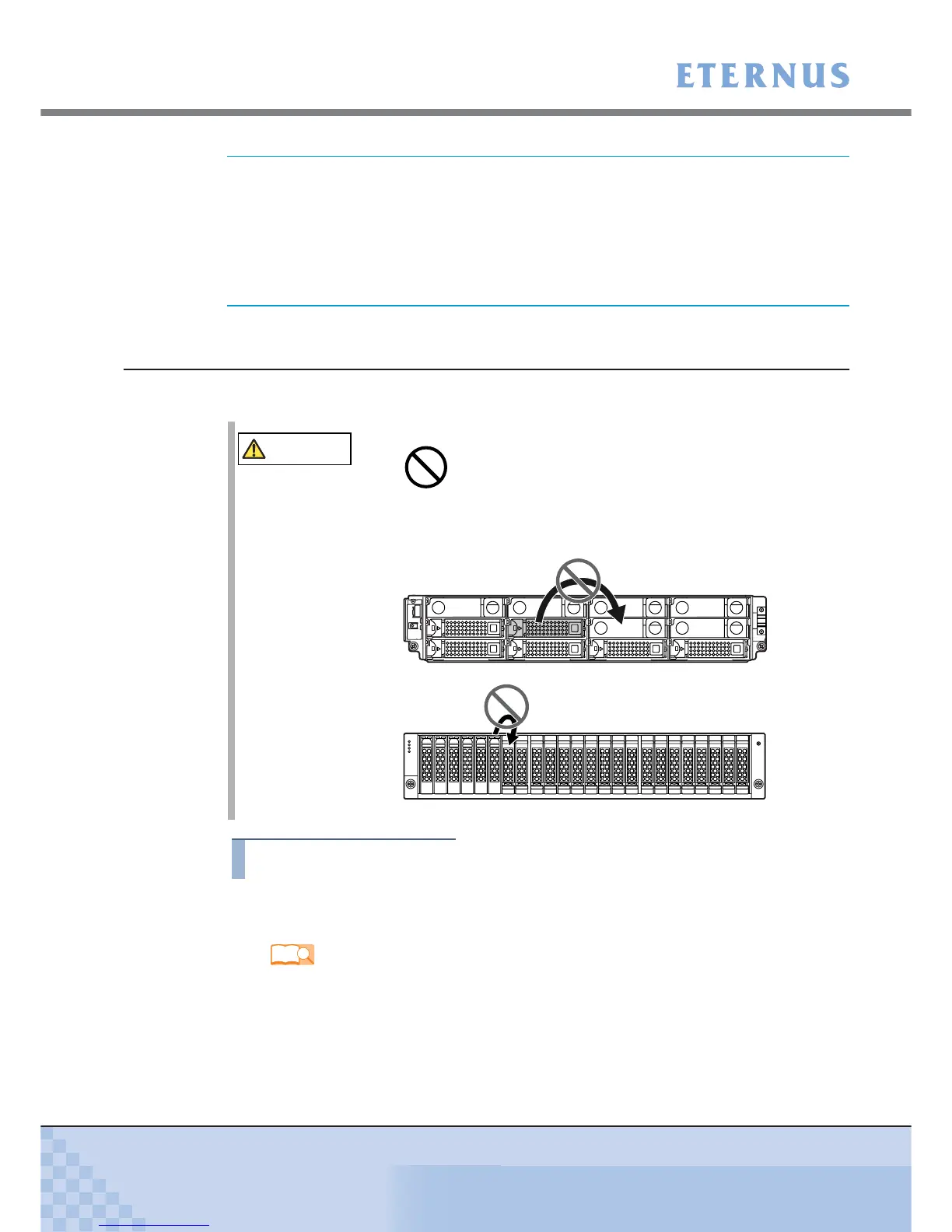
CAUTION
• RAID groups, volumes, and hot spares are factory set. Disks which
contain RAID groups or volumes, or disks which are hot spares
should not be moved to another slot.
Refer
"ETERNUS DX60/DX80/DX90 Disk storage system Package Contents"



 To Next Page