Chapter 7 Setup
> 7.2 Basic Setup
ETERNUS DX60/DX80/DX90 Disk storage system User Guide
157
Copyright 2010 FUJITSU LIMITED
P3AM-3042-07ENZ0
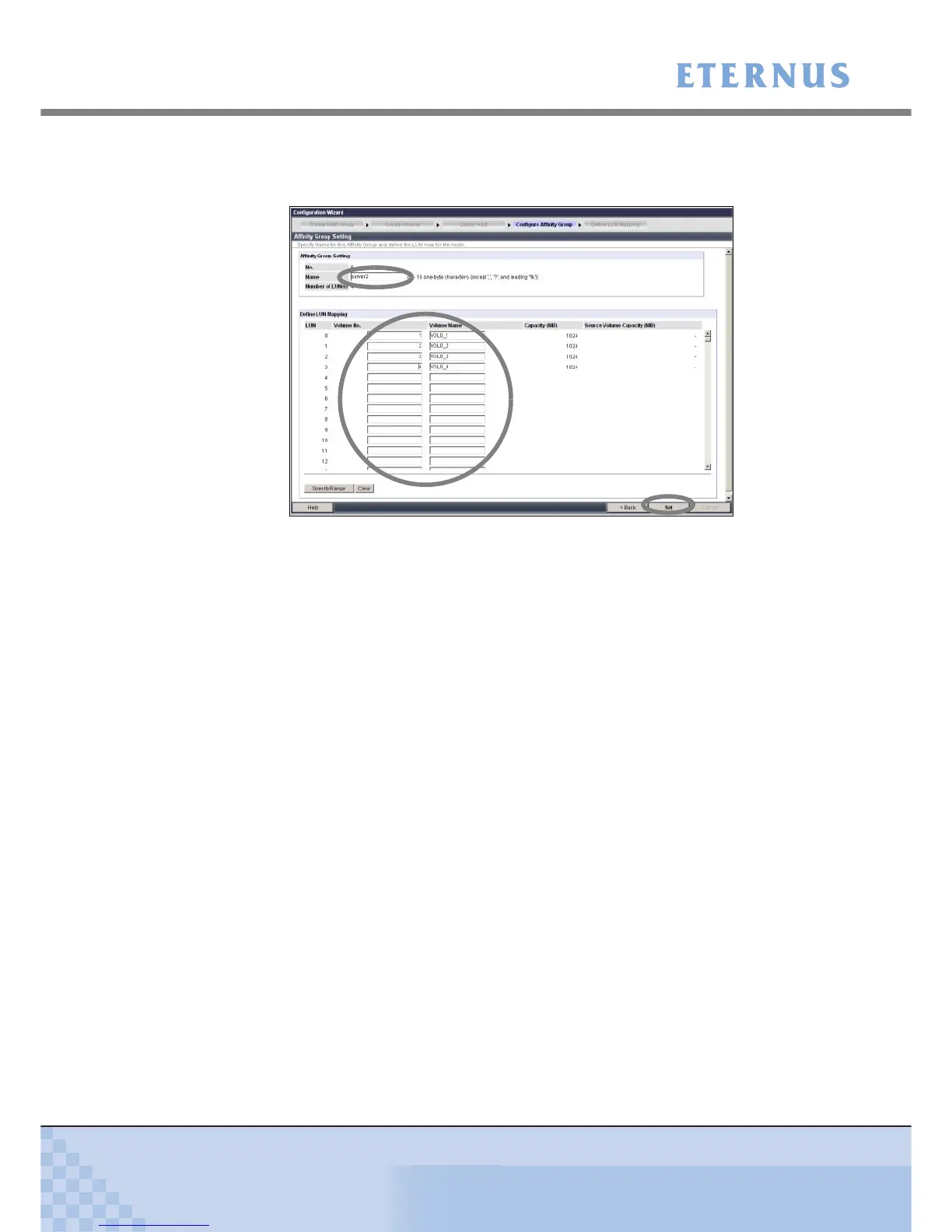
5-2 Enter the affinity group name in [Affinity Group Setting] and specify a volume number or
volume name corresponding to the Logical Unit Number (LUN) in [Define LUN Map-
ping], and click the [Set] button.
Figure 7.18 [Configure Affinity Group] screen
A confirmation screen appears.
5-3 Click the [OK] button.
The affinity group is created, and the affinity group list is displayed.
5-4 Click the [Next >] button.
The [Define LUN Mapping] screen appears.



 To Next Page