Chapter 7 Setup
> 7.2 Basic Setup
ETERNUS DX60/DX80/DX90 Disk storage system User Guide
151
Copyright 2010 FUJITSU LIMITED
P3AM-3042-07ENZ0
2-1 Select the RAID group creating method on the [Create RAID Group] screen, and click
the [Next >] button.
When "Select existing RAID Group" is selected, move on to Step 3
.
CAUTION
Do
• Data may not be recovered if a disk fails because RAID0
configuration is not redundant. RAID1, RAID1+0, RAID5,
RAID5+0 , and RAID6 are recommended as the RAID level.
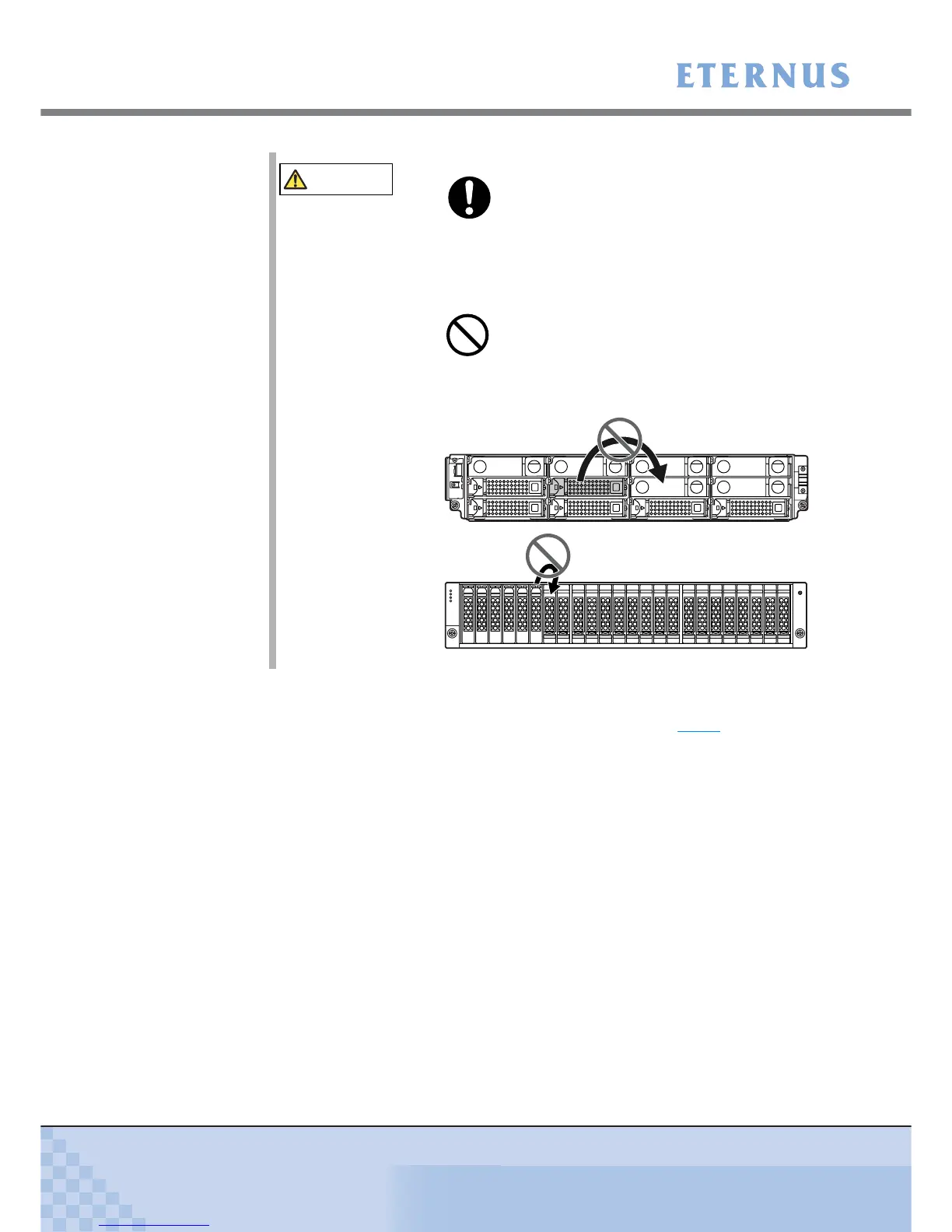
• RAID groups, volumes, and hot spares are factory set. Disks
which contain RAID groups or volumes, or disks which are hot
spares should not be moved to another slot.



 To Next Page