Chapter 5 Installation
> 5.2 Rack Installation
ETERNUS DX60/DX80/DX90 Disk storage system User Guide
94
Copyright 2010 FUJITSU LIMITED
P3AM-3042-07ENZ0
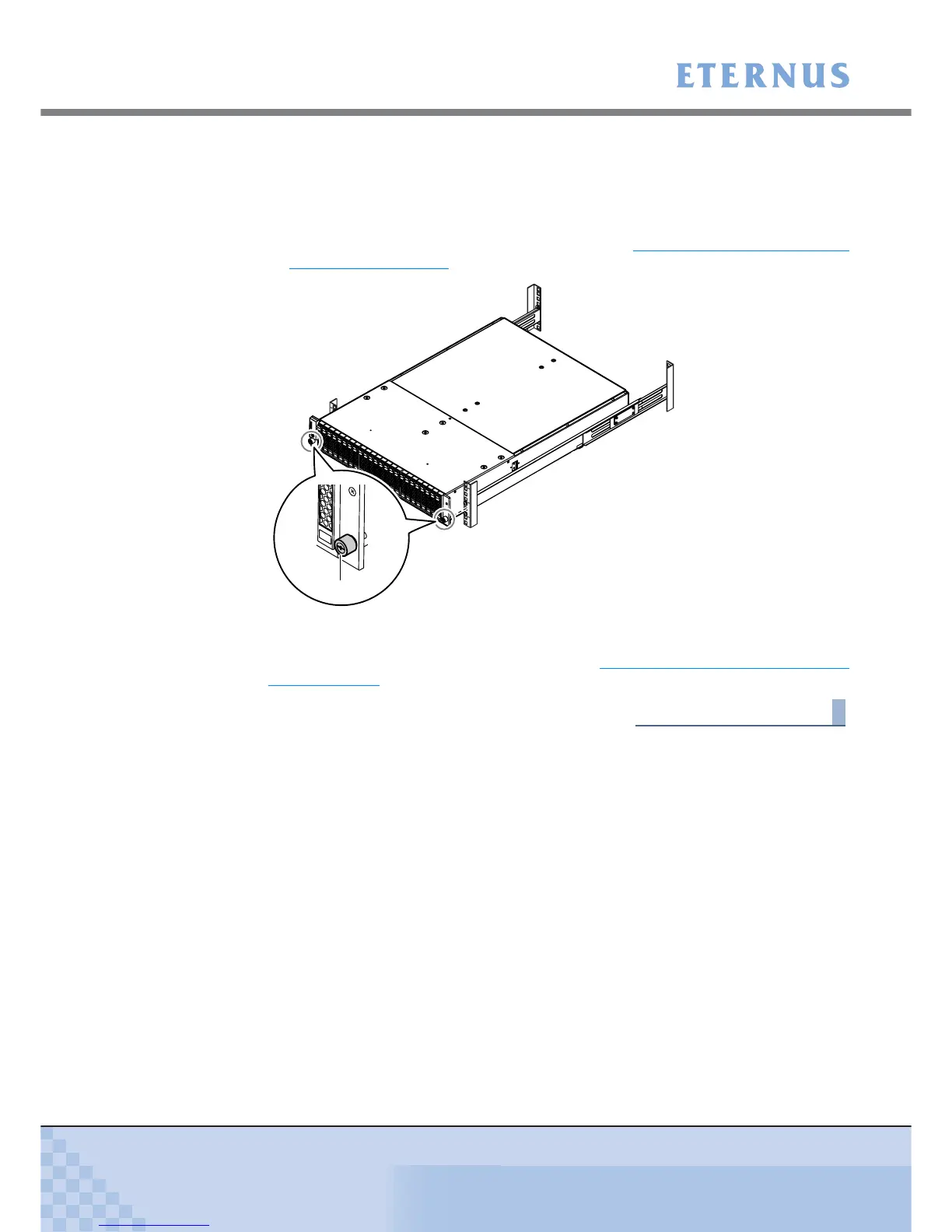
■ 2.5" type controller enclosure
• Use the thumb screw to fasten the front right of the controller enclosure to the rack.
• After attaching the supplied flange cover, use the thumb screw to fasten the front left of
the controller enclosure to the rack.
For details on how to attach the flange cover, refer to "3.4
Attaching and Removing the
Flange Cover" (page 78).
8 For a 3.5" type controller enclosure, replace the front cover.
For details on how to attach the front cover, refer to "3.3 Attaching and Removing the Front
Cover" (page 75).
End of procedure
(Rear rack pillars)
Thumb screw



 To Next Page