130
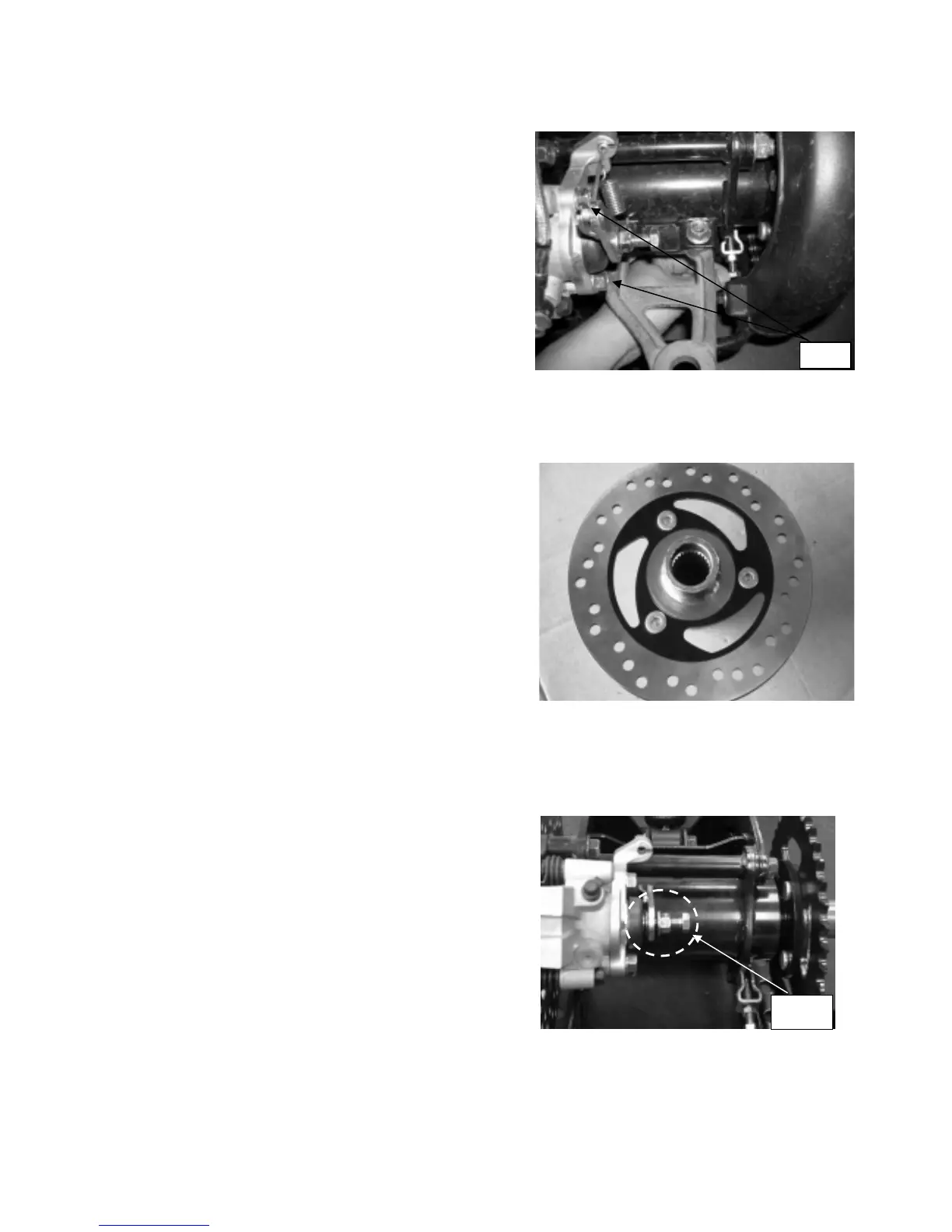
Loosen two bolts to take out rear brake disk
as shown in picture.
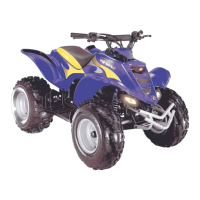
Loosen bolts and remove the brake disc
Check the thickness of disc and replace a new one
if the thickness less than 3mm
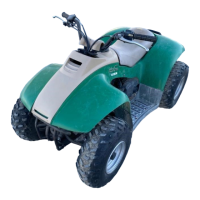
TO REPLACE THE BRAKE SHOE
To replace the brake shoe, please loosen this bolt as
shown in picture.
Bolts
Bolt



 To Next Page