117
INSTALLATION
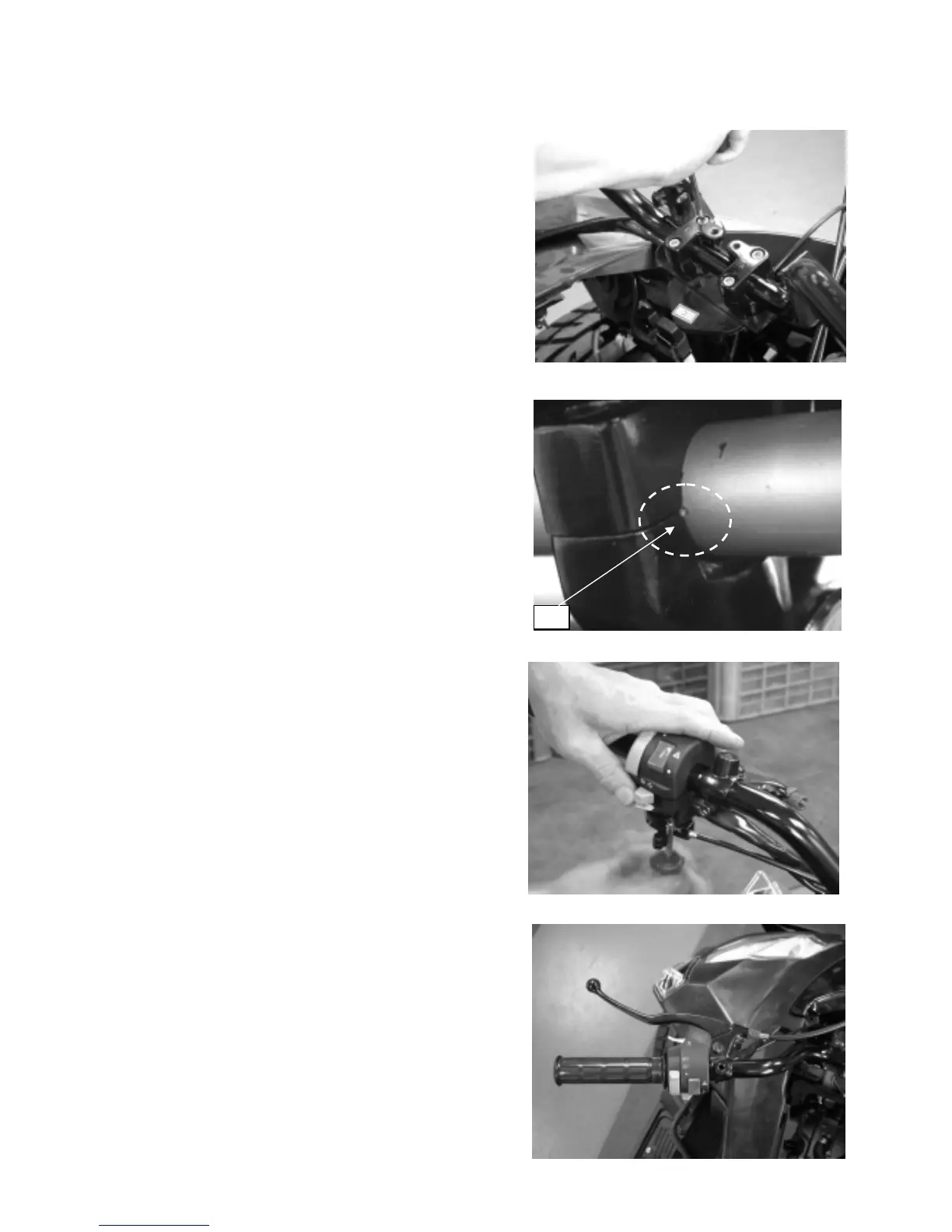
Put the handlebar on the lower holders.
Make sure the handlebar punch marks match
with the top end of the handlebar of lower holders.
Install the handlebar upper holders with
the L or R marks facing forward.
Tighten the forward bolts first, and then tighten
the rear bolts.
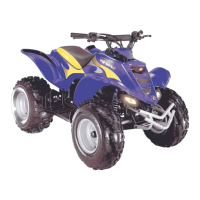
Install the handlebar upper holder’s cover.
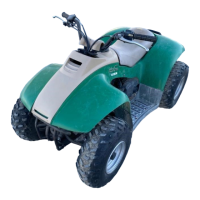
Install the switch housing, aligning the small dot of the
handlebar.
Tighten the upper screw firstly,
after that tighten
the lower one.
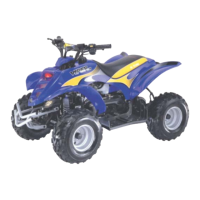
Install the rear brake lever bracket, aligning
the small dot of the handlebar.
Tighten the screw securely.
Dot



 To Next Page