EVCO S.p.A.
EVBOX1 | Installation guide ver. 2.0 | Code 144BOX1E204
page 28 of 100
The following table shows the correspondence between the
labels and the magnitudes displayed for models EVB1246 and
EVB1256.
LABEL MAGNITUDE
Pb1
room/inflowing air temperature; see also
parameter P4
Pb2 evaporator temperature
Pb3 auxiliary temperature; see also parameter P4
Pb4 if present, vapour pressure
Pb5 if present, evaporation temperature
Pb6 CPT temperature; see also parameter P4
Pb7 if present, auxiliary 2 temperature
Pb8 if present, auxiliary 3 temperature
The following table shows the correspondence between the
labels and the magnitudes displayed for the remaining models.
LABEL MAGNITUDE
Pb1
room/inflowing air temperature; see also
parameter P4
Pb2 evaporator temperature
Pb3 auxiliary temperature; see also parameter P4
Pb4 CPT temperature; see also parameter P4
Pb7 if present, auxiliary 2 temperature
Pb8 if present, auxiliary 3 temperature
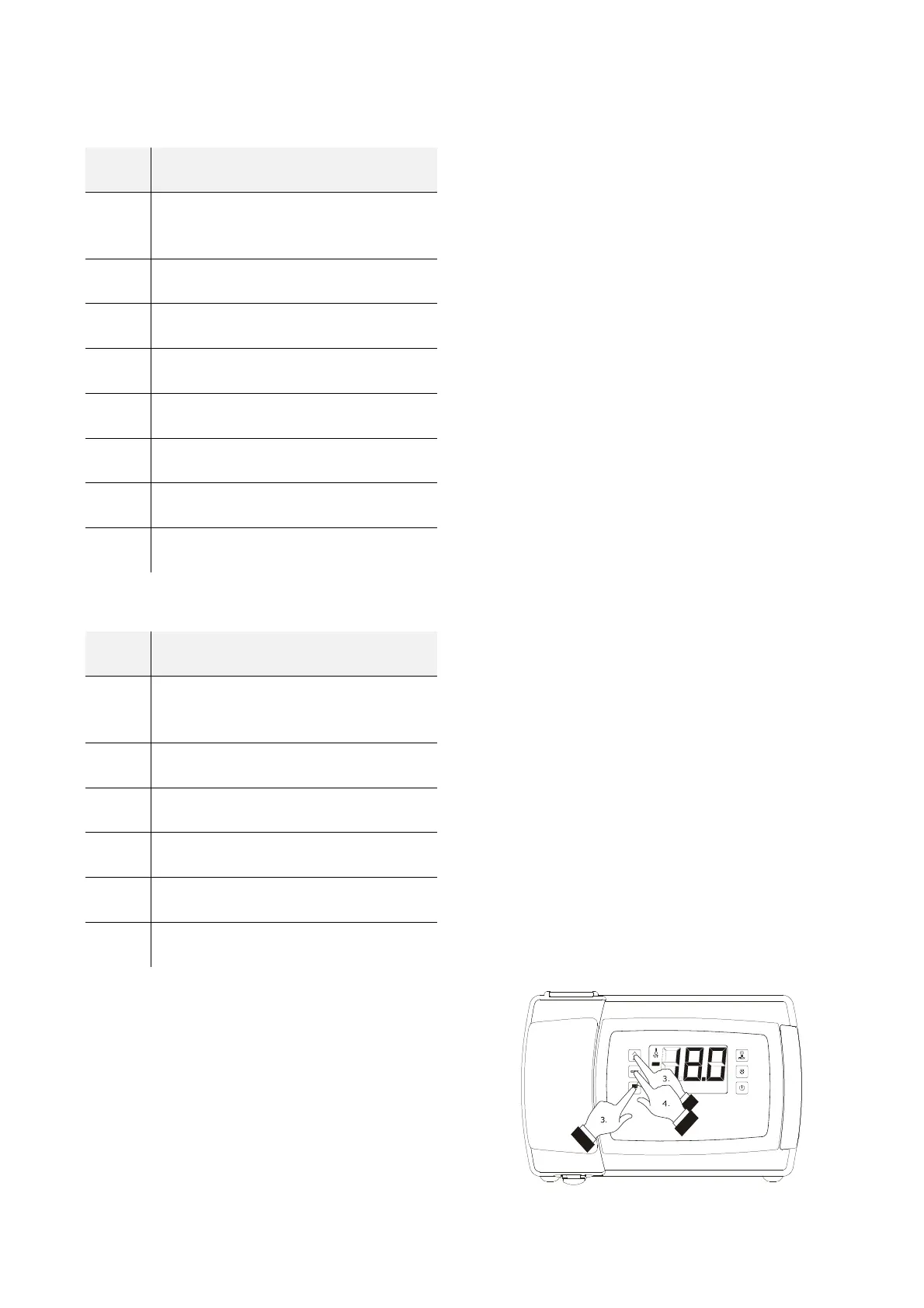
4.
Press and release the key “SET”.
To exit the procedure:
5.
Press and release the key “SET” or do not operate
for 60 sec.
6.
Press and release the “UP” or “DOWN” key until
the display shows the magnitude established with
parameter P5 or do not operate for 60 sec.
Alternatively:
7.
Press and release the “ON/STAND-BY” key.
If the evaporator temperature sensor is not present (or if the
P3 parameter is set to 0), the "Pb2" label shall not be
displayed.
If the auxiliary temperature sensor is not present (or if the P4
parameter is set to 0), the "Pb3" label shall not be displayed.
If the auxiliary 3 temperature sensor is not present (or if the
Sd3 parameter is set to 0), the "Pb8" label shall not be
displayed.
Displaying the magnitude detected by an analogue input



 To Next Page