6.5.4. Number of display layers
• 1 to 4 layers (up to 15 products per layer depending on settings).
• Maximum 62 product keys.
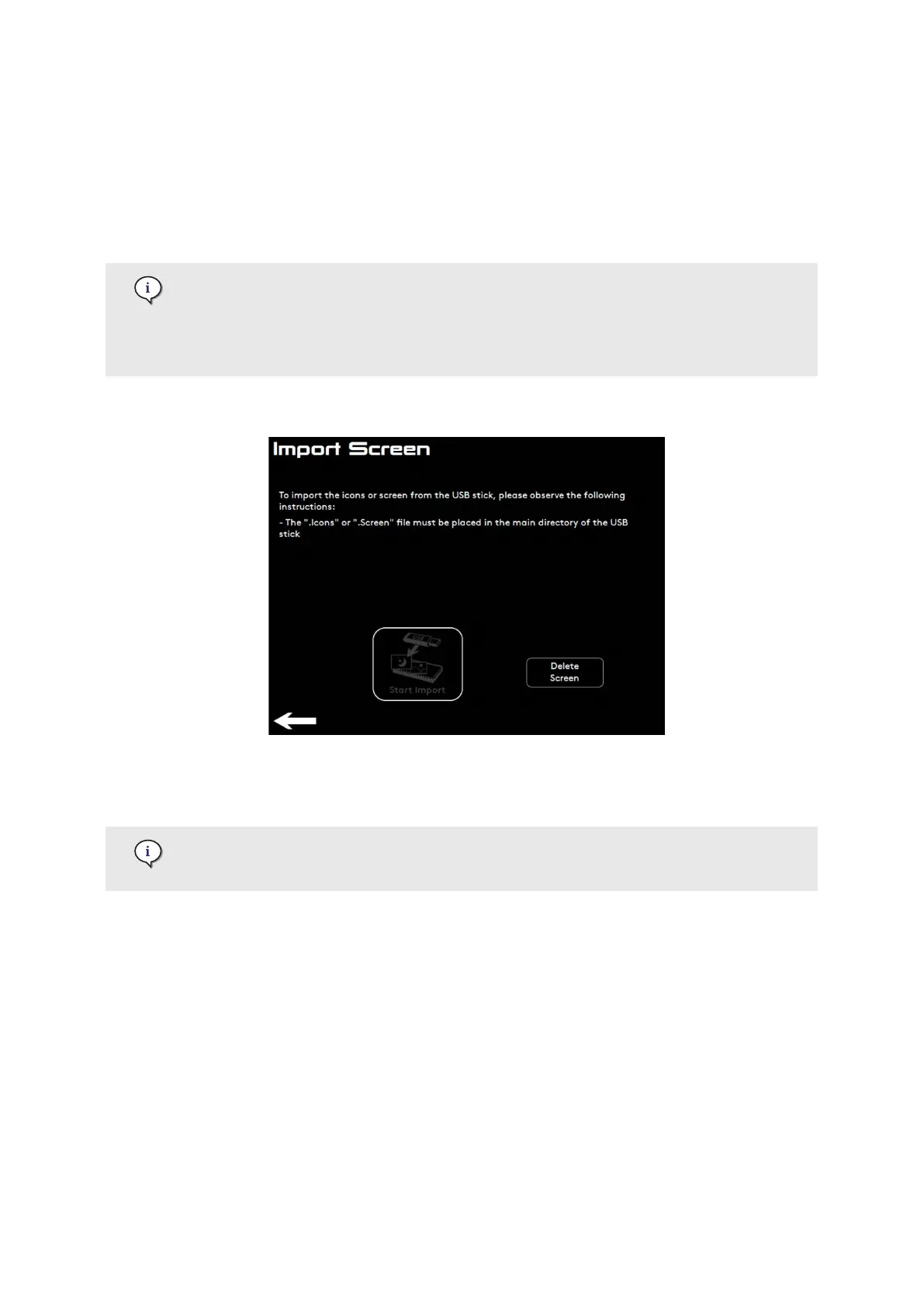
6.5.5. Import Screen menu
Store the ".screen" or".icons" le in the main directory of the USB drive.
The button Delete Screen deletes all user dened icons.
Filetype: JPEG or PNG. Please note that the les must also respect specic
conditions. Please contact your service organisation for more information.
Screens can be imported by pressing Start Import. Follow the instructions displayed.
6.5.6. Import Language menu
Store the ".Language" le in the main directory of the USB drive.
The button Delete All Languages removes all languages except for English.
Languages can be imported by pressing Start Import. Follow the instructions displayed.
Settings Menu
02.01.2023 Page 77 of 172 © Eversys S.A.











 To Next Page