+1.317.845.5710
+44.1438.310163
USA (Corporate Headquarters)
Europe/Middle East/Asia
17
2. Enter the User Name (default: admin) and Password (default: admin256), and then click Login.
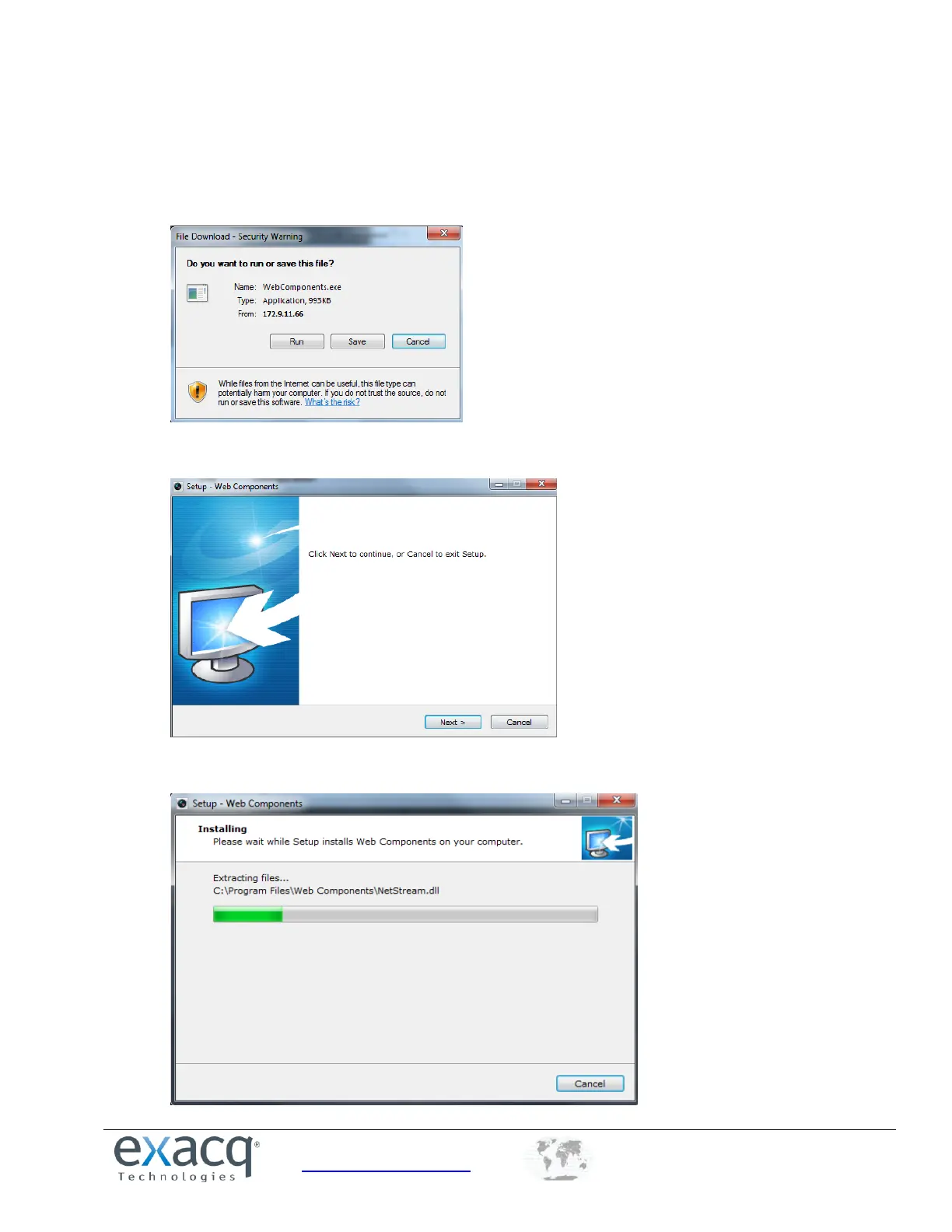
3. Download and install the plug-in if prompted.
4. Click on the live view panel by following the onscreen prompts.
5. Click Run or Save on the pop-up warning message box.
6. Click Next on the pop-up Setup dialog box.
7. When the installation completes, click Finish to complete the installation of Web Components.



 To Next Page