+1.317.845.5710
+44.1438.310163
USA (Corporate Headquarters)
Europe/Middle East/Asia
65
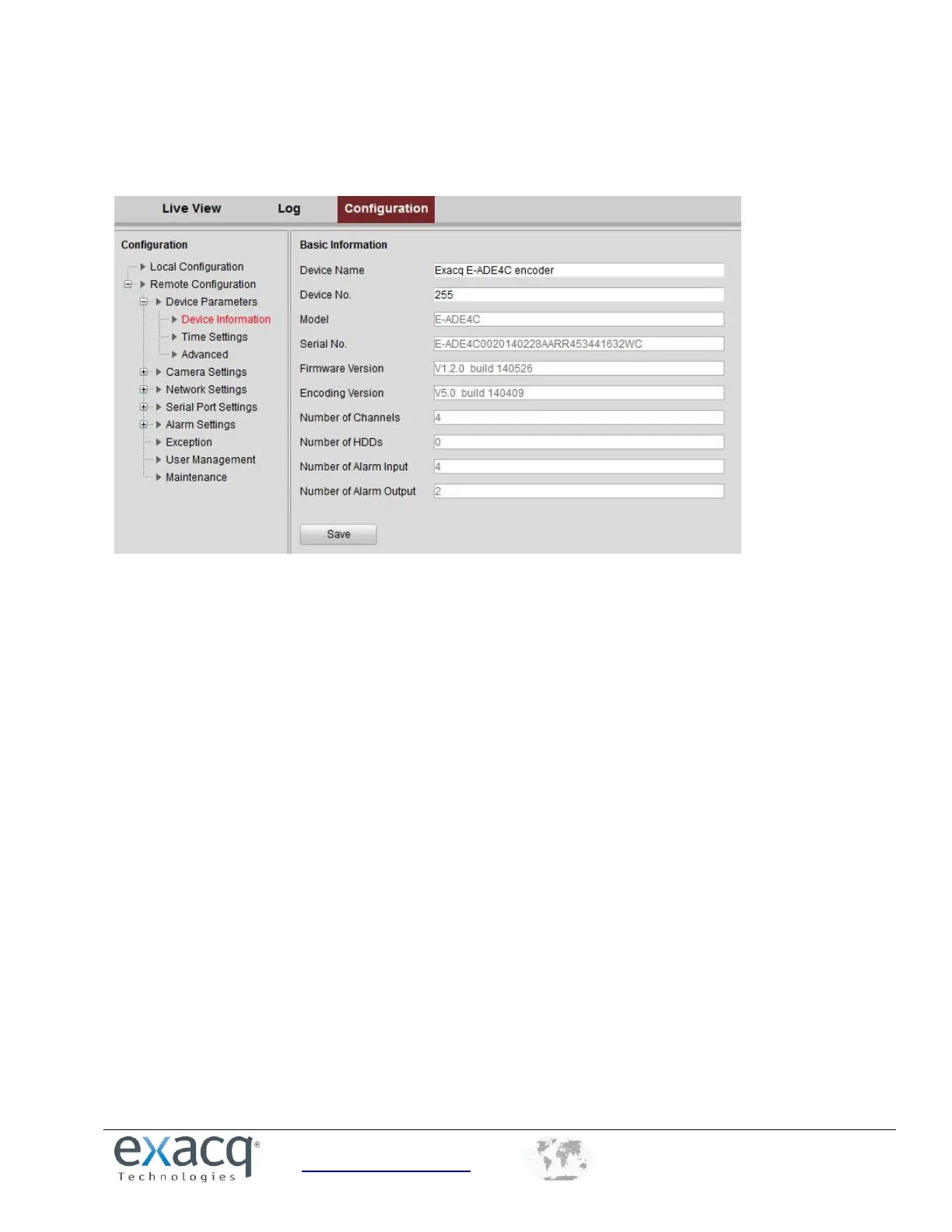
Viewing Device Information
From the Remote Configuration menu, select Device Parameters and then Device Information to open the Device
Information interface:
You can edit the Device Name and Device No., and view the device information, including Model, Serial No., Firmware
Version, Encoding Version, Number of Channels, Number of HDDs, Number of Alarm Input, and Number of Alarm
Output.



 To Next Page